Choosing digital products to sell on Etsy is one of the easiest ways for a mom to start an online business. You make the file once, Etsy delivers it automatically, and there’s nothing to pack, ship or store in the spare room. The tricky part is deciding exactly which product to make first.
Below are the best digital products to sell on Etsy in 2026, grouped by type. For each one we cover who buys it, how much effort it takes, and a tip to help yours stand out. You’ll also find a simple way to pick your first product and the Etsy rules every digital seller needs to know.
Best digital products to sell on Etsy: the quick answer
- Easiest to start: printable planners, checklists and trackers.
- Higher value: digital planners, bundles and business templates.
- Repeat buyers: teacher and homeschool resources, seasonal printables.
- Great for Canva lovers: editable templates for invitations, social media and resumes.
- Great for crafters: sewing, knitting and crochet patterns, and cut files.
Why digital products work so well on Etsy
- No inventory: you never run out of stock or get stuck with boxes of unsold items.
- Automatic delivery: buyers download the file right after they pay, even while you’re asleep or at school pickup.
- Make once, sell many times: one good design can keep selling for years with small updates.
- Low startup cost: you can design most of these in Canva or Google Sheets.
The trade-off is competition. Lots of sellers have found digital products, so the winners are the ones who pick a clear buyer and make something genuinely useful.
Printable products
1. Printable planners and trackers
Who buys: busy moms, students and anyone trying to get organized. Think weekly planners, habit trackers, cleaning schedules and budget sheets.
Effort: low. Tip: niche down. “ADHD-friendly cleaning checklist” or “homeschool weekly planner” stands out far more than “daily planner.” Our list of printable ideas to sell has 50 ideas grouped by niche.
2. Printable wall art
Who buys: people decorating nurseries, kitchens, classrooms and home offices on a budget.
Effort: low to medium. Tip: sell in sets of three or as gallery bundles, and include the common frame ratios so buyers can print any size.
3. Party and holiday printables
Who buys: parents planning birthdays, baby showers, bridal showers and holidays. Games, signs, banners and favor tags all sell.
Effort: low. Tip: list seasonal items six to eight weeks early so Etsy has time to show them before the rush.
4. Kids’ activities and coloring pages
Who buys: parents, grandparents and teachers who want screen-free activities. Coloring pages, mazes, scavenger hunts and road trip packs are steady sellers.
Effort: low to medium. Tip: bundle by theme (“rainy day activity pack”) rather than selling single pages.
Digital planners and journals
5. Digital planners
Who buys: tablet users who plan in note-taking apps like GoodNotes or Notability. They love clickable tabs that jump to each month.
Effort: medium. Tip: a digital planner can be a higher-priced product because it bundles a whole year of pages. Our tutorial on how to make a digital planner in Canva shows you how to add the links.
6. Digital stickers
Who buys: digital planner users who want to decorate their pages.
Effort: medium, since every sticker needs to be your original artwork. Tip: sell them as an add-on that matches your planner style, so buyers grab both.
7. Guided journals and workbooks
Who buys: people working on goals, gratitude, fitness, faith or self-care.
Effort: medium. Tip: the writing is what buyers pay for, so put real thought into the prompts. AI can help you brainstorm, but edit everything into your own voice.
Editable templates
8. Invitation and event templates
Who buys: people planning weddings, birthdays and baby showers who want to type in their own details.
Effort: medium. Tip: sell a matching suite (invitation, menu, thank-you card, sign) so one buyer purchases several items.
9. Social media templates
Who buys: small business owners, coaches and creators who want posts that look polished.
Effort: medium. Tip: build templates for one specific industry, like realtors or bakeries. If you design in Canva, check Canva’s current rules on sharing templates, which can differ for templates that use Pro content.
10. Resume and business templates
Who buys: job seekers, freelancers and small businesses. Resumes, invoices, price lists and client welcome guides all sell.
Effort: medium. Tip: explain clearly which program the template opens in, so buyers know exactly what they’re getting.
11. Spreadsheet templates
Who buys: anyone who wants a ready-made budget, meal planner, wedding planner or small business tracker in Google Sheets or Excel.
Effort: medium. Tip: automatic formulas and simple charts are what make a spreadsheet worth paying for. Test every formula before you list.
Education and crafting products
12. Teacher and homeschool resources
Who buys: teachers and homeschooling parents looking for worksheets, flashcards, lesson plans and classroom decor.
Effort: medium. Tip: buyers come back for the next unit or grade level, so build a series.
13. Sewing, knitting and crochet patterns
Who buys: crafters who want clear, tested instructions.
Effort: higher, because you need to design and test the pattern. Tip: Etsy requires at least one real, unedited photo of an item actually made from your pattern, and the pattern itself must be your own work, not AI-generated. Make the item yourself and photograph it well. That photo is also what sells the pattern.
14. Cut files and embroidery designs
Who buys: people with cutting machines or embroidery machines who make shirts, mugs and gifts.
Effort: medium. Tip: include the file types most machines use, and never use characters, team logos or brand names.
15. Mini ebooks and guides
Who buys: people who want quick, practical help, like a meal prep guide or a potty training plan.
Effort: medium to high. Tip: pair the guide with matching printables so it feels like a complete kit. On Etsy, the guide must be written by you. Etsy no longer allows AI-generated how-to guides, so share what you actually know from experience. If you write with a lot of AI help, sell the guide in your own shop instead.
Tip: once you have three or four related products, bundle them. A “new mom organization bundle” with a feeding tracker, sleep log and meal plan gives buyers more value and raises your average order.
How to choose which digital product to sell first
You don’t need to sell all fifteen. Pick one product type and one buyer, and get good at it. Ask yourself:
- Who do I understand? Moms, teachers, crafters, small business owners? Your own life is a great starting point.
- What tool am I comfortable with? Canva for printables and templates, Google Sheets for spreadsheets.
- Is there demand? Search Etsy for your idea. Plenty of listings with reviews means buyers are there. Look for a gap you can fill better.
- Can I make 10 of these? A shop with a range of related products does better than a single listing.
Do it with AI: open Claude (or ChatGPT) and paste: “I want to sell digital products on Etsy. I know a lot about [YOUR EXPERIENCE] and I’m comfortable using [TOOL]. Suggest 10 specific digital product ideas for [BUYER], each with a one-line description, the problem it solves, and three Etsy search phrases a buyer might type. Then suggest how to group 4 of them into a bundle.” Then check the ideas against real Etsy searches and edit them to fit what you can make well.
Etsy rules for digital products
Etsy’s Creativity Standards say digital downloads must be original content created by the seller. Here’s what that means in plain English (always check the current policy, since it can change):
- No reselling other people’s work: bundles, scans or PDFs of content you didn’t create don’t qualify.
- Licensed content is raw material: a commercial license lets you use content, but it doesn’t make you the creator. Transform it into your own design.
- Disclose AI: AI-assisted designs are allowed when you play a clear creative role, but you must say in the listing description that AI was used, and you can’t present AI work as handmade.
- No AI-written guides: since October 2026, Etsy doesn’t allow AI-generated patterns, recipes, instructions or how-to guides. Anything buyers follow step by step must be your own work.
- Show what buyers get: include a preview or excerpt of the real pages. Pattern and recipe listings also need a real photo of something made with them.
- No AI prompt bundles: Etsy doesn’t count prompt bundles on their own as an original design.
- No trademarks: skip characters, brand names and sports teams entirely.
If you’d like graphics and content with commercial rights to build from, That PLR Shop’s club is one option. (Affiliate link: we may earn a commission at no extra cost to you.) Our guide to what PLR is explains how to turn licensed content into your own products.
Once you’ve picked your product, our step-by-step guide on how to sell printables on Etsy walks you through files, listings and pricing.
Turn your digital product idea into Etsy sales
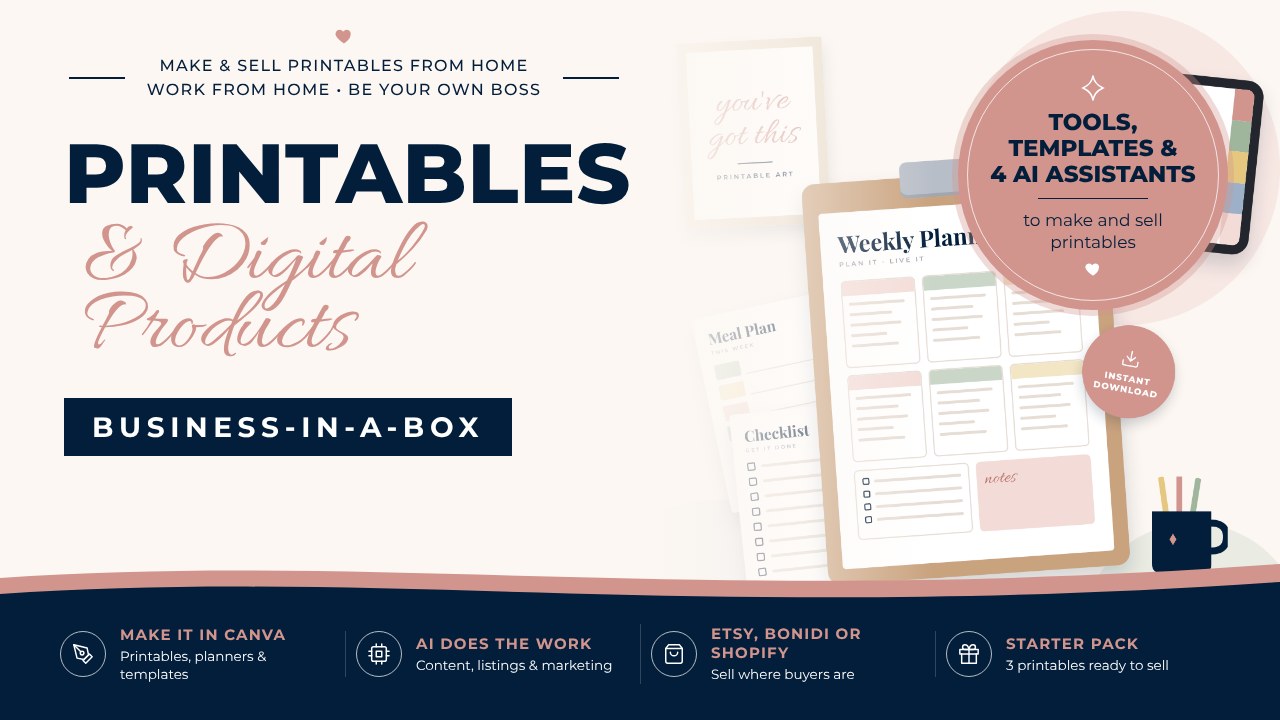
Our Printables & Digital Products Business-in-a-Box shows you how to make printables in Canva with AI and sell them on Etsy, Bonidi or Shopify. You get 20 templates, 4 AI assistants and 3 ready-made printables to rebrand and sell.
Digital products on Etsy FAQ
What digital products sell best on Etsy?
Printable planners, wall art, party printables, digital planners, editable templates and teacher resources are all popular. The best seller for you is the one aimed at a clear buyer with a real need.
Are digital products still worth selling on Etsy in 2026?
Yes, but the market is busier than it used to be. Sellers who niche down, make polished products and keep adding listings still do well. Results depend on your time, skills and effort.
Do I need to be a designer to sell digital products?
No. Canva templates, simple layouts and helpful content go a long way. Many top sellers focus on clear, useful products rather than fancy art.
Can I sell AI-made digital products on Etsy?
Partly. Etsy allows AI-assisted designs like planners and wall art when you play a clear creative role and disclose AI use in the listing description. But since October 2026, it doesn’t allow AI-generated functional guides, such as patterns, recipes, instructions and how-to guides. Those must be your own work.
How many digital products should I start with?
Aim for 10 to 20 related listings in your first couple of months. More listings give Etsy more ways to show your shop in search.
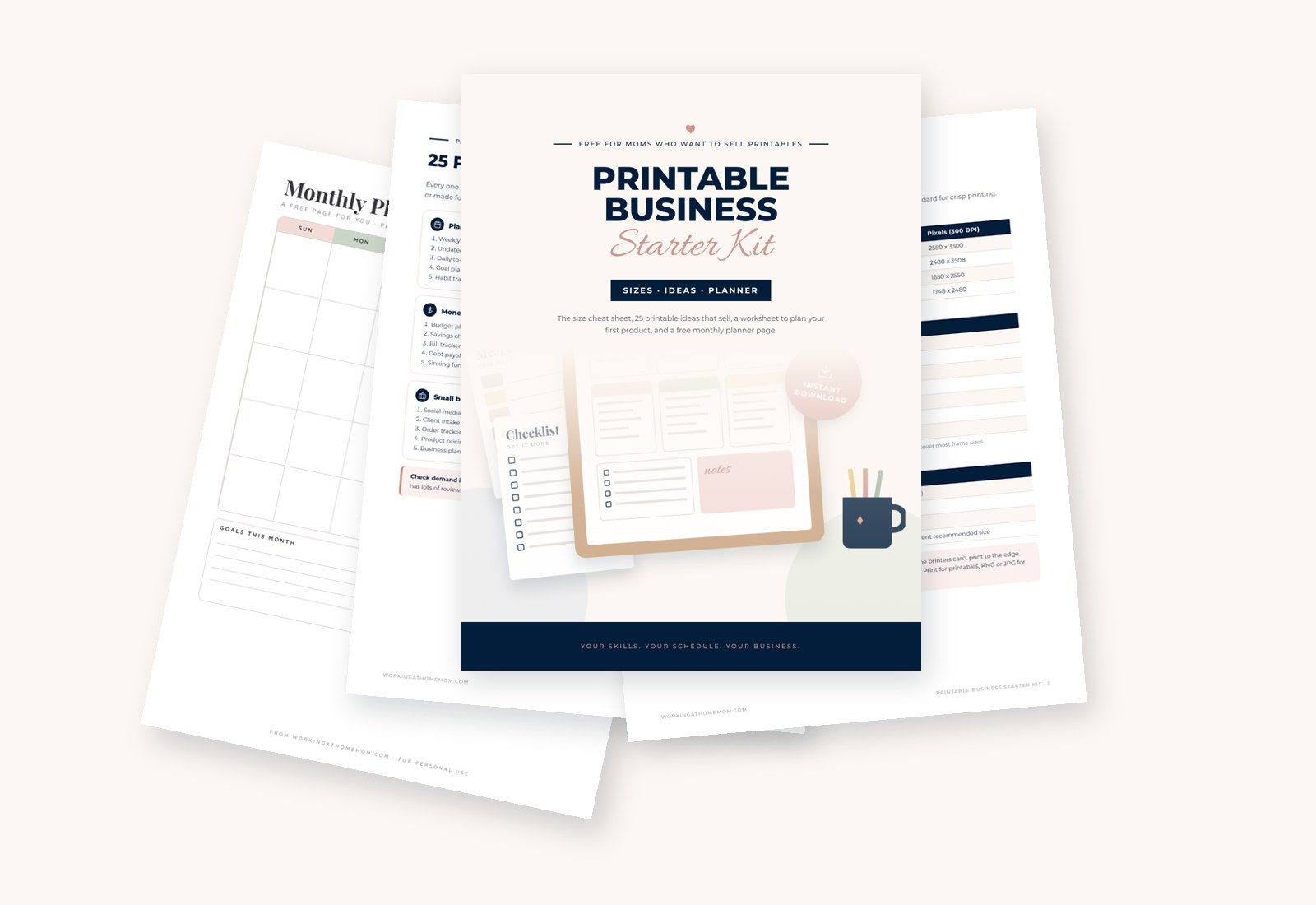
Plan your first Etsy digital product
The printable size cheat sheet, 25 printable ideas that sell, a worksheet to plan your first product and a free monthly planner page. Sent straight to your inbox.