What does a day in the life of a virtual assistant really look like when you have kids at home? Less “laptop on the beach” and more “laptop at the kitchen table during nap time.” But with a little planning, VA work can fit around school runs, snack requests and soccer practice surprisingly well.
Below is a sample schedule we put together to show how a VA mom might structure her day. It’s a hypothetical example, not one real person’s story, so treat it as a starting point and adjust it to your family. We’ll also cover the tools, AI shortcuts and boundaries that help it run smoothly.
How VA moms fit work around kids: the quick answer
- Protect focus blocks: school hours, preschool mornings or nap time are for deep work.
- Batch similar tasks: do all inboxes together, all scheduling together.
- Save quick tasks for busy moments: small replies and checklists fit into 15-minute gaps.
- Use tools and AI: templates, schedulers and AI drafts save hours every week.
- Set clear boundaries: office hours and response times keep work from taking over family time.
Meet our example VA
Say you’re a virtual assistant with two kids: a first grader who’s at school from about 8:15 to 3:00, and a toddler who’s home with you and naps after lunch. You work about 20 hours a week, Monday to Friday, for three clients:
- Client A: a life coach who needs daily inbox and calendar management.
- Client B: an Etsy shop owner who needs customer messages answered and new listings uploaded.
- Client C: a local real estate agent who needs social media posts scheduled each week.
Your partner can take the kids for an hour in the evening, and you have a grandparent who helps one morning a week. Your setup will be different, and that’s fine. The structure is what matters.
A sample day in the life of a virtual assistant mom
6:00 to 6:45 a.m.: Quiet start (optional)
Before anyone’s up, you grab coffee and do a 20-minute inbox sweep for Client A: archive the junk, flag anything urgent, and check today’s calendar for conflicts. Then you look at your own plan for the day. If you’re not a morning person, skip this and move the sweep to the first work block.
6:45 to 8:30 a.m.: Family time
Breakfast, lunches, finding the other shoe, and the school drop-off. Work stays closed. If an urgent message comes in, it can wait until 9:00, and your clients already know that because it’s in your contract.
8:45 to 10:15 a.m.: Focus block one (toddler plays nearby)
With the toddler busy with blocks and a show, you handle the work that needs a little concentration but can survive interruptions:
- Client A: reply to scheduling emails and send meeting reminders.
- Client B: answer customer messages from overnight using saved reply templates.
10:15 to 12:30 p.m.: Out and about
Park, library story time, errands, lunch. This is where a phone helps. You glance at messages once around 11:30 and answer anything quick from the Etsy app or your email.
12:45 to 2:45 p.m.: Nap time power block
This is the most valuable time of your day, so you protect it. No laundry, no scrolling. You batch your biggest tasks:
- Client B: upload four new listings with titles, tags and descriptions.
- Client C: design and schedule next week’s social posts in Canva and the client’s scheduler.
- Admin: update your task board and send one invoice.
Tip: plan your nap-time tasks the night before. When the toddler goes down, you open your list and start right away instead of spending 20 minutes deciding what to do first.
3:00 to 6:30 p.m.: Kids, activities and dinner
School pickup, snacks, homework, practice and dinner. Work is off. If a client sends a non-urgent message, it waits until tomorrow.
8:00 to 9:00 p.m.: Evening wrap-up
After bedtime, you do a short wrap-up:
- Final inbox check for Client A, flagging anything for tomorrow.
- Quick client updates: a two-line end-of-day note to each client if anything is pending.
- Tomorrow’s plan: pick the three most important tasks and list your nap-time batch.
- Track your time so your invoices are accurate.
Then you close the laptop. Not every night will be this tidy, and some weeks you’ll need an extra evening session, but a routine gives you something to come back to.
How batching makes the day work
Batching means grouping similar tasks together instead of jumping between them. Every time you switch tasks, it takes time to refocus, and with kids around, you already switch plenty.
- Batch by task: all inbox work in one session, all scheduling in another.
- Batch by day: some VAs do all social media for every client on Mondays and all listing uploads on Thursdays.
- Batch by energy: save tasks that need focus for your quietest time, and use busy times for quick, simple tasks.
If evenings are your best time, our guide to jobs to work at night while your kids sleep has more ideas for night owls.
Tools that keep a VA mom organized
- Google Docs and Sheets: shared documents, trackers and checklists for every client.
- Trello or Asana: a task board so you always know what’s due and for whom.
- Calendly: lets potential clients book calls during your set hours, so there’s no back-and-forth.
- Loom: record a quick video update instead of scheduling a live call during nap time.
- Canva: templates for client graphics and your own marketing.
- QuickBooks or a similar tool: invoicing and tracking what you’ve earned.
- A password manager: share client logins securely.
Want a smoother setup? See our simple ways to make working on a computer easier.
How AI saves time in a VA’s day
AI tools like Claude and ChatGPT can take a big chunk of the first-draft work off your plate, which matters when you only have a two-hour nap window. In our example day, AI could help with:
- Drafting replies: turning a client’s quick notes into a polished email.
- Listing descriptions: writing first drafts of Etsy titles and descriptions from product details.
- Social captions: brainstorming a week of caption ideas in the client’s voice.
- Summaries: condensing a long email thread into a few bullet points for the client.
- Planning: turning your messy task list into a prioritized plan for tomorrow.
Do it with AI: open Claude (or ChatGPT) and paste: “I’m a virtual assistant and mom. My kids’ schedule is [SCHOOL HOURS, NAP TIME, ACTIVITIES]. I work about [HOURS] hours a week for these clients and tasks: [LIST CLIENTS AND TASKS]. Build me a weekly schedule that puts focus tasks in my quiet blocks, batches similar tasks together, and leaves evenings after [TIME] free.” Then check and edit it so it fits your real life and your client commitments.
Always review AI output before it reaches a client, and don’t paste private client information into an AI tool unless your client has agreed and you understand how the tool handles data.
Boundaries that protect your family time
Flexibility is the best part of VA work, but without boundaries, work can creep into every corner of your day. These help:
Already working as a VA? See how the next step up compares in Online Business Manager vs Virtual Assistant.
- Set office hours: tell clients when you’re available, and put it in your contract and email signature.
- Agree on response times: for example, replies within one business day, with a separate plan for true emergencies.
- Turn off notifications: check messages at set times instead of every time your phone buzzes.
- Define the scope: list what’s included in each client’s package so extra tasks become extra billing, not free work.
- Plan for sick days and summer: keep a little buffer in your schedule and tell clients early when your hours will change.
- Say no kindly: “I’m not able to take that on this week, but I could start it Monday” protects your time and keeps the client happy.
How the schedule changes as kids grow
No nap? Swap the nap block for a quiet-time hour with books or a show, and shift more work to evenings or early mornings. Kids in school all day? You might fit most of your work into school hours and keep evenings completely free. Summer break? Many VAs lighten their client load or trade childcare with a friend. Your schedule will keep changing, and that’s normal.
New to VA work? Our step-by-step guide on how to become a virtual assistant shows you where to start.

Build a VA business that fits your family
Our Virtual Assistant Business-in-a-Box helps you choose services, set boundaries and land clients without giving up family time. It includes 12 modules, 19 templates and 4 AI assistants to start a VA business and get paid.
Virtual assistant daily life FAQ
How many hours a day does a virtual assistant work?
It depends on how many clients you take on. Many VA moms start part time, working a few hours a day around school and nap time, and add hours as their business grows.
Can I be a virtual assistant with a toddler at home?
Yes. It works best when you choose tasks that don’t need you on live calls all day and protect nap time or childcare hours for focused work.
Do virtual assistants set their own hours?
Independent VAs usually set their own hours, though some clients need tasks done at certain times. Agree on availability and response times upfront and write them into your contract.
What does a virtual assistant do on a typical day?
A typical day might include managing inboxes and calendars, answering customer messages, scheduling social media posts, updating spreadsheets and sending client updates. The mix depends on your services.
How do VAs avoid burnout?
Set clear office hours, keep a buffer in your schedule, batch similar tasks, and don’t take on more clients than your family life can handle. Raising your rates can also help you earn the same with fewer hours.
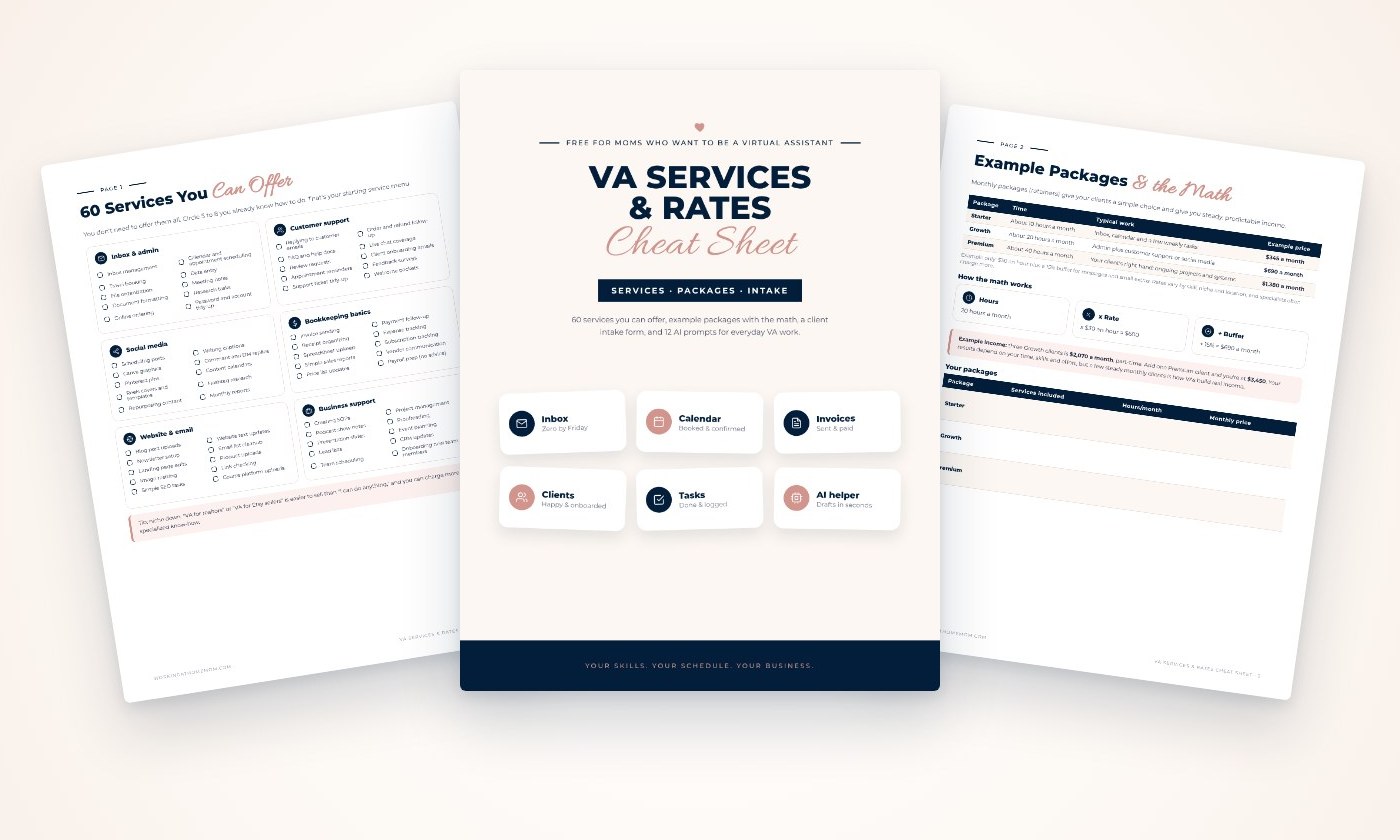
Get our free VA Services & Rates Cheat Sheet
60 services you can offer, example monthly packages with the math, a client intake form and 12 AI prompts. Sent straight to your inbox.