How much should a virtual assistant charge? It’s one of the first questions every new VA asks, and the honest answer is that rates vary widely by skill, niche and location. What we can give you is something more useful than a number pulled from the internet: a simple way to work out the minimum rate that actually works for your family.
In this guide we compare hourly, retainer and package pricing, show you how to calculate your minimum rate step by step (with clearly labeled example math), explain what pushes rates up or down, and show you how to raise your rates without losing good clients.
How to set your VA rate: the quick answer
- Decide how much you want to take home each month.
- Add up your monthly business costs.
- Set aside money for taxes (ask a tax professional what’s right for you).
- Work out how many hours you can actually bill each month.
- Divide what you need to earn by your billable hours. That’s your minimum hourly rate.
- Use that number to build retainers and packages, then raise your rates as your skills grow.
Hourly vs retainer vs package pricing
There are three common ways VAs charge. Many start with one and mix them as they grow.
Hourly rate
You track your time and bill for every hour worked.
- Good for: new VAs, new clients and tasks that are hard to estimate.
- Pros: simple to explain, and you’re paid for every minute.
- Cons: your income is capped by your hours, and getting faster means earning less for the same task. Some clients also watch the clock closely.
Monthly retainer
The client pays a set amount each month for a block of hours or a defined set of tasks.
- Good for: ongoing work like inbox management, customer support or social media scheduling.
- Pros: predictable income for you and a predictable bill for the client. It’s much easier to plan family life around.
- Cons: you need clear limits on what’s included and what happens to unused hours, or scope creep can sneak in.
Package or project price
You charge a flat price for a specific result, like “inbox reset” or “30 days of social posts.”
- Good for: repeatable tasks you know well.
- Pros: clients see the value, not the hours. As you get faster, you keep the benefit.
- Cons: if you underestimate the time, you lose money. Packages work best once you’ve done the task a few times.
Tip: many VAs start hourly with a new client for the first month to learn how long tasks really take, then switch to a retainer or package.
How much should a virtual assistant charge? Calculate your minimum rate
Your minimum rate is the lowest hourly rate that covers your take-home goal, your business costs, your taxes and the hours you can’t bill. Below it, you’re working at a loss, even if it doesn’t feel like it.
Step 1: Set your take-home goal
How much do you want in your pocket each month, after business costs and taxes? Be realistic about what your family needs, and include things like childcare if you’ll pay for it so you can work.
Step 2: Add up your business costs
List what you pay to run your business each month: software subscriptions, a share of your internet and phone, website hosting, training, equipment you’ll need to replace and payment processing fees. Check current pricing for each tool rather than guessing.
Step 3: Plan for taxes
As a self-employed VA, taxes usually aren’t taken out of your pay. How much to set aside depends on where you live and your situation. Ask a tax professional what percentage makes sense for you, and check your local rules.
Already working as a VA? See how the next step up compares in Online Business Manager vs Virtual Assistant.
Step 4: Count your billable hours
This is where most new VAs go wrong. Not every working hour is billable. Marketing, emails with potential clients, invoicing, learning and admin all take time you can’t charge for. Many VAs find that only part of their working time ends up billable, especially at the start, so estimate on the low side.
Step 5: Do the math
Here’s the formula:
- Money needed before tax: take-home goal divided by (1 minus your tax set-aside).
- Total revenue needed: money needed before tax, plus business costs.
- Minimum hourly rate: total revenue needed divided by billable hours per month.
Example (hypothetical numbers, not a typical rate): say you want to take home $1,500 a month. Your business costs are $150 a month, and for this example you set aside 25% for taxes (your real number may be different). You can work 20 hours a week, and you expect about 12 of those to be billable, which is about 52 billable hours a month.
Money needed before tax: $1,500 divided by 0.75 = $2,000. Add costs: $2,000 + $150 = $2,150 a month. Minimum rate: $2,150 divided by 52 hours = about $41.35, so you’d round up to $42 an hour.
In this example, charging less than $42 an hour means you wouldn’t reach your goal, no matter how busy you are.
Your numbers will be different, and that’s the point. Run your own math, then use the result as your floor, not your ceiling.
Do it with AI: open Claude (or ChatGPT) and paste: “Help me calculate my minimum hourly rate as a virtual assistant. My monthly take-home goal is [AMOUNT]. My monthly business costs are [LIST COSTS]. My tax set-aside is [PERCENT, from my tax professional]. I can work [HOURS] hours a week, and about [HOURS] of those will be billable. Show the math step by step, then turn that rate into one monthly retainer and two flat-price packages for [YOUR SERVICES].” Then check every calculation yourself with a calculator before you use it.
Turning your rate into retainers and packages
Once you know your minimum hourly rate, you can price everything else from it.
- Retainer example: using the $42 example rate, a 15-hour monthly retainer would be 15 x $42 = $630 a month. Spell out what’s included, your response times, and whether unused hours roll over (many VAs say they don’t).
- Package example: if an “inbox reset” takes you about 6 hours, 6 x $42 = $252. You might round to $260 and add a short follow-up check-in to make it feel complete.
- Add a buffer: tasks often take longer than planned, especially with new clients. Build in a little extra time on every package.
All of these figures are examples to show the math. Use your own rate and your own time estimates.
What affects how much a VA can charge?
- Skill level: specialized skills like tech setup, automation, bookkeeping support or launch management are usually worth more to clients than general admin.
- Niche: VAs who focus on one type of client often understand the work faster and can charge for that knowledge.
- Results: if your work saves a client time or helps them make money, it’s easier to charge more.
- Experience and testimonials: proof from past clients builds trust.
- Location and client base: clients in different countries and industries have very different budgets.
- Availability: being available during set business hours, or on short notice, can be priced higher than flexible, anytime tasks.
- Platform: job boards like Upwork and Fiverr take a fee and have lots of competition. Check their current fee pages and factor them into your rate.
Not sure which services to price first? Our virtual assistant services list can help you choose.
How and when to raise your rates
Raising your rates is a normal part of running a business. Your first rate is a starting point, not a forever promise.
- Raise rates for new clients first: it’s the easiest place to start. Quote your new rate to every new inquiry.
- Review existing rates on a schedule: once or twice a year is common. Put a reminder in your calendar.
- Give plenty of notice: 30 days or more is respectful and gives clients time to plan.
- Explain the value, briefly: mention new skills, faster turnaround or results, but don’t over-apologize.
- Be ready for a no: a client who leaves frees up time for someone who can pay your new rate.
Simple rate increase script: “Hi [NAME], I’ve loved working with you this year. Starting [DATE], my rate for new and current clients will be [NEW RATE]. Nothing changes about how we work together, and I’m happy to chat if you have any questions. Thank you for being such a great client!”
Ready to put your rate to work? See where to find virtual assistant clients for outreach scripts and a weekly plan.

Price your VA services with confidence
Our Virtual Assistant Business-in-a-Box includes pricing guidance, contract and invoice templates and AI assistants to help you set rates and get paid. That’s 12 modules, 19 templates and 4 AI assistants to start a VA business and get paid.
VA pricing FAQ
How much should a beginner virtual assistant charge?
Rates vary widely by skill, niche and location, so start with your own minimum rate based on your take-home goal, costs, taxes and billable hours. Being new is a reason to keep your menu simple, not a reason to work below your minimum.
Is it better to charge hourly or by package?
Hourly is easier when you’re new or a task is hard to estimate. Packages and retainers usually work better once you know how long tasks take, because they give you steadier income and reward you for getting faster.
Should a VA charge for unused retainer hours?
Many VAs do. A retainer reserves your time, so clients pay for it whether they use every hour or not. Whatever you decide, write it clearly in your contract.
Do virtual assistants pay taxes?
Yes. Self-employed VAs are generally responsible for their own income taxes. The rules depend on where you live, so check local requirements and talk to a tax professional.
How often should a VA raise rates?
Many VAs review their rates once or twice a year, and whenever they add a new skill. Raise rates for new clients first, and give current clients plenty of notice.
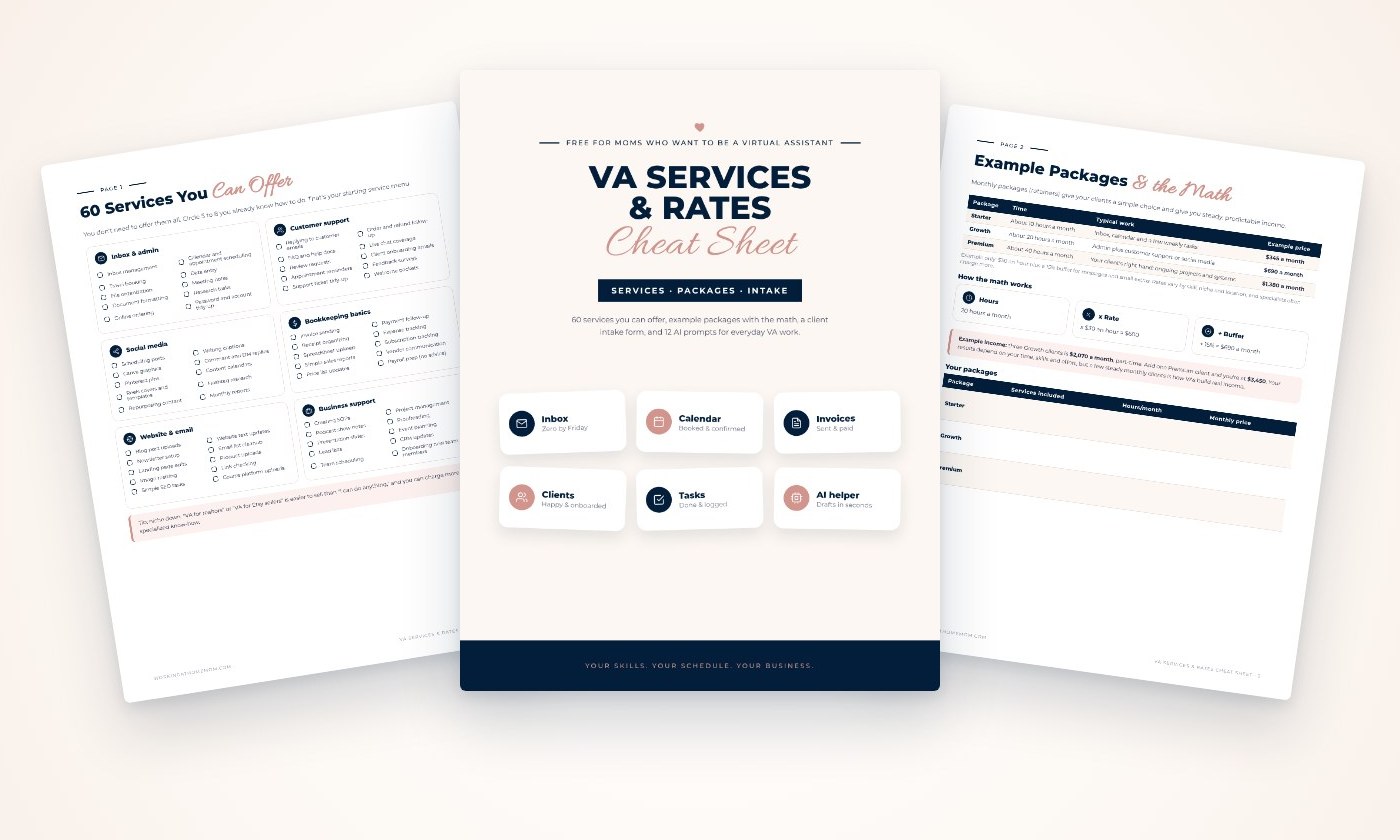
Get our free VA Services & Rates Cheat Sheet
60 services you can offer, example monthly packages with the math, a client intake form and 12 AI prompts. Sent straight to your inbox.