Figuring out how much to charge for Pinterest management is one of the first things that trips up new Pinterest managers. Charge too little and you burn out. Charge with no clear structure and clients get confused about what they’re paying for.
The good news: pricing gets much easier when you sell simple monthly packages based on the number of pins. In this guide we share example packages, add-ons and income math you can use as a model, plus how to choose your own starting price and raise it over time.
How much to charge for Pinterest management: the quick answer
- Sell monthly packages, priced by the number of pins and extras, not by the hour.
- Example packages: Starter $300/month (30 pins), Growth $500/month (60 pins), Premium $800/month (90 pins including video).
- Example math: 5 Growth clients = $2,500/month, 8 Growth = $4,000/month, 10 Premium = $8,000/month.
- Add-ons: for example, an account audit ($150), a pin template set ($200) or ads management ($250/month plus ad spend).
- Raise your rates as your results, speed and confidence grow.
Hourly, per pin or monthly package?
There are three common ways to price Pinterest work. Here’s how they compare.
- Hourly: simple to understand, but it punishes you for getting faster. As your templates and systems improve, you’d earn less for the same result. Clients also worry about the clock.
- Per pin: easy to quote, but it turns your work into a commodity and leaves out the strategy: keyword research, boards and reporting.
- Monthly package: a set number of pins plus the strategy around them, for one monthly fee. This is what we recommend.
Packages give you predictable income and give clients a clear, fixed cost. They also reward you for building efficient systems, because every hour you save is yours to keep.
Example Pinterest management packages
These example packages come from our Pinterest Manager course kit. Use them as a starting point, then adjust the details to your niche and skills. Rates vary widely by niche, experience and location.
Example Starter: $300/month (30 pins)
- 30 fresh pins a month: designed from branded templates and scheduled across the month.
- Keyword-rich titles and descriptions: for every pin.
- Basic board setup: and keyword list updates.
- Short monthly report: top pins and simple next steps.
Best for small bloggers or new shops that want to show up consistently on a smaller budget.
Example Growth: $500/month (60 pins)
- 60 fresh pins a month: more designs per link, so each blog post or product has more chances to be found.
- Ongoing keyword research: including seasonal planning with Pinterest Trends.
- Board optimization: new boards as needed, clear names and descriptions.
- Monthly report with recommendations: what worked, what’s next.
This is the package to steer most clients toward. It’s enough volume to make a real difference and a solid monthly fee for you.
Example Premium: $800/month (90 pins including video)
- 90 pins a month: a mix of image pins and short video pins.
- Full keyword and seasonal strategy: planned a few months ahead.
- Detailed monthly report: and a short monthly check-in call or recorded walkthrough.
- Priority support: faster turnaround for launches and promotions.
For established businesses, shops with big catalogs and anyone who wants video in the mix.
Tip: most people pick the middle option. Design your Growth package to be the one you most want to sell, and price Premium so Growth feels like great value.
Example math: how Pinterest clients add up
Here’s where monthly packages get exciting. Because each client pays every month, a small client list can add up to a real income.
- Example, 5 Growth clients: 5 x $500 = $2,500/month.
- Example, 8 Growth clients: 8 x $500 = $4,000/month.
- Example, 10 Premium clients: 10 x $800 = $8,000/month.
These are example numbers to show how the math works, not a promise. Results depend on your time, skills and effort, and on how quickly you find and keep clients.
Notice what the numbers don’t require: no huge following, no hundreds of tiny gigs. A handful of businesses paying a steady monthly fee is the whole model. To go further, you add more clients, move clients up to Premium, add services, or eventually bring on help.
Work backward from your goal
Divide your monthly income goal by your main package price to see how many clients you need. With the example Growth package, a $4,000 goal means 8 clients. That number is usually smaller and less scary than people expect.
Add-ons that raise your income per client
Add-ons let clients buy extra help without changing their package, and they’re a great way for new clients to try you out.
- Example account audit, $150: a one-time review of the client’s profile, boards, pins and Analytics, with a prioritized list of fixes. It’s a perfect first project before a monthly package.
- Example template set, $200: a set of branded Canva pin templates the client can keep and use.
- Example ads management, $250/month plus ad spend: setting up and managing promoted pins in Pinterest Ads Manager.
With ads, keep your fee and the ad budget completely separate. The client owns the ad account and pays the ad spend directly to Pinterest with their own payment method. They give you access through Pinterest Business Manager as a partner, so you never need their password. You charge only for your management time and expertise.
How to choose your starting price
The example packages are a model, not a rule. When you set your own prices, think about:
- Your experience: if you’re brand new, you might start a little lower for your first one or two clients in exchange for a testimonial, then move to full price quickly.
- Your niche: clients selling higher-priced products often see more value in each website visitor and may budget more.
- The scope: video pins, extra boards, more research or more reporting all take time and should cost more.
- Your time per client: track your hours for the first couple of months so you know your real hourly rate.
Example: divide a client’s monthly fee by the hours you actually spend on them to find your real hourly rate. If a $500/month Growth client starts taking twice as many hours as you planned, your hourly rate has just been cut in half. That’s a sign to tighten your process, adjust the scope or raise the price.
Using Claude to package and pitch your offer
Writing clear package descriptions is harder than it sounds. Claude can help you draft them, along with a simple pricing page and a proposal.
Do it with AI: open Claude and paste: “I’m a Pinterest manager for [NICHE]. My packages are Starter ($300/month, 30 pins), Growth ($500/month, 60 pins) and Premium ($800/month, 90 pins including video). Add-ons: audit ($150), template set ($200), ads management ($250/month plus ad spend, paid by the client). Write a friendly pricing page with a short intro, what’s included in each package, who each one is for, and 5 FAQs a business owner might ask.” Then check every detail and edit it so it matches exactly what you deliver.
You can also ask Claude to role-play a hesitant client so you can practice answering “that’s more than I expected” before a real call.
What to include in every package
Clear scope protects you and the client. Put these details in writing, ideally in a simple contract:
- Number of pins per month: and whether video is included.
- What you need from the client: links, photos, brand colors and fonts, and their partner access invite.
- Approval process: whether they review pins before scheduling, and the deadline for feedback.
- Revisions: how many rounds are included.
- Payment terms: paid monthly in advance, with a minimum commitment (for example, three months, since Pinterest results build over time).
- Cancellation: how much notice either side needs to give.
Contract and tax rules vary by location, so check local requirements or talk to a professional when you set up your business.
When and how to raise your rates
Your first price isn’t your forever price. Raise your rates when:
- You’re fully booked: demand is higher than your available time.
- Almost everyone says yes instantly: that usually means your price is low.
- You have results to show: growth in impressions, saves and outbound clicks makes a strong case.
Start by quoting new prices to new clients. For existing clients, give at least 30 days’ written notice and remind them of the progress you’ve made together. Another smooth option is to move a client up a tier: going from the example Growth package to Premium takes a client from $500 to $800 a month.
Pricing mistakes to avoid
- Unlimited anything: “unlimited pins” or “unlimited revisions” will eat your evenings.
- Paying ad spend yourself: always have the client pay Pinterest directly from their own ad account.
- Discounting to win every client: the right clients value good work. Offer an audit instead of a discount.
- Forgetting your own costs: scheduling tools, stock photos and software subscriptions come out of your fee.
- No minimum term: one-month clients rarely see results, and then blame you.
New to Pinterest management? Start with our step-by-step guide on how to become a Pinterest manager, then use Pinterest manager jobs for beginners to find your first clients. Curious about other ways to earn with Pinterest? See how to make money on Pinterest. If you also offer other services, compare with how much to charge for social media management.
Use ready-made packages, pricing and proposals
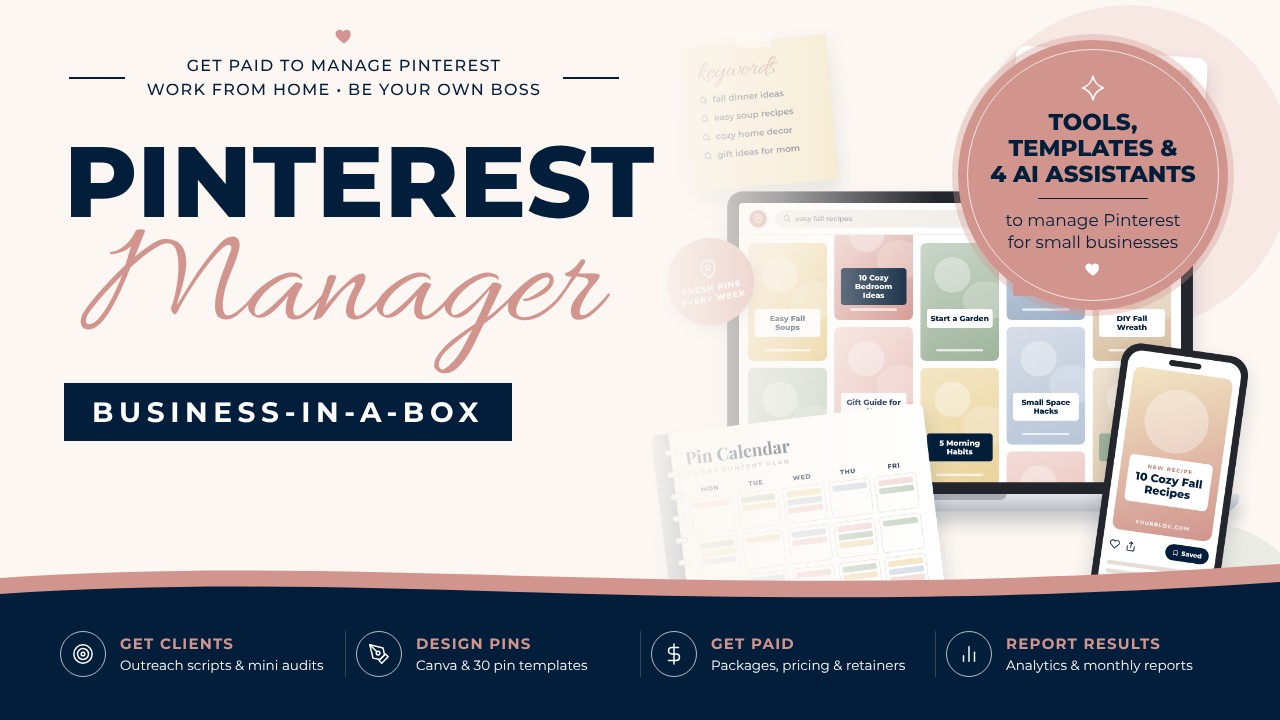
Our Pinterest Manager Business-in-a-Box includes the example packages above, plus 12 modules, 52 short written lessons, 18 templates and 30 ready-made pin templates. Its 4 AI assistants in Claude (Pin Copywriter, Report Writer, Client Finder and Business Builder) help you price, pitch and deliver. It’s $197 with no videos, so you can learn in short bursts.
Pinterest management pricing FAQ
How much should a beginner charge for Pinterest management?
Rates vary widely by niche, location and scope. A simple approach is to use example packages like ours (Starter $300/month for 30 pins, Growth $500/month for 60 pins) and adjust based on your skills and the time each client takes.
Should I charge per pin or per month?
Monthly packages are usually better. They include the strategy behind the pins, give you steady income and give the client a predictable cost.
How many Pinterest clients do I need to make a full-time income?
Divide your goal by your package price. Using the example Growth package, 8 clients = $4,000/month, and 10 example Premium clients = $8,000/month.
Who pays for Pinterest ads?
The client. They own the ad account and pay the ad spend directly to Pinterest. You charge a separate management fee, for example $250/month, and get access through Business Manager partner access.
Should I offer a free trial?
A paid audit usually works better than free work. It shows your expertise, gives the client real value and leads naturally into a monthly package.
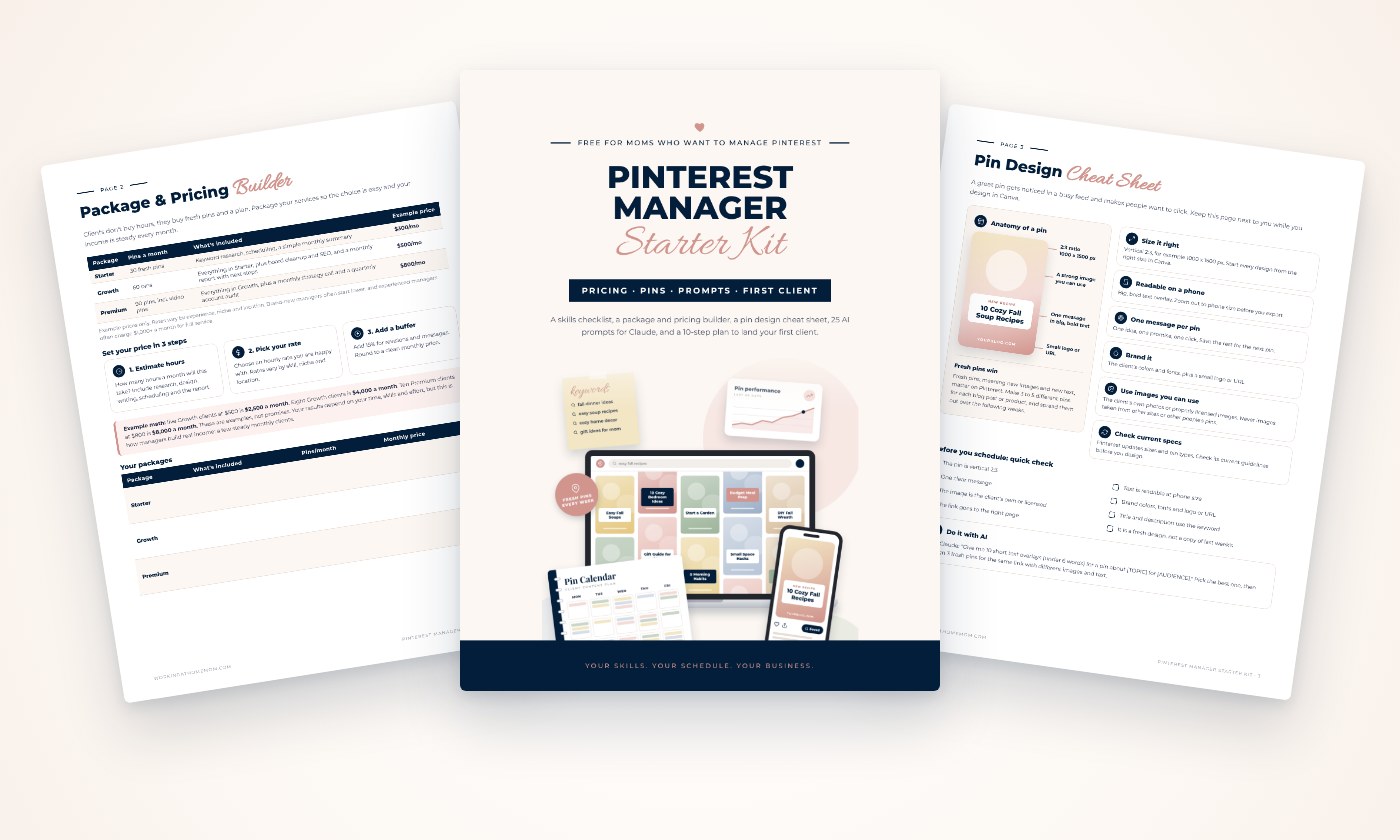
Get example packages and pricing for your Pinterest business
Example packages and pricing, a pin design cheat sheet, 25 AI prompts for Claude and a 10-step plan to land your first client. Sent straight to your inbox.