If you love Pinterest and want flexible work from home, learning how to become a Pinterest manager is one of the most practical ways to turn that habit into income. Businesses need fresh pins every week, and most owners simply don’t have the time to make them.
You don’t need a degree, a big following or design training. You need to understand how Pinterest search works, make clean pins, keep a steady schedule and report on what’s working. In this guide we walk you through each step, from your first practice pin to your first paying client.
How to become a Pinterest manager: the quick answer
- Learn what a Pinterest manager does and how Pinterest search works.
- Set up your own free business account and practice on it.
- Learn pin design basics (2:3 pins at 1000×1500 pixels) in Canva.
- Learn keyword research with the Pinterest search bar and Pinterest Trends.
- Learn scheduling, Analytics and simple monthly reports.
- Choose a niche and create two or three monthly packages.
- Build a small sample portfolio, then pitch your first clients.
- Use Claude to speed up keywords, pin copy and reports.
What does a Pinterest manager do?
A Pinterest manager runs a business’s Pinterest account so it brings in steady traffic, email signups and sales. Think of it as part designer, part search marketer and part organizer.
- Keyword research: finding the words people type into Pinterest when they look for the client’s products or content.
- Pin design: creating fresh, branded pin images (and sometimes short videos) that link to the client’s website, blog posts or shop listings.
- Pin copy: writing titles and descriptions that use those keywords naturally.
- Boards: setting up and tidying boards so they’re clearly named and easy to find in search.
- Scheduling: spreading pins out across the month so the account stays active.
- Reporting: checking Pinterest Analytics and sending a short monthly report with what worked and what’s next.
- Ads (optional): some managers also run promoted pins in Pinterest Ads Manager for an extra fee.
Your clients are usually bloggers, Etsy and printable sellers, online shops, coaches and course creators, and local businesses with visual products, like home decor, weddings or baking.
Why businesses pay for Pinterest help
Pinterest works more like a visual search engine than a social network. People go there to plan: dinners, home projects, gifts, outfits, holidays. A good pin can keep showing up in search for months, sending visitors to a website long after it was posted.
That makes Pinterest valuable, but it also takes consistent work. Most business owners know they “should be on Pinterest” and never get to it. That gap is your opportunity.
Is Pinterest management a good fit for moms?
For many moms, yes. The work is done on your own schedule, it can be batched into a few focused sessions a week, and pins are scheduled ahead, so nothing has to go live while you’re at school pickup. There’s very little live client contact compared to many other online jobs.
It suits you if you enjoy visuals, like tidy systems and don’t mind a bit of trial and error. If you can make a nice Canva graphic and follow a checklist, you can learn the rest.
Step 1: Learn how Pinterest search works
Start by using Pinterest like a researcher instead of a browser. Type a topic into the search bar and notice the suggested phrases that drop down. Those suggestions show you what real people are searching for.
Look at which pins appear at the top. Notice their titles, the words on the images, and the boards they’re saved to. Pinterest matches pins to searches using the words in titles, descriptions, board names and on the image itself, so keywords matter more than hashtags.
Also explore Pinterest Trends, Pinterest’s free tool that shows what people are searching for and when interest rises. Seasonal planning is a big part of the job: people search for holiday ideas well before the holiday.
Step 2: Set up your own business account and practice
Create a free Pinterest business account (or convert a personal one). This gives you access to Analytics and lets you practice everything you’ll later do for clients.
- Pick a practice topic: something you know, like easy family dinners, homeschool printables or small-space organizing.
- Create 5 to 8 boards: with clear, keyword-rich names and short descriptions.
- Make and schedule pins: link them to helpful pages (your own blog, or useful articles if you don’t have one).
- Watch your numbers: after a few weeks, check which pins got the most impressions and clicks.
Your practice account doubles as proof that you know what you’re doing when you start pitching.
Step 3: Learn pin design basics
Pins are vertical. The standard shape is 2:3, and a common size is 1000×1500 pixels. Canva has Pinterest pin templates in this size, so you can start there.
- Big, readable text: most people browse on their phones, so a short headline in a bold font works best.
- One clear image: a strong photo or graphic that shows the topic at a glance.
- Brand consistency: use the client’s colors, fonts and logo or website address.
- Fresh variations: several different pin designs for the same link give each blog post or product more chances to be found.
- Video pins: short, simple videos are worth learning, since many clients want them in higher-tier packages.
Tip: build a set of 10 to 15 reusable pin templates for each client. Swap the photo and headline each time and you can design a month of pins in one sitting.
Step 4: Learn keyword research (with AI to help)
Keyword research is where good Pinterest managers stand out. For every client, build a simple keyword list in Google Sheets: main topics, related phrases from the search bar, and seasonal terms from Pinterest Trends.
Claude is a great helper here. It can’t see Pinterest search data, but it’s excellent at brainstorming angles and organizing the phrases you’ve collected.
Do it with AI: open Claude and paste: “I manage Pinterest for a [TYPE OF BUSINESS] that sells [PRODUCTS OR CONTENT] to [IDEAL CUSTOMER]. Here are keywords I found in Pinterest search and Pinterest Trends: [PASTE LIST]. Group them into 5 to 8 board themes, suggest a clear board name and 2-sentence description for each, and list 10 pin title ideas per board that use the keywords naturally.” Then check every suggestion against real Pinterest search results and edit it to fit the client.
Step 5: Learn scheduling and batching
Consistency matters more than posting a lot in one day. Pinterest’s built-in scheduler lets you schedule pins up to about 30 days ahead, though it only holds a limited number of scheduled pins at once, so many managers also use a third-party scheduling tool once they have several clients.
Batching makes this manageable: research one day, design the next, write copy and schedule on the third. Plan each client’s month in one go instead of a little every day.
Step 6: Learn Analytics and simple reports
Clients want to know their money is well spent. In Pinterest Analytics, focus on a few numbers: impressions, saves, outbound clicks and which pins performed best. Compare month to month, not day to day, because Pinterest results build slowly.
A good monthly report is short: what you did, what worked, what you’ll try next month. Claude can turn your notes and numbers into a friendly one-page summary in minutes, which you then check and personalize.
Step 7: Choose your niche and packages
You don’t have to niche down forever, but picking a focus (food bloggers, Etsy sellers, home decor shops) makes your marketing easier and your work faster, because you learn one audience well.
Then package your service by the month. Here are example packages to give you a starting point:
- Example Starter: $300/month for 30 pins.
- Example Growth: $500/month for 60 pins.
- Example Premium: $800/month for 90 pins, including video.
Example: 5 clients on the Growth package = $2,500/month, and 8 Growth clients = $4,000/month. Results depend on your time, skills and effort, and rates vary by niche and location. For the full breakdown, add-ons and how to set your own prices, read how much to charge for Pinterest management.
Step 8: Build a sample portfolio
No clients yet? No problem. Create sample work for two or three made-up businesses in your niche: a set of pins, a board plan and a sample monthly report. Label them clearly as samples. Add your practice account results and you have a simple portfolio you can share as a Canva PDF or a page on your website.
We cover this in detail, plus where to find clients, in Pinterest manager jobs for beginners.
Step 9: Get client access the right way
When you land a client, never ask for their Pinterest password. Instead, use Pinterest Business Manager. You set up your own business account, share your business ID, and the client invites you as a partner with the right level of access to their profile (and their ad account, if you manage ads).
If you run ads, the client owns the ad account and pays the ad spend directly to Pinterest with their own payment method. You manage the campaigns in Ads Manager and charge your management fee separately. This keeps everyone safe and makes it easy to end the arrangement cleanly if you ever need to.
Step 10: Land your first client
Start where people already know and trust you: friends with businesses, local shops, bloggers you follow, sellers in groups you belong to. Then add a short daily routine of personalized messages. Offering a free mini audit (three quick wins for their account) is a friendly way to start a conversation.
Want more ways to earn with Pinterest beyond client work? See our overview of how to make money on Pinterest.
A sample month for one client
Here’s an example of how one Growth-package client might look once your systems are set up:
- Week 1: review last month’s Analytics, update the keyword list, plan 60 pin topics and send the report.
- Week 2: design the pins in batches from your templates.
- Week 3: write titles and descriptions with Claude’s help, then edit and schedule.
- Week 4: check board organization, tidy up, and note ideas for next month.
Do it with AI: paste this into Claude: “Write 10 Pinterest pin titles (under 100 characters) and descriptions (2 to 3 sentences) for this page: [URL OR SUMMARY]. Target keywords: [KEYWORDS]. Audience: [WHO]. Make each one different, helpful and natural, with a soft call to action.” Then edit for accuracy and the client’s voice before scheduling.
Get every step, template and AI helper in one place
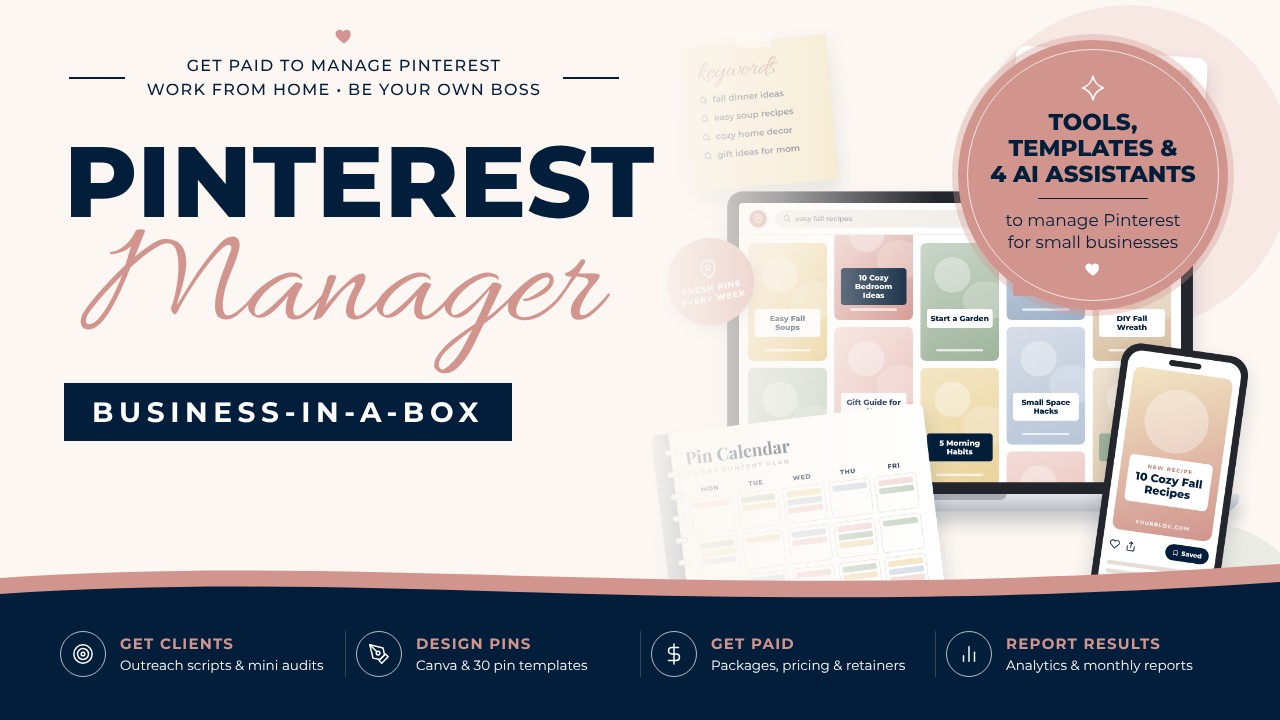
Our Pinterest Manager Business-in-a-Box takes you from beginner to paid Pinterest manager with 12 modules, 52 short written lessons, 18 templates and 30 ready-made pin templates. You also get 4 AI assistants in Claude (Pin Copywriter, Report Writer, Client Finder and Business Builder). It’s $197, self-paced, with no videos to sit through.
How to become a Pinterest manager: FAQ
Do I need experience to become a Pinterest manager?
No. You need to learn the skills, practice on your own account and build a few sample pins and reports. Many clients care more about clear communication and reliable work than a long resume.
How long does it take to learn Pinterest management?
It depends on how much time you have. Many people learn the basics in a few weeks of steady practice, then keep improving with each client. Your first client is the best teacher.
Do I need to know Pinterest ads?
Not to start. Organic pinning is the core service. Ads management is a useful add-on later, and the client always owns the ad account and pays the ad spend.
What tools does a Pinterest manager need?
A Pinterest business account, Canva for pin design, Google Sheets for keyword lists and planning, and an AI assistant like Claude for copy and reports. A scheduling tool helps once you have several clients.
Can I be a Pinterest manager part-time?
Yes. Because pins are scheduled ahead, you can do the work during nap time, school hours or evenings. Start with one client and add more as your schedule allows.
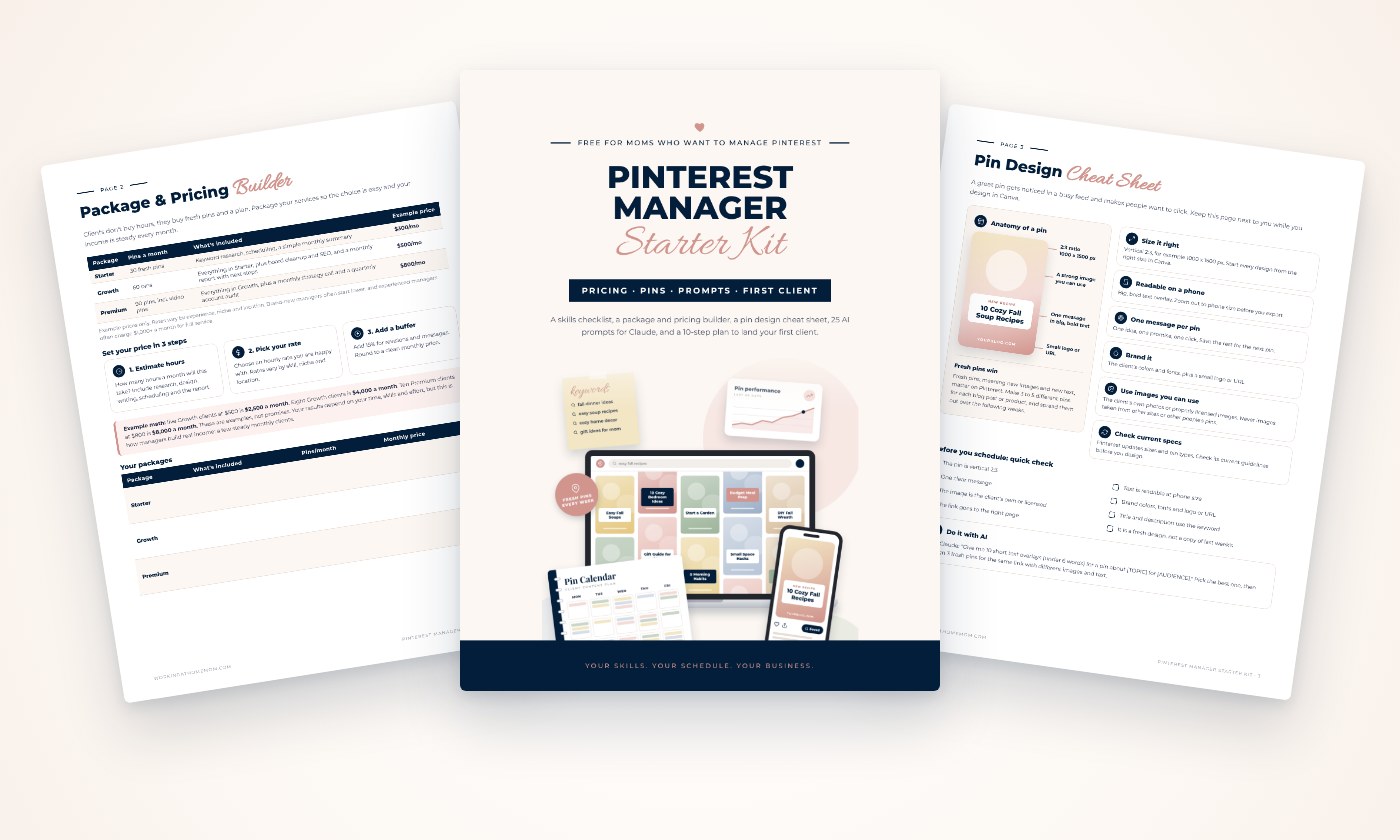
Start your Pinterest manager business this week
Example packages and pricing, a pin design cheat sheet, 25 AI prompts for Claude and a 10-step plan to land your first client. Sent straight to your inbox.