If you already spend time on Instagram, Facebook or TikTok, you’re closer to a paid skill than you think. This guide shows you how to become a social media manager with no experience: the skills you need, the services to offer, how to build a portfolio before you have clients, and how to land your first paying ones.
Small businesses know they should be posting. Most of them don’t have the time, the ideas or the patience. That’s the gap you fill, and you can do it from your kitchen table during nap time.
How to become a social media manager: the quick answer
- Learn the basics of 2 or 3 platforms your future clients actually use.
- Pick a short list of services you can deliver well.
- Build a small portfolio with sample posts, a mock content calendar and a free audit.
- Set simple monthly packages so clients know what they get.
- Tell your network and reach out to local businesses every week.
- Use a proposal and a contract for every client.
- Use AI and templates to work faster, and always edit what they give you.
What does a social media manager actually do?
A social media manager helps a business show up consistently online so more people find it, trust it and buy from it. Depending on the client, that can include:
- Planning: deciding what to post, when and why, usually in a monthly content calendar.
- Creating: writing captions and making graphics, carousels or short videos.
- Scheduling: loading posts into a scheduling tool so they go out on time.
- Community management: replying to comments and messages in the brand’s voice.
- Reporting: sharing what worked each month and what you’ll change next.
You don’t have to offer all of this on day one. Many new social media managers start with content creation and scheduling, then add more as they gain confidence.
Can you become a social media manager with no experience?
Yes. Most small business owners don’t ask for a degree or a certificate. They want to know three things: can you make their page look good, will you show up reliably, and will it be worth the money?
You prove all three with samples, clear communication and a simple process. That’s why your portfolio and your packages matter more than your resume.
The skills you need (and how to learn them)
- Writing: short, friendly captions with a clear call to action. Practice by rewriting posts from brands you like.
- Basic design: clean graphics in Canva using templates, consistent fonts and brand colors.
- Platform know-how: how each platform works, what formats it favors and where to find its insights. Platforms change often, so follow their official business blogs and help centers.
- Organization: keeping several clients’ calendars, logins and deadlines straight. A Trello or Asana board helps a lot.
- Communication: answering emails promptly, setting expectations and explaining results in plain English.
Tip: don’t try to master every platform. Pick the two or three where your ideal clients’ customers spend time. A local bakery probably needs Instagram and Facebook far more than LinkedIn.
Step 1: Pick your services
Clients buy outcomes, but they need to know exactly what’s included. Start with a short menu you can deliver well:
- Content creation: a set number of posts per month, with captions and graphics.
- Scheduling and posting: you load and publish the posts.
- Engagement: replying to comments and messages a few times a week.
- Monthly report: a one-page summary of results and next steps.
- Profile setup or refresh: a one-time project to clean up bios, highlights and branding.
Paid ads management is a bigger skill with real money at stake. Save it for later, once you’ve had proper training.
Step 2: Choose a niche (optional, but it helps)
A niche is a type of client you focus on, like salons, real estate agents, fitness coaches or local restaurants. You don’t have to pick one, but it makes everything easier: your samples look relevant, your outreach is simpler, and you get faster because you learn what works for that industry.
A good starting point is an industry you already know. If you worked in a dental office or you’re always at the gym, that’s a head start.
Step 3: Build a portfolio without clients
This is the step most people get stuck on. You don’t need paying clients to show what you can do. Try these:
- Mock content for a real type of business: create 9 sample posts for a made-up coffee shop or florist. Label them as samples.
- A sample content calendar: one month of post ideas in Google Sheets, with themes, captions and posting days.
- A free mini audit: pick a local business and write a short, kind list of 3 to 5 improvements. This doubles as outreach.
- Your own account: run a page about your niche and treat it like a client. It shows consistency.
- A short volunteer project: help a school group, church or nonprofit for a set period in exchange for a testimonial.
Put it all in one place: a simple portfolio page, a Canva presentation or a shared Google Drive folder you can link in messages.
Do it with AI: open Claude (or ChatGPT) and paste: “I’m building a social media portfolio. Create a one-month Instagram content calendar for a [TYPE OF BUSINESS] in [CITY] that wants more [GOAL, e.g. bookings]. Give 12 post ideas with a theme, a caption under 100 words, a call to action and a suggested graphic or video for each. Use a [TONE] voice.” Then check and edit it so the ideas are realistic and the captions sound like a real person.
Step 4: Set simple packages and prices
Clients find it much easier to say yes to a package than to an hourly rate. A common setup is three monthly tiers, for example a Starter, Growth and Premium package, with more posts, platforms and support at each level.
Rates vary widely by skill, niche and location, so work out your own numbers instead of copying someone else’s. Our guide on how much to charge for social media management walks through the math with clearly labeled examples.
Step 5: Land your first clients
Your first clients usually come from people who already know you or businesses you can see need help. Start here:
- Your warm network: tell friends, family and former coworkers what you’re offering and who it’s for.
- Local businesses: look for shops with outdated pages, then reach out with one specific, helpful idea.
- LinkedIn and Facebook: share your samples and join groups where business owners hang out (and follow each group’s rules).
- Referrals: ask every happy client who else they know.
We cover scripts and a weekly plan in how to find social media clients. When someone is interested, send a clear proposal. Our social media manager proposal template shows you exactly what to include.
Tools every new social media manager needs
- Canva: graphics, carousels and short videos, with templates and AI features.
- Claude or ChatGPT: brainstorming, first-draft captions, content calendars and reports.
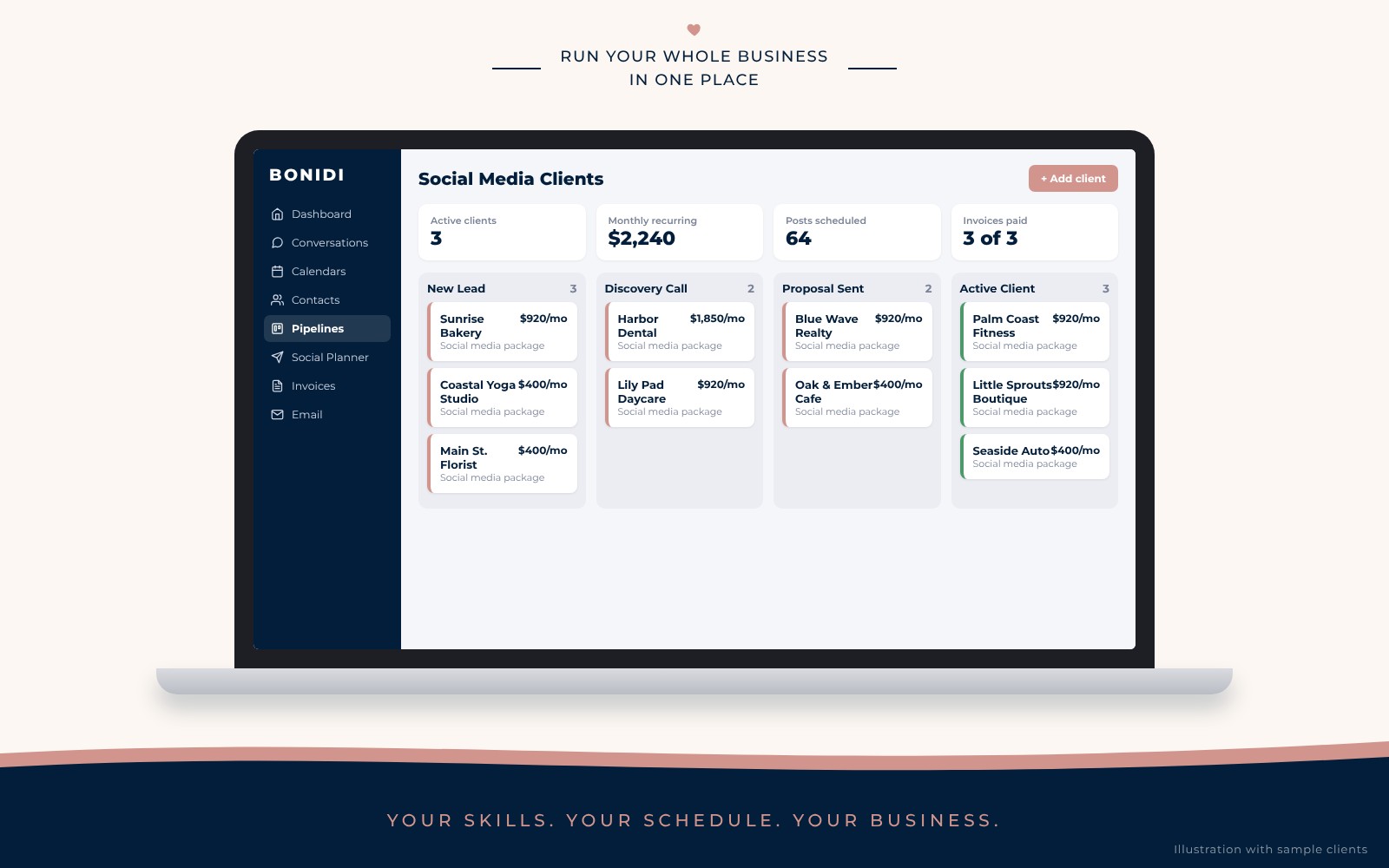
- A scheduler: so posts go out on time. Bonidi, the all-in-one system we use, includes a social planner for scheduling and managing posts from one dashboard.
- Google Docs and Sheets: calendars, proposals and simple reports.
- Trello or Asana: tracking tasks and deadlines across clients.
- Calendly and Loom: booking discovery calls and recording quick walkthroughs for clients.
Want a deeper look? See our roundup of AI tools for social media managers.
How AI fits in (and where it doesn’t)
AI can save you hours on first drafts, idea lists and repurposing one post into five. It can’t replace knowing the client, checking facts or using judgment about what’s right for their brand.
Use it as an assistant, not an autopilot. Read everything before it goes out, make sure it sounds like the client, and never let AI invent reviews, results or claims. It’s also smart to tell clients how you use AI in your process, so there are no surprises.
Business basics to set up early
- A simple contract: scope, payment terms, how many revisions, who owns the content and how either side can end the agreement.
- Getting paid: invoice monthly, ideally in advance. QuickBooks or your all-in-one system can handle invoices.
- Safe logins: ask clients to add you as a user or admin on their accounts instead of sharing passwords where possible.
- Taxes and licenses: rules depend on where you live. Check your local requirements or talk to a tax professional.
Mistakes to avoid as a new social media manager
- Offering everything: a short, clear menu sells better and keeps you sane.
- Working without a contract: even for a friend. It protects both of you.
- Promising followers or sales: you can promise consistency and quality, not results you don’t control.
- Undercharging forever: a low intro rate is fine, but set a date to review it.
- Waiting until you feel ready: your second and third clients will teach you more than any extra month of prep.
Get your first social media clients, faster
Our Social Media Manager Business-in-a-Box takes you from no experience to paid client step by step. It includes 12 modules, 15 templates and 5 AI assistants to land your first social media clients.
Becoming a social media manager FAQ
Do I need a degree to become a social media manager?
No. Freelance clients care about your samples, your reliability and how clearly you communicate. A degree can help for some in-house jobs, but it isn’t required to start your own social media business.
How long does it take to become a social media manager?
It depends on how much time you have. Many people can learn the basics, build a small portfolio and start outreach within a few weeks of steady part-time work. Getting comfortable with clients takes longer, and that’s normal.
Can I be a social media manager part time from home?
Yes. It’s one of the more flexible work-from-home options because most of the work (planning, creating and scheduling) can happen whenever you have time. Just set clear response times so clients know when to expect you.
How much do social media managers make?
Earnings vary widely by skill, niche, location and how many clients you take on. Instead of chasing an average, decide what you want to earn, estimate your hours, and build packages around that.
Which platforms should I learn first?
Start with the platforms your ideal clients’ customers use most. For many local businesses that’s Facebook and Instagram. For B2B clients and coaches, LinkedIn often matters more.
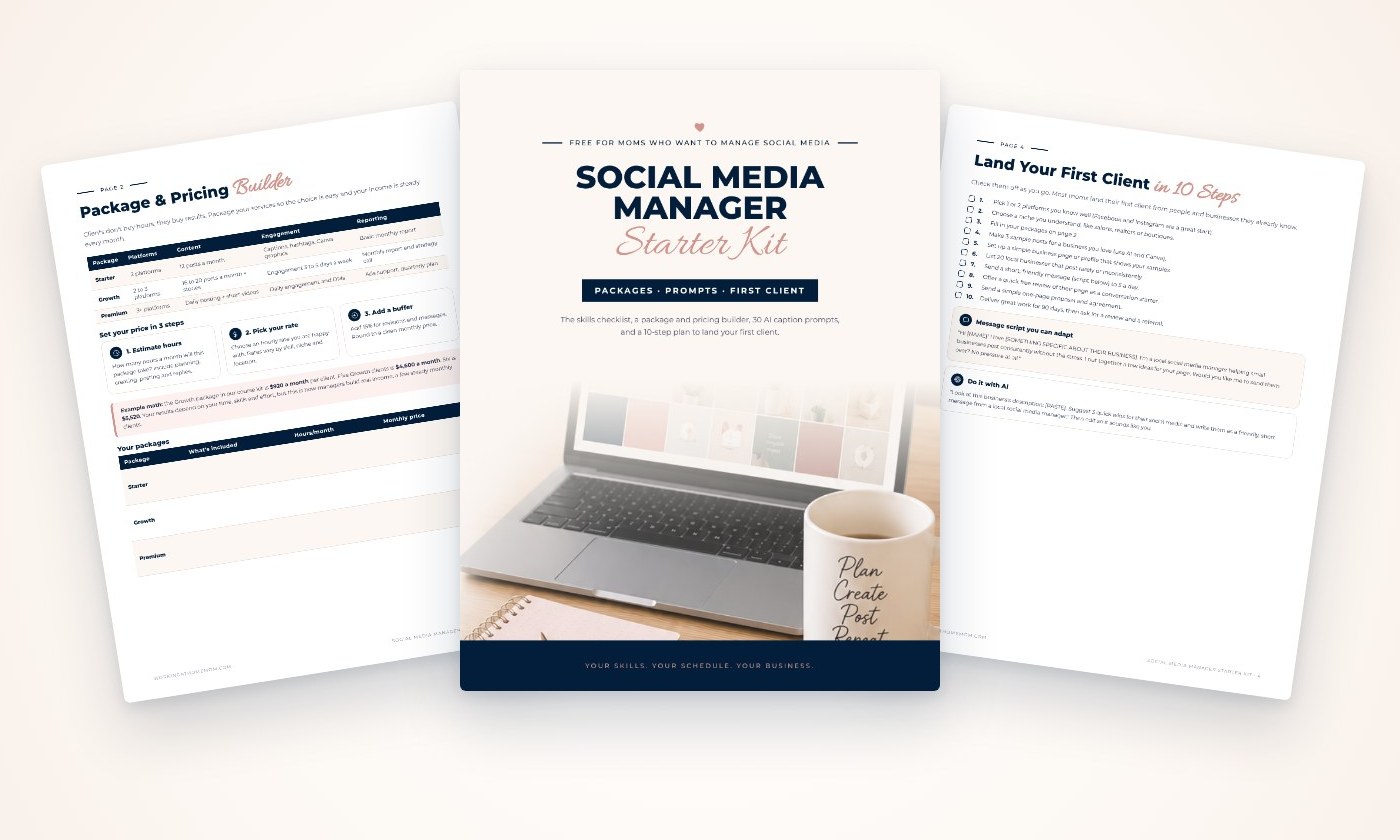
Get our free Social Media Manager Starter Kit
A package and pricing builder with real example math, 30 AI caption prompts and a 10-step plan to land your first client. Sent straight to your inbox.