If you’re wondering how to become a virtual assistant with no experience, here’s the good news: you probably have more experience than you think. Running a household means scheduling, emailing, planning, budgeting, researching and keeping a dozen people on track. That’s the job.
A virtual assistant (VA) helps business owners with tasks they don’t have time for, from home, on a schedule that can fit around your kids. In this guide we walk you through the skills you already have, how to choose your first services, how to build a starter portfolio, the basic setup you need, and how to find your first clients. We’ll also show you how to use AI so you can work faster from day one.
How to become a VA: the quick answer
- List the skills you already use every day (organizing, writing, scheduling, tech).
- Choose 2 or 3 starter services you can do well right now.
- Pick a type of client you’d like to help.
- Make 3 to 5 sample projects for a starter portfolio.
- Set up the basics: business email, simple contract, invoicing and a way to get paid.
- Set a starter rate based on your real costs and time.
- Tell your network and reach out to 5 potential clients a week.
- Use AI tools to draft, summarize and organize faster (and always check the output).
What does a virtual assistant actually do?
A virtual assistant handles tasks for a business remotely. Most VAs are independent contractors who run their own small business and work with several clients, not employees of one company.
The work is wide open. Some VAs manage inboxes and calendars. Others schedule social media posts, answer customer emails, update spreadsheets, format blog posts or keep an online shop running. Small business owners, coaches, bloggers, authors, real estate agents and Etsy sellers all hire VAs.
That variety is what makes it such a good fit for moms. You can start with simple tasks you already know and add skills as you go.
How to become a virtual assistant with no experience: start with skills you already have
“No experience” usually means no experience being paid as a VA. It rarely means no skills. Look at what you already do in a normal week:
- Calendar juggling: school pickups, practices, appointments and birthday parties. That’s calendar management.
- Email and messages: replying to teachers, coordinating with other parents, sorting the inbox. That’s inbox management and client communication.
- Planning events: a class party or a family trip means research, budgets, vendors and deadlines. That’s project management.
- Household budget: tracking bills and receipts in a spreadsheet is the base of bookkeeping support.
- PTA or volunteer work: newsletters, sign-up sheets, flyers and Facebook group posts. That’s content, design and community management.
- Online shopping research: comparing products and reading reviews is research work businesses pay for.
Write your own list. Include past jobs too, even if they were years ago. Retail, reception, teaching, nursing and customer service all bring skills clients value, like patience, clear communication and staying calm under pressure.
Tip: clients care more about reliability than a fancy resume. If you answer messages on time, meet deadlines and tell them early when something comes up, you’ll stand out from day one.
Step 1: Choose your starter services
You don’t need to offer everything. In fact, a short menu is easier to sell because clients instantly understand what you do. Pick 2 or 3 services that match your strongest skills and that you’d enjoy doing every week.
Good starter services for beginners include:
- Inbox management: sorting, labeling, unsubscribing and drafting replies.
- Calendar and appointment scheduling: booking calls and sending reminders.
- Social media scheduling: loading posts the client approves into a scheduler.
- Data entry and spreadsheet updates: keeping lists, contacts and trackers tidy.
- Customer service emails: answering common questions from a template.
- Canva graphics: resizing and updating designs from the client’s templates.
Want more ideas? Our virtual assistant services list has more than 60 services grouped by type, with tips for building your starter menu.
Step 2: Decide who you want to help
You can be a general VA, but choosing a type of client (a niche) makes everything easier: your marketing, your portfolio and your outreach. It also helps you learn the tools that client type uses.
Ask yourself who you understand. A former teacher might help tutors and course creators. An Etsy shopper might support Etsy sellers. A mom who loves fitness might help personal trainers. You can always change later. Picking a direction now just helps you get started.
Step 3: Build a starter portfolio
A portfolio shows clients what you can do, which matters more than a job title. When you’re brand new, make your own samples:
- Before and after inbox: create a demo inbox with messy emails, then show it organized with labels, filters and reply templates.
- Sample social media calendar: a month of posts for an imaginary bakery or coach, built in a Google Sheet and designed in Canva.
- Process document: a simple step-by-step guide (called an SOP) for a common task, like onboarding a new customer.
- Research summary: a one-page comparison of three tools or vendors for a made-up business.
- Volunteer project: help a friend’s small business or a local nonprofit for a short, clearly defined project, then ask for a testimonial.
Put your samples in a Google Drive folder, a free Canva website, or a simple page on your own site. Label mock projects honestly as samples. Three to five strong samples are plenty to start.
Step 4: Set up the basics
You don’t need an expensive setup. A reliable computer, internet connection and phone are enough for most VA work. Then add:
Already working as a VA? See how the next step up compares in Online Business Manager vs Virtual Assistant.
- A business name and email: a free email address with your business name works, or use your own domain if you have a website.
- A simple online presence: a LinkedIn profile that clearly says what you do, or a one-page website with your services and a contact link.
- A contract: spell out services, hours, rates, payment terms, confidentiality and how either side can end the agreement.
- Invoicing and payments: a tool like QuickBooks or your website platform can send invoices and accept payments.
- A booking link: Calendly makes it easy for potential clients to book a discovery call.
- Password safety: use a password manager to share logins securely instead of sending passwords by email.
Business registration, licenses and taxes depend on where you live. Check your local and state rules, and talk to a tax professional about setting money aside for taxes once you start earning.
Step 5: Set your starter rate
Many new VAs undercharge because they feel new. Instead of guessing, work out the minimum you need to cover your costs, taxes and the hours that aren’t billable (like marketing and admin). Rates vary widely by skill, niche and location, so base yours on your own numbers. Our guide on how much a virtual assistant should charge walks through the math with a clear example.
Step 6: Find your first clients
Your first client often comes from people who already know you. Tell friends, family, past coworkers and other parents what you’re doing and who you help. Post about it on Facebook and LinkedIn. Then reach out to a few small businesses each week with a short, friendly message.
Job boards like Upwork, Fiverr and Indeed can work too, but they’re competitive for beginners. We cover every option, with outreach scripts and a weekly plan, in where to find virtual assistant clients.
Use AI to work faster as a new VA
AI tools like Claude and ChatGPT are a big advantage for new VAs. They can draft emails, turn messy notes into a clean checklist, summarize long documents, brainstorm social media captions and write first drafts of SOPs. That means you can deliver polished work faster while you’re still learning.
Do it with AI: open Claude (or ChatGPT) and paste: “I’m a new virtual assistant. My skills from home and past jobs are: [LIST YOUR SKILLS]. I want to help [TYPE OF CLIENT]. Suggest 3 starter services I could offer, a one-sentence description of each written for that client, and one sample portfolio project for each that I could make this week.” Then check and edit it so every service is something you can truly deliver.
Two important rules: always review AI output before it goes to a client, and never paste a client’s private information (passwords, customer data, financial details) into an AI tool unless your client has agreed and you understand how the tool handles data.
Mistakes to avoid when you’re starting out
- Offering everything: a long list of services looks unfocused. Start small and add more later.
- Working without a contract: even with a friend, put the scope and payment terms in writing.
- Waiting until you feel ready: you learn the most from your first real client. Start with what you know now.
- Saying yes to every task: if something is outside your skills, say so, and offer to learn it or refer it out.
- Falling for scams: real clients don’t ask you to pay for training, buy equipment with their check, or move money for them.
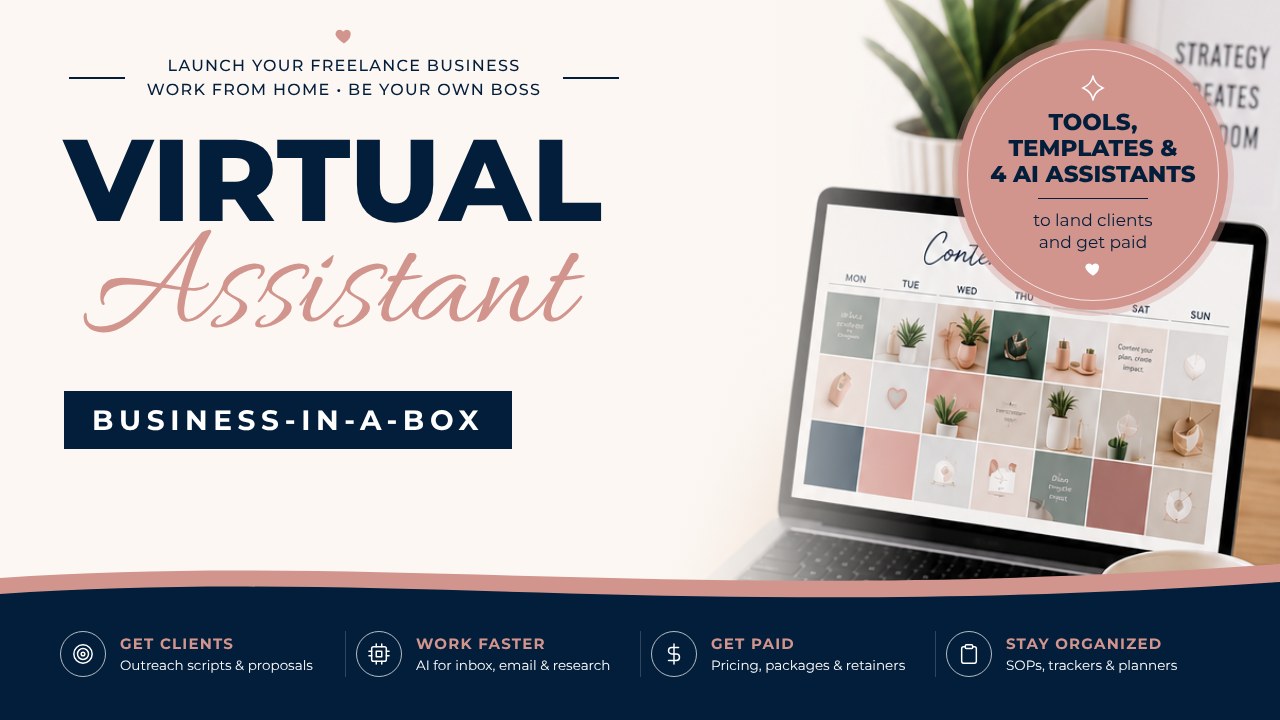
Start your VA business with a clear plan
Our Virtual Assistant Business-in-a-Box takes you from “I think I could do this” to paid clients. It includes 12 modules, 19 templates and 4 AI assistants to start a VA business and get paid.
Becoming a virtual assistant FAQ
Can you really become a virtual assistant with no experience?
Yes. Most VAs start by offering skills they already use at home or in past jobs, like scheduling, email, organizing and basic tech. A small portfolio of sample projects shows clients what you can do.
Do I need a certification to be a VA?
No certification is required to work as a virtual assistant. Training can help you learn faster and feel more confident, but clients mostly care about your skills, reliability and communication.
What equipment do I need to be a virtual assistant?
A dependable computer, a steady internet connection and a phone cover most VA work. Many of the tools you’ll use, like Google Docs, Google Sheets, Canva and Trello, have free versions to start.
How long does it take to get your first VA client?
It varies a lot. Some moms land a client from their network within a few weeks, while others take a few months. Steady outreach every week makes the biggest difference.
Can I be a virtual assistant with kids at home?
Yes, and many VAs do. Choose tasks that don’t need you live on calls all day, set clear working hours with clients, and use nap time, school hours and evenings for focused work.
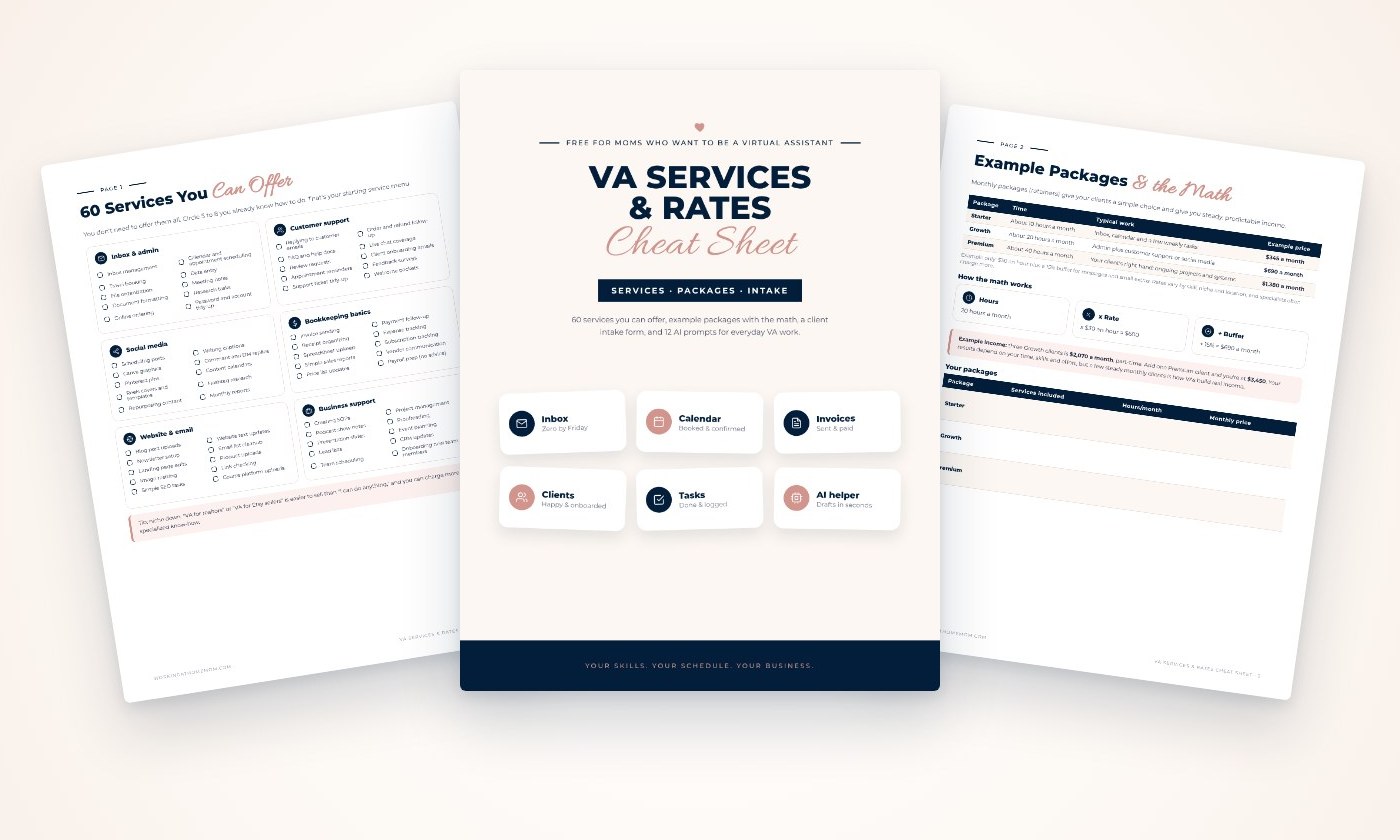
Get our free VA Services & Rates Cheat Sheet
60 services you can offer, example monthly packages with the math, a client intake form and 12 AI prompts. Sent straight to your inbox.