If you already use Canva for birthday invitations or your kids’ chore charts, you have a skill people will pay for. Learning how to make money with Canva is mostly about pointing that skill at the right buyer, whether that’s a shopper on Etsy or a small business owner who needs help with their social media.
Below are 12 ways moms are earning with Canva from home, grouped into products you make once and sell many times, and services you’re paid for each time. We’ll also cover the Canva licensing basics so you sell with confidence.
How to make money with Canva: the quick answer
- Pick one path: sell digital products, or sell your design time as a service.
- Choose a clear buyer, like busy moms, teachers or local businesses.
- Design original work in Canva (don’t resell Canva templates or elements as-is).
- Sell products on Etsy or your own store, or find service clients on Fiverr, Upwork or locally.
- Use AI to help with ideas, labels and listings (but write any instructions yourself), then design, list and share consistently.
Products you make once and sell again and again
Products take more work up front, but each one can keep selling for months. They suit moms who want flexible hours and don’t want client calls.
1. Printables for Etsy
Planners, checklists, chore charts, meal planners and party games are the classic Canva product. Design once, export as a PDF and let Etsy deliver the file. Our guide on how to make printables to sell walks through the design side, and how to sell printables on Etsy covers listing them.
2. Digital planners
Canva lets you link tabs and buttons, so you can build clickable planners for tablet users. They take longer than a single printable but can be priced as a bigger product. See our tutorial on how to make a digital planner in Canva.
3. Editable Canva templates
Instead of selling a finished PDF, you sell a template the buyer customizes, like a wedding invitation suite, a media kit or a price list. Canva has specific rules for this (more below), including that templates using Pro content can only be shared as Canva template links.
4. Social media template packs
Coaches, realtors, bakers and boutique owners want posts that look polished without hiring a designer. A pack of 30 branded post templates for one industry is far easier to sell than a generic set.
5. Kids’ worksheets and teacher resources
Homeschool parents and teachers buy worksheets, flashcards, reading logs and classroom decor all year. Build a series by grade or subject so buyers come back for more.
6. Print-on-demand designs
Create original designs in Canva for shirts, mugs, tote bags and posters, then connect a print-on-demand service like Printful or Printify to your Etsy shop or store. They print and ship each order, so you never touch inventory. Check that your design is original and that your print partner’s terms work with the Canva content you used.
7. Mini ebooks and guides
Canva makes it easy to lay out a short, pretty guide, like a toddler meal plan or a home organization guide. Pair it with matching printables to make a complete kit. If you sell guides on Etsy, write the advice and steps yourself, because Etsy no longer allows AI-generated how-to guides, recipes or instructions. Guides written with more AI help belong in your own shop.
8. Selling templates inside Canva
Canva runs a Creators program where approved designers publish templates and elements in Canva’s own library. It has an application process and its own requirements, so check Canva’s Creators page for the current details before you plan around it.
Tip: start with products if your schedule is unpredictable. A product doesn’t care if you work at 5 a.m. or after bedtime. Start with services if you need money sooner, because one client can pay you this month.
Services you’re paid for each time
Services trade your time for money, so income can come faster. They suit moms who like working with people and can set aside regular hours.
9. Social media graphics for small businesses
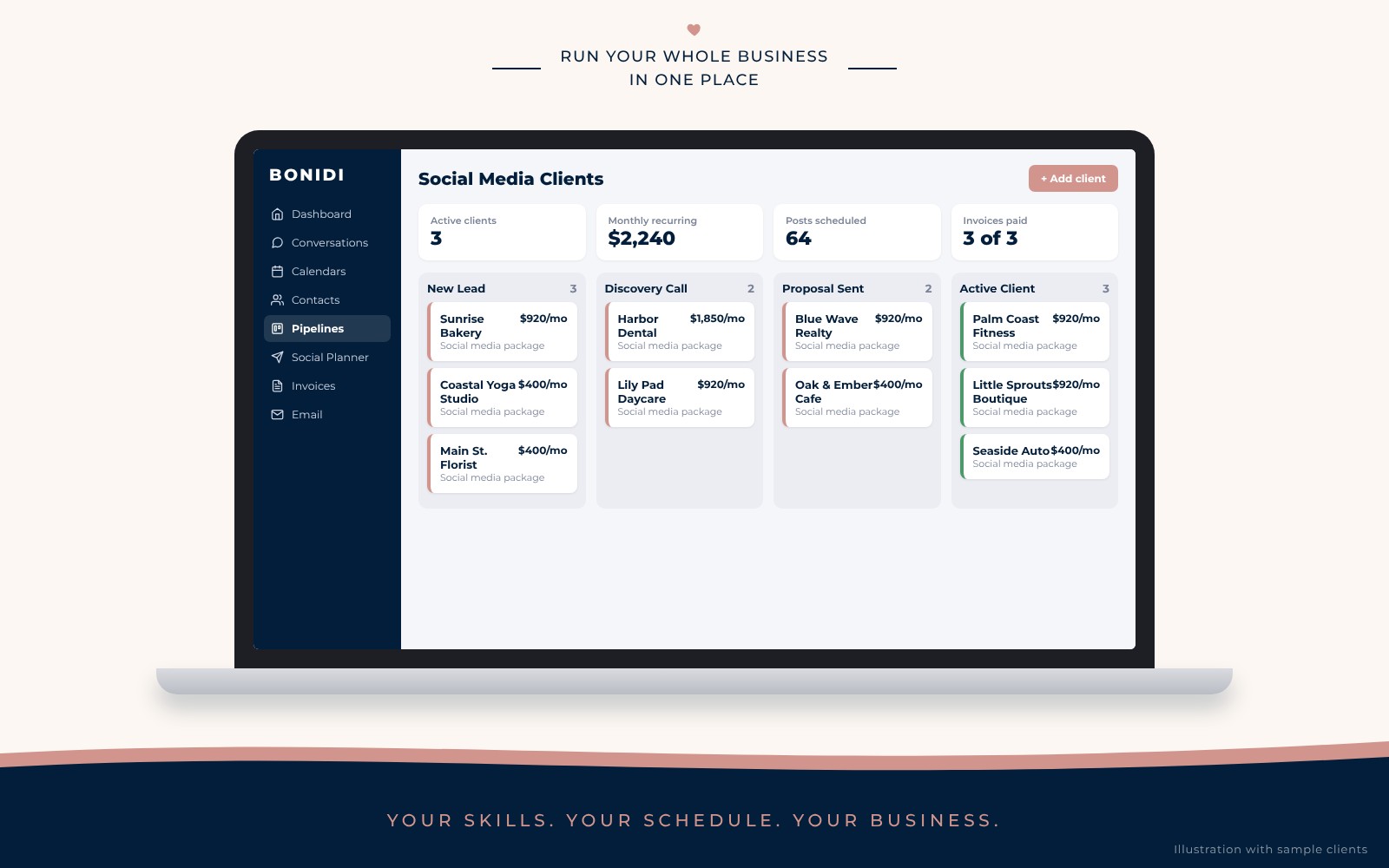
Many small businesses know they should post more but don’t have time to design. You can create their weekly graphics in Canva, often using a brand kit you set up once. This can grow into full social media management. Our guide on how to become a social media manager shows the next steps.
10. Branding kits and logos for local businesses
Offer a simple starter package: logo, colors, fonts, business card and a few social templates. Local businesses, new coaches and fellow moms starting side hustles are great first clients.
11. Custom invitations and event designs
Personalized birthday, baby shower and wedding designs sell well on Etsy as made-to-order listings, and through word of mouth in your community. The buyer sends details, you customize your design and send the file.
12. Design work on freelance sites
Fiverr and Upwork have buyers looking for Pinterest pins, presentations, ebook layouts, YouTube thumbnails and lead magnets. Create a focused offer (“10 Pinterest pins for bloggers”) so you’re not competing on everything.
Example: what Canva income can look like
Here’s some clearly hypothetical math to show how different paths add up. Your numbers will depend on your niche, pricing and how much time you put in.
- Example, products: say you sell a $12 printable bundle and average 3 sales a day. That’s about 90 sales, or roughly $1,080 a month in sales before platform fees.
- Example, services: say you design social media graphics for 4 small businesses on a $300 monthly package. That’s $1,200 a month.
- Example, mix: the two together come to about $2,280 a month, with the product income still coming in on weeks when the kids are sick.
Results depend on your time, skills and effort, but this is why so many moms start with Canva: the tools are simple and both paths are open to you.
Do it with AI: open Claude (or ChatGPT) and paste: “I want to make money with Canva. I’m good at [SKILL OR INTEREST] and have about [HOURS] hours a week. Suggest 3 product ideas and 2 service ideas for [BUYER]. For each, give a one-line description, a starting price range to test, where to sell it, and the first 3 things I should design.” Then check every idea, adjust the prices after researching similar items, and make it your own.
Your first week making money with Canva
- Day 1: pick one idea from the list above and one buyer. Write both down.
- Day 2: search Etsy, Fiverr or local Facebook groups to see what similar products or services look like and what buyers say in reviews.
- Day 3: set up a simple brand in Canva: two fonts, three colors and a logo, so everything you make looks consistent.
- Days 4 and 5: create your first product or three portfolio samples for your service.
- Days 6 and 7: list your product or post your offer, then tell people about it. Share it on Pinterest, in your own social media and with friends who know business owners.
One finished product or offer beats ten half-made ideas. Get the first one out, learn from it, then build the next.
Canva rules: can you sell what you make in Canva?
Yes, you can sell original designs you create in Canva, for both products and client work. But Canva’s license has limits, and they’re worth reading in full on Canva’s licensing pages, since they can change. In general:
- Make it original: combine elements, add your own text and layout, and put real creative effort in. Selling Canva templates unchanged, or with tiny edits like a color swap, isn’t allowed.
- No standalone elements: you can’t sell Canva’s graphics, photos or illustrations on their own, like a clipart pack or a single element on a mug.
- Templates with Pro content: these can only be shared as Canva template links, not as downloadable files.
- AI images: images made with Canva’s AI tools come with their own terms, and ownership of AI images can be unclear, so read those terms before building a product around them.
- Marketplace rules too: Etsy, for example, requires original work, requires you to disclose AI use in the listing, and doesn’t allow AI-generated guides, instructions, patterns or recipes.
If you want extra graphics with commercial rights to mix into your Canva designs, That PLR Shop’s club is one place to look. (Affiliate link: we may earn a commission at no extra cost to you.) Read the license for anything you use and transform it into your own design.
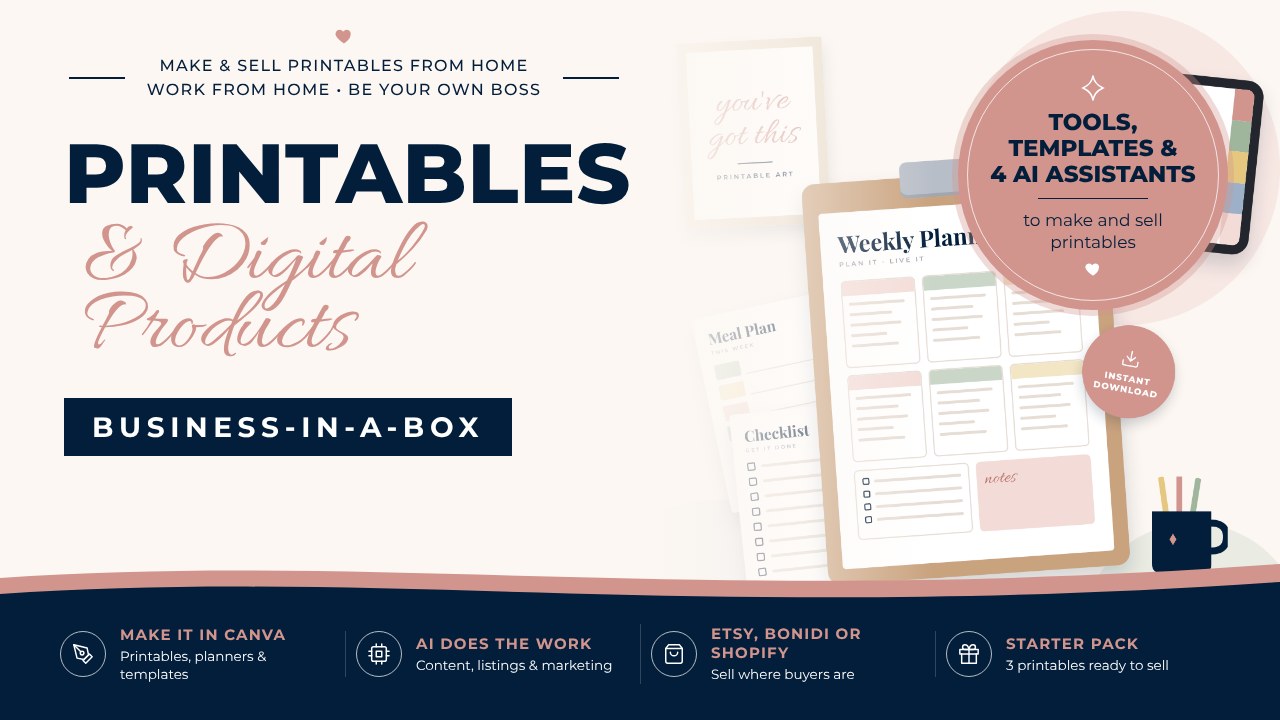
Make money with Canva by selling printables
Our Printables & Digital Products Business-in-a-Box shows you how to make printables in Canva with AI and sell them on Etsy, Bonidi or Shopify. It comes with 20 templates, 4 AI assistants and 3 ready-made printables to rebrand and sell.
Making money with Canva FAQ
Can you make money with the free version of Canva?
Yes. Canva’s free plan allows commercial use, and many sellers start there. Canva Pro adds more templates, elements and features. Check Canva’s current pricing to decide if it’s worth it for you.
Is it legal to sell Canva designs on Etsy?
You can sell original designs you make in Canva. You can’t resell Canva templates or elements as-is. Read Canva’s licensing pages and Etsy’s Creativity Standards before you list.
What Canva products sell best?
Printable planners, party printables, kids’ activities, digital planners and editable templates for small businesses are all popular. Pick a specific buyer so your products stand out.
Do I need design experience to make money with Canva?
No. Canva’s layouts do a lot of the work. Focus on clean, useful designs for a clear buyer, and your skills will grow with every product.
How fast can I make money with Canva?
Services can bring in money faster because one client pays right away. Products usually take a few weeks or months to build momentum, but they can keep selling with little extra work.
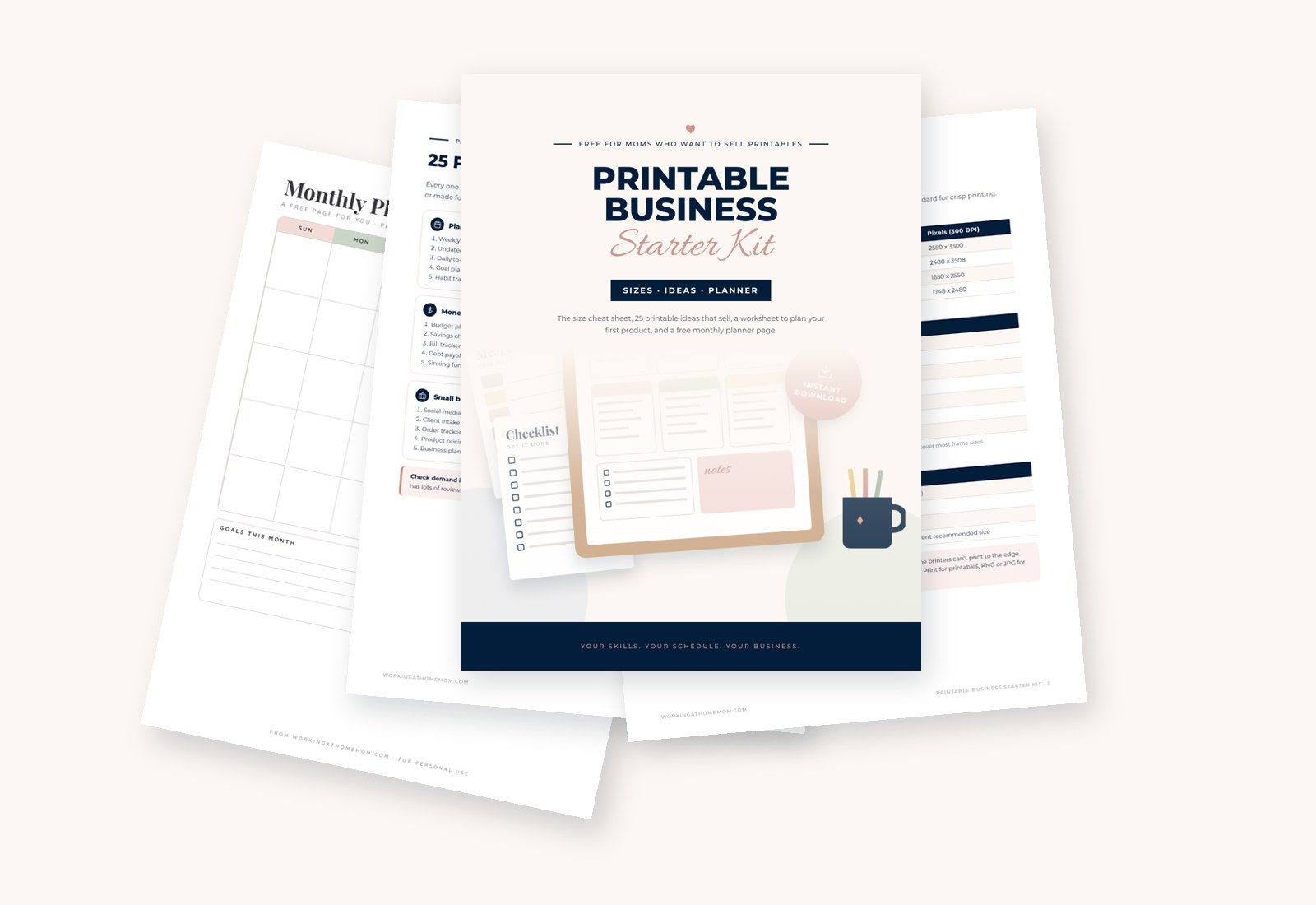
Start your Canva printable business
The printable size cheat sheet, 25 printable ideas that sell, a worksheet to plan your first product and a free monthly planner page. Sent straight to your inbox.