If you’ve ever wondered how to make printables to sell, the good news is that you don’t need to be an artist or a tech expert. Most best-selling printables are simple, useful pages: planners, checklists, trackers and worksheets that solve one problem well.
You make the file once, and it can sell again and again with no inventory and no shipping. That makes printables one of the most flexible products a mom can build during nap time or after bedtime.
In this guide we walk you through the whole process: picking a niche, planning your pages, writing content with AI, designing in Canva, choosing the right sizes, exporting a clean PDF, staying on the right side of licensing rules, and getting your printable in front of buyers.
How do you make printables to sell? The quick answer
- Pick a niche and a specific buyer (for example, busy moms who meal plan on Sundays).
- Plan the pages your buyer actually needs.
- Write the content, using AI for a first draft.
- Design the pages in Canva at US Letter and A4 sizes.
- Export as a PDF and test-print it.
- Check that you have the rights to every font and graphic you used.
- Create mockups, write your listing, and sell on Etsy or your own store.
What kinds of printables sell?
Printables that sell tend to save the buyer time, help them get organized, or make a special day easier. A few of the most popular types:
- Planners and trackers: daily, weekly and monthly planners, habit trackers, budget sheets.
- Home organization: cleaning schedules, chore charts, pantry labels.
- Kids and learning: worksheets, reading logs, reward charts.
- Events: party games, invitations, wedding signs, holiday activities.
- Small business: order forms, content calendars, inventory sheets.
For a much longer list grouped by niche, see our guide to printable ideas to sell.
How to make printables to sell, step by step
Step 1: Pick a niche and a buyer
“Planners” is a category. “Planners for homeschool moms with three or more kids” is a niche. The more specific you are, the easier it is to design something people feel was made for them, and the easier it is to stand out in search.
Good niches usually sit where three things meet: something you understand, something people already search for, and something you’d happily make more of.
Tip: search your idea on Etsy and Pinterest. If you see lots of listings with reviews, that’s a sign of demand, not a reason to quit. Your job is to make a clearer, more useful or better-targeted version.
Step 2: Plan your pages
Before you open Canva, write a simple page list. Ask yourself what your buyer is trying to get done, and what pages would help them do it.
Say you’re making a meal planning kit. Your page list might be:
- Weekly meal plan: breakfast, lunch, dinner and snacks for seven days.
- Grocery list: grouped by store section.
- Family favorites: a page to collect go-to recipes.
- Pantry inventory: what you have, what’s running low.
- Instructions page: how to print and use the kit.
Start small. A focused five-page kit you finish this week beats a 100-page planner you never launch.
Step 3: Write the content with AI
Many printables have very little text, but the words still matter: page titles, prompts, checklist items and instructions. AI tools like Claude or ChatGPT are great for a fast first draft of titles, prompts and checklist items. Write any instructions yourself, since Etsy doesn’t allow AI-written instructions.
Do it with AI: open Claude (or ChatGPT) and paste: “I’m creating a printable [PRODUCT TYPE] for [WHO IT’S FOR] who want to [GOAL]. Suggest 5 to 8 pages it should include. For each page, give a title, the sections or columns it needs, and any short prompts or checklist items. Keep the wording simple and friendly.” Then check and edit everything so it’s accurate and sounds like you.
Treat the AI output as a rough draft. Cut anything generic, add your own experience, and make sure every page earns its place.
Step 4: Design your printable in Canva
Canva is the easiest place for most beginners to design printables. You can start from a blank document or adapt a template, then add your own text, layout and colors.
- Keep it clean: plenty of white space, clear headings and lines that are easy to write on.
- Use two or three fonts at most: one for headings, one for body text.
- Pick a small color palette: and think about ink. Lots of dark backgrounds can be frustrating to print at home.
- Stay consistent: the same margins, header style and fonts on every page make your product look professional.
- Make it your own: templates are a starting point. Change the layout, wording and design so the finished product is clearly your original work.
Step 5: Choose the right sizes
Your buyers will print at home, so match the paper they use:
- US Letter: 8.5 x 11 inches, standard in the US and Canada.
- A4: 210 x 297 mm, standard in the UK, Europe, Australia and most other countries.
Offering both sizes is a simple way to reach more buyers. In Canva, create your design at one size, then make a resized copy and adjust anything that shifted. Keep important content away from the edges, since many home printers can’t print right to the edge of the page.
Step 6: Export as a PDF
For most printables, a PDF is the best file type. It keeps your layout exactly as designed and opens on almost any device. In Canva, download your design as a PDF and choose the print-quality option.
Then print a copy yourself. Check that text isn’t cut off, lines are dark enough to see, and the pages look good in black and white too. Fix anything that bugs you before a buyer finds it.
Licensing: can you sell printables made in Canva?
Yes, you can sell original printables you design in Canva, but there are rules, and they’re worth reading in full. Canva’s licensing pages explain what you can and can’t do with its elements, photos, fonts and templates.
Here’s how we’d sum up Canva’s current guidance in plain English (check the latest version yourself, because it can change):
- Your design must be original: you need to add real creative effort. Selling Canva elements or templates as-is, or with only small tweaks like a color change, isn’t allowed.
- No reselling elements on their own: you can’t sell clipart, sticker sheets or stock-style files made from Canva’s library elements.
- Editable templates have extra rules: if you sell templates for buyers to edit and they include Pro content, Canva only allows those to be shared as Canva template links, not as PDFs or other files. Templates that use only free content or your own images have more options.
- AI images are handled separately: images made with Canva’s AI tools fall under different terms, and ownership of AI images can be unclear.
The same idea applies to anything you didn’t make yourself. Check the license on every font, clipart set and graphic you buy or download, and make sure it allows commercial use in products you sell. Keep a simple spreadsheet of where each asset came from and what its license allows.
If you’d like a library of graphics with commercial rights for planners and printables, That PLR Shop’s club is one option to look at. (Affiliate link: we may earn a commission at no extra cost to you.) Read the license for any content you use, since unchanged resale is usually not allowed.
Tip: never use characters, logos, sports teams or brand names in your printables. Even a “fan-made” design can lead to listing removals or trademark complaints.
Where to sell your printables
Selling on Etsy
Etsy is where most printable sellers start, because shoppers are already searching for digital downloads there. You upload your PDF as a digital file, and Etsy delivers it automatically after each sale. Our guide to starting an Etsy shop walks you through setup.
Three Etsy rules to know: digital items must be designed by you, and if you use AI to create an item, Etsy requires you to disclose that in your listing description. Since October 2026, Etsy also doesn’t allow AI-generated instructions or how-to guides, so write your “how to use” page yourself. Read Etsy’s current Creativity Standards before you list.
Selling on your own store
Your own store gives you your own brand and your own customer list. Platforms like Bonidi (the all-in-one system we use, at bonidi.com) or Shopify can deliver digital files automatically. Many sellers start on Etsy and add their own store once they know what sells. Our Etsy vs Shopify comparison can help you decide.
Writing a listing that sells
- Mockups: show the pages printed on a desk, clipboard or fridge so buyers can picture using them.
- Clear title: lead with what buyers search for, like “Weekly Meal Planner Printable.”
- What’s included: number of pages, sizes, file type, and that it’s a digital download (nothing ships).
- Price: research similar items and account for fees. Our guide on how to price printables covers this in detail.
Do it with AI: paste into Claude (or ChatGPT): “Write an Etsy listing for my printable [PRODUCT NAME] for [WHO IT’S FOR]. It includes [PAGES], comes in US Letter and A4 PDF, and is a digital download. Give me 3 title options that start with what buyers search for, 13 tags under 20 characters, and a short description with what it is, who it’s for, what’s included and how to print it.” Then check every detail and edit it in your own voice.
Common mistakes to avoid
- Making it too broad: “a planner for everyone” usually appeals to no one.
- Skipping the test print: what looks fine on screen can be cut off on paper.
- Ignoring licenses: one unlicensed font can cause real trouble.
- Launching one product and waiting: a handful of related listings gives buyers more to choose from.
- Copying other sellers: use what sells as inspiration, then make your own version.
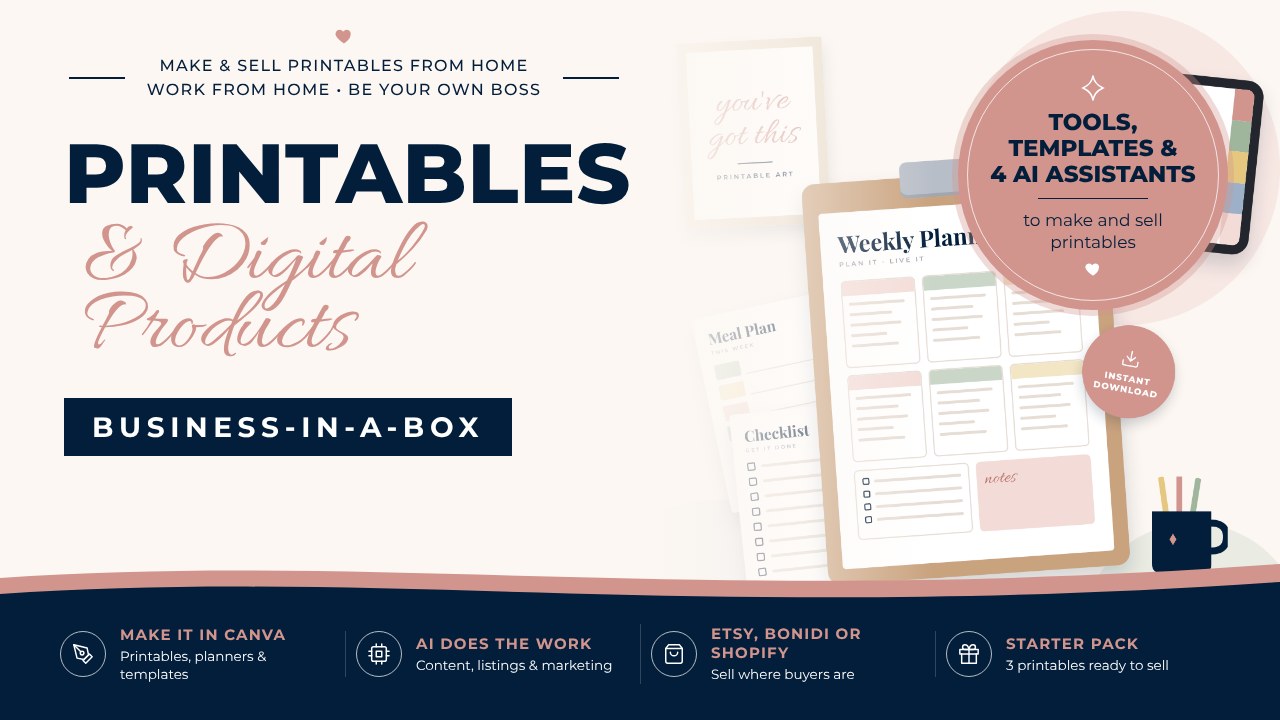
Make and sell your first printables faster
Our Printables & Digital Products Business-in-a-Box shows you how to make printables in Canva with AI and sell them on Etsy, Bonidi or Shopify. You get 20 templates, 4 AI assistants and 3 ready-made printables to rebrand and sell.
Making printables to sell FAQ
Do I need to be good at design to sell printables?
No. Simple, clean, useful pages often outsell fancy ones. Focus on solving one problem clearly, and keep your layouts consistent.
Can I use Canva templates to make printables to sell?
You can use templates as a starting point, but Canva requires your final product to be original, with real creative changes. You can’t resell templates or elements as-is. Read Canva’s current licensing pages before you sell.
What file format should printables be?
PDF is the standard for most printables because it keeps your layout intact and opens almost anywhere. Some sellers also include PNG or JPG files for things like wall art.
Do I need a business license to sell printables?
It depends on where you live and how much you sell. Check your local rules, and talk to a tax professional about income and sales tax.
How many printables should I make before I start selling?
You can start with one, but a small set of related products (for example, five meal planning printables) helps buyers find you and gives your shop a more established look.
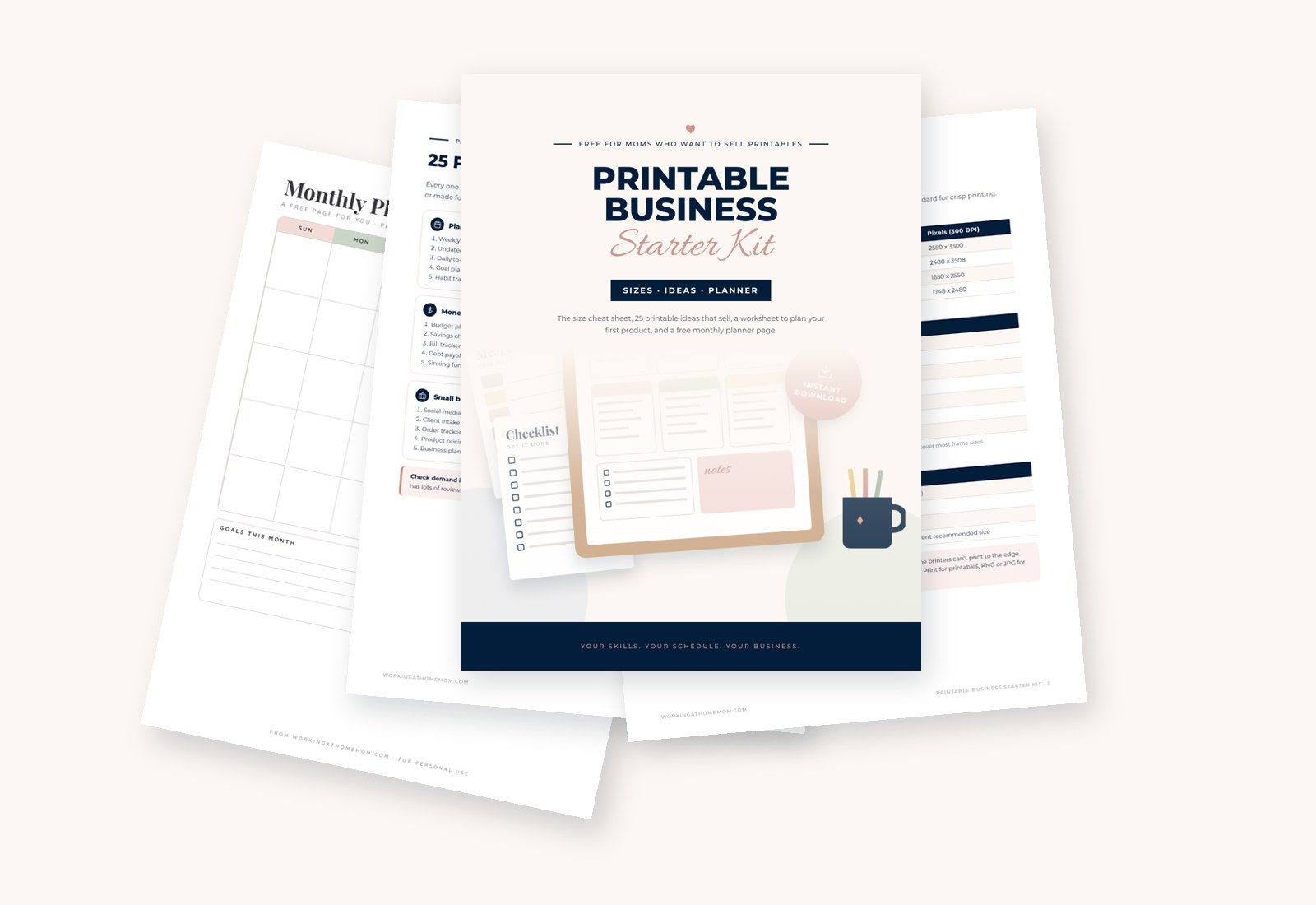
Get our free Printable Business Starter Kit
The printable size cheat sheet, 25 printable ideas that sell, a worksheet to plan your first product and a free monthly planner page. Sent straight to your inbox.