If you’ve made a printable and you’re wondering how to sell printables on Etsy, you’re in the right place. Etsy is where millions of shoppers already search for planners, checklists, wall art and party printables, and it delivers your file automatically every time someone buys.
This guide picks up where making the printable ends. We’ll walk you through getting your files ready, creating a digital listing, following Etsy’s rules on original work and AI, pricing, and bringing in your first buyers. If you still need to design your first product, start with our guide on how to make printables to sell, then come back here.
How to sell printables on Etsy: the quick answer
- Open your Etsy shop (or finish setting it up).
- Export your printable as a high-quality PDF in the sizes buyers need.
- Create a new listing and choose a digital item type so Etsy delivers it as an instant download.
- Upload your files, add mockup photos, and write a searchable title, tags and description.
- Disclose any AI use in the description and make sure the design is your own original work.
- Price it for profit, publish, and keep adding listings while you share your shop on Pinterest.
Before you list: is your shop ready?
You need an open Etsy shop with payments and billing set up before you can sell anything. If you haven’t done that yet, our Etsy for beginners setup guide covers the shop name, verification, policies and storefront step by step.
For a printable shop, pay extra attention to two parts of your setup:
- Shop policies: explain that digital files are delivered instantly and that you’ll help if a file won’t open or download. Most printable sellers don’t accept returns on digital items because the buyer keeps the file, but say clearly what you will do to make things right.
- About section: tell buyers who your printables are for. “Simple planners for busy moms” is more memorable than “printables and more.”
Step 1: Make sure your printable follows Etsy’s rules
Etsy’s Creativity Standards say digital downloads must be original content created by the seller. That one rule shapes almost everything about selling printables there.
- Your design, your work: you can’t resell someone else’s printables, scans or bundles of other people’s work as your own.
- PLR and templates: buying a commercial license gives you permission to use content, but it doesn’t make you the creator. Use licensed graphics as raw material and turn them into your own finished design, rather than relisting them as-is. Change the layout, add your own content and make it clearly yours.
- AI is allowed, with disclosure: Etsy allows AI-assisted designs when you play a clear creative role, and it requires you to disclose in the listing description when an item is created with the use of AI. AI prompt bundles on their own don’t qualify, and you can’t present AI work as handmade.
- No AI-written instructions: since October 2026, Etsy doesn’t allow AI-generated functional guides, such as patterns, recipes, instructions and how-to guides. Planner pages and checklists are fine, but write any “how to use” pages and guides yourself.
- No characters, logos or brand names: printables featuring cartoon characters, sports teams or brands get removed, and repeat problems can put your shop at risk.
Etsy updates its policies from time to time, so read the current Creativity Standards and Prohibited Items Policy before you list.
Tip: keep a simple spreadsheet listing every font, graphic and clipart set you use, where it came from and what its license allows. If a question ever comes up, you’ll have the answer in seconds.
Step 2: Prepare your printable files
Buyers judge a printable shop by how easy the files are to use. A little care here saves you a lot of customer messages later.
Choose your file format
PDF is the standard for printables. It keeps your layout, fonts and colors exactly as you designed them, and it opens on almost any device. Some sellers also include PNG or JPG versions of wall art for buyers who want to print at a photo lab.
Include the right sizes
US buyers usually want US Letter (8.5 x 11 inches), while buyers in many other countries want A4. Wall art often needs several ratios so it fits common frames. Including both Letter and A4 is one of the easiest ways to reach more buyers.
Keep within Etsy’s file limits
Etsy limits how many files you can attach to a digital listing and how large each one can be. Check the current limits in Etsy’s Help Center. If you have lots of sizes, combine them into a ZIP file or merge pages into one PDF so everything fits.
Name files clearly
“Weekly-Meal-Planner-Letter.pdf” is far more helpful to a buyer than “design-final-v3.pdf.” Add a one-page “How to print” PDF with paper and printer settings, and you’ll cut down on questions.
Step 3: Create a digital listing
When you add a new listing in Shop Manager, Etsy asks what type of item you’re selling. Choose the digital option so the listing is set up as an instant download, with no shipping profile needed. Then upload your files in the digital files section.
Once a buyer pays, Etsy gives them access to the files right away. They can download from the confirmation email or from their Purchases page. You don’t have to do anything, which is what makes printables so friendly for busy moms.
If you sell personalized printables (like an invitation with the buyer’s details), set the listing up as made to order instead, collect details with the personalization box, and send the finished file through the order once it’s ready.
Step 4: Photos and mockups that sell the click
Shoppers can’t hold a printable, so your photos do the convincing. Etsy shows your first photo in search results, which makes it the most important image in the listing.
- Photo 1: a clean mockup of the printable in use, like a planner page on a desk or a print in a frame. Make the product big and easy to read on a phone.
- Photo 2: what’s included, such as “12 pages, Letter and A4, instant download.”
- Photos 3 to 6: close-ups of individual pages so buyers can see the details.
- Last photo: a simple “how it works” graphic: buy, download, print.
Canva has mockup frames and templates you can use to build these quickly. Etsy asks digital sellers to show a preview or excerpt of what buyers receive, so make sure your mockups and close-ups show your real pages, exactly as they look in the download. Printables don’t need a photo of a physical product. Keep the same fonts and colors across all your listings so your shop looks like a brand.
Step 5: Write a title, tags and description buyers can find
Etsy search matches the words shoppers type with the words in your listing. Write for the shopper, not for yourself.
- Title: lead with the main phrase buyers search, like “Weekly Meal Planner Printable,” then add a few related phrases. Keep it readable.
- Tags: use all 13. Choose multi-word phrases such as “meal plan pdf” or “grocery list printable,” and include sizes or uses buyers search for.
- Description: open with what it is and who it’s for, then list what’s included, sizes, file type, and how to print. Add a short line that it’s a digital download and nothing will be shipped.
- AI disclosure: if AI helped create the design or artwork, say so plainly in the description, as Etsy requires.
Do it with AI: open Claude (or ChatGPT) and paste: “I’m listing a printable on Etsy. Product: [PRODUCT]. Who it’s for: [BUYER]. What’s included: [PAGES, SIZES, FILE TYPES]. Write 3 title options that start with the phrase a buyer would search, 13 tags of 20 characters or fewer, and a description with these sections: what it is, who it’s for, what’s included, how to download and print, and a one-line note that it’s a digital download and nothing ships.” Then check and edit everything so it’s accurate and sounds like you.
Step 6: Price your printables for profit
Look at similar printables to see the range shoppers are used to, then decide where yours fits based on how much it includes and how polished it is. Etsy charges listing, transaction and payment processing fees, so check Etsy’s current fees and make sure every sale still leaves you a profit.
Bundles are your friend. A single budget page might be a small impulse buy, while a full budgeting bundle with 20 pages can sell for much more and takes little extra work once the design is done. Our guide on how to price printables includes example price math for singles and bundles.
Step 7: Publish, then build momentum
New listings often take a few weeks to start showing in search. That’s normal. Use that time to keep building.
- Aim for 10 to 20 listings: more listings mean more chances to be found, and a fuller shop looks more trustworthy.
- Stay in one niche at first: a shop full of homeschool printables builds trust faster than a mix of everything. Our list of printable ideas to sell is grouped by niche to help you choose.
- Pin every listing: Pinterest is a search engine moms use all the time. Create two or three pin designs per product and link them to your listing.
- Read your stats: Etsy’s shop stats show which search terms bring visitors. Use those words in new listings, and refresh titles on listings that get views but no sales.
- Answer messages quickly: a fast, friendly reply to a “the file won’t open” message often turns into a great review.
If you’d like a head start on graphics, That PLR Shop’s club gives members commercial-use content for planners and printables. (Affiliate link: we may earn a commission at no extra cost to you.) Remember Etsy’s rule: transform anything you use into your own original design before you list it.
Common mistakes when selling printables on Etsy
- Only offering one size: you lose every buyer who needs A4 (or Letter).
- Blurry or tiny first photos: if a buyer can’t tell what it is on a phone screen, they scroll past.
- Vague titles: “Sunshine Collection” means nothing in search. Say what it is.
- Skipping the AI disclosure: it’s an Etsy requirement, and it builds trust.
- Giving up after a month: printable shops grow with more listings and steady tweaks, not overnight.
Make and sell printables on Etsy, step by step
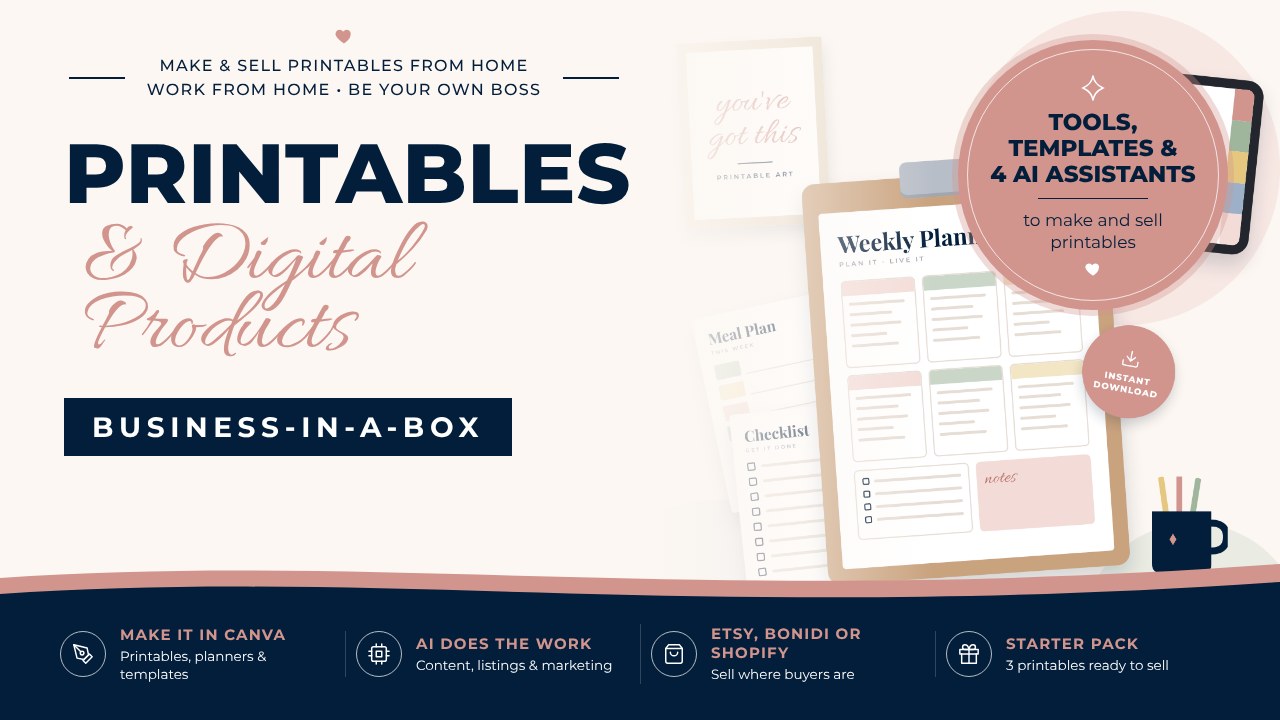
Our Printables & Digital Products Business-in-a-Box shows you how to make printables in Canva with AI and sell them on Etsy, Bonidi or Shopify. It includes 20 templates, 4 AI assistants and 3 ready-made printables you can rebrand and sell.
Selling printables on Etsy FAQ
Do you need a lot of money to start selling printables on Etsy?
No. You can design printables in Canva’s free plan and open an Etsy shop for a small setup fee plus listing fees. Check Etsy’s current fees page for the exact amounts in your country.
Can I sell printables made with AI on Etsy?
Yes, as long as you play a clear creative role and disclose AI use in the listing description. The exception is instructions: Etsy doesn’t allow AI-generated how-to guides, patterns or recipes, so write any instructions yourself. Always check and edit AI output, and read Etsy’s current policies before you list.
Can I sell Canva printables on Etsy?
You can sell original printables you design in Canva. You can’t sell Canva templates or elements as-is or with tiny changes. Read Canva’s licensing pages for the details, since they can change.
How do buyers get their printable after they pay?
Etsy delivers digital files automatically. Buyers can download them from their confirmation email or the Purchases section of their Etsy account.
How many printables should I list before expecting sales?
There’s no magic number, but most sellers find that 10 to 20 good listings in one niche gives Etsy and buyers enough to work with. Keep adding and improving listings each week. Results depend on your time, skills and effort.
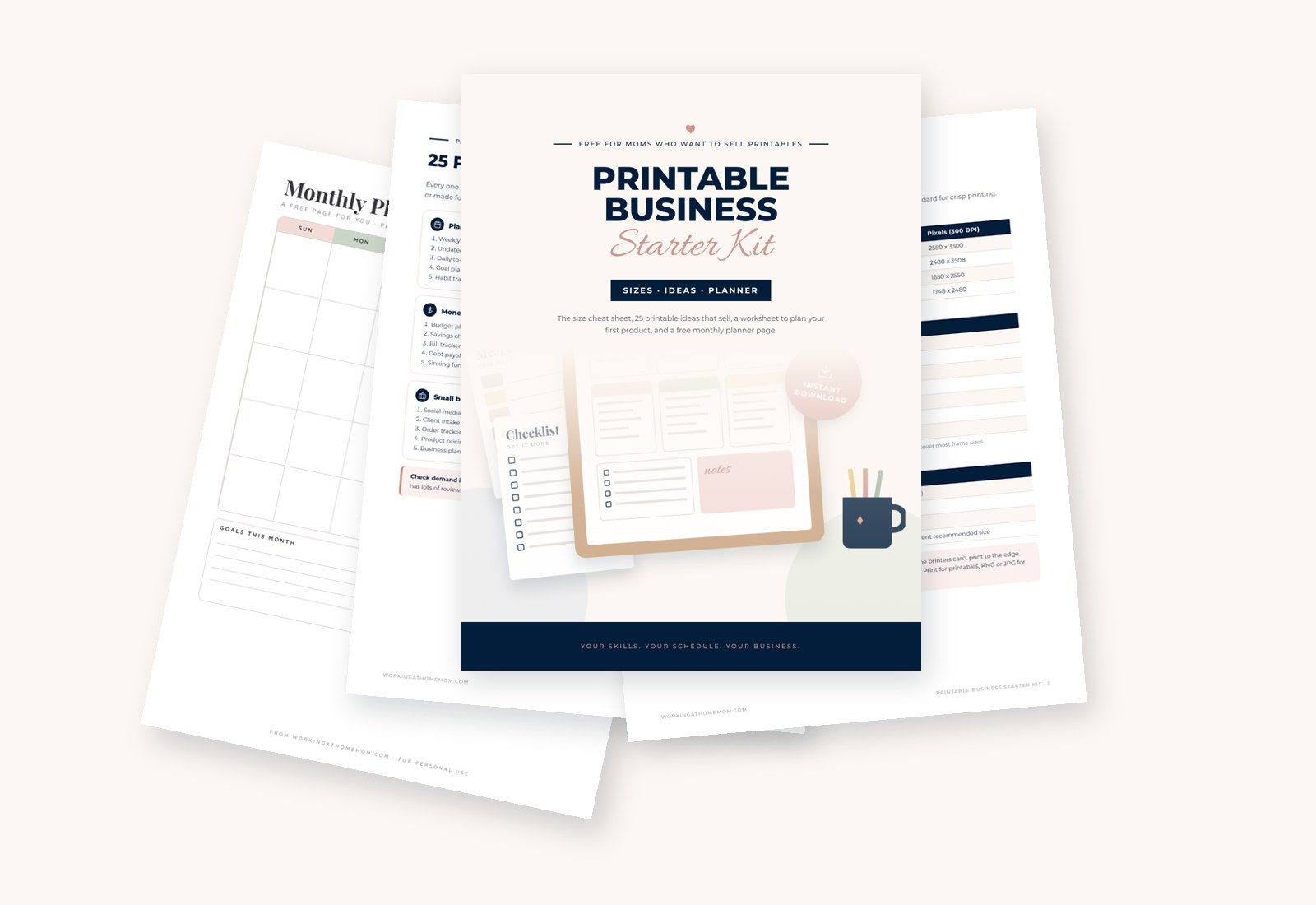
Get your first Etsy printable ready faster
The printable size cheat sheet, 25 printable ideas that sell, a worksheet to plan your first product and a free monthly planner page. Sent straight to your inbox.