Learning how to start an online store from home is one of the most flexible ways to build income around your family. You can work during nap time, after bedtime or in the gaps between school runs, and your store stays open while you sleep.
The good news: you don’t need a warehouse, a big budget or tech skills. You need a product people want, a simple place to sell it, and a plan to tell people about it. This guide walks you through every step, from picking products to your launch week, with AI prompts to save you hours.
How to start an online store from home: the quick answer
- Pick a product and a clear customer (who is it for?).
- Decide on digital or physical products (or both).
- Choose a platform: a marketplace like Etsy, your own store on Bonidi or Shopify, or both.
- Set up your store: name, logo, pages, policies and payments.
- Price your products so every sale covers costs, fees and your time.
- Learn the basics of sales tax and business rules where you live.
- Sort out shipping (for physical products).
- Launch with at least a handful of products and a simple marketing plan.
Step 1: Pick products people actually want
Your store is only as good as what’s in it. The best starting products sit where three things overlap: something you enjoy making or curating, something a specific group of people already buys, and something you can produce without burning out.
Start with a customer, not a product. “Busy moms who want to get organized” or “teachers decorating a classroom” gives you a clear direction. Then look at what those people already search for and buy.
- Browse best sellers: look at popular items on Etsy, Pinterest and Amazon in your niche. Read the reviews to see what buyers love and what they wish was better.
- Check search demand: type ideas into Etsy, Pinterest and Google search bars and note the suggestions that pop up. Those are real searches.
- Start narrow: five great products for one type of customer beats fifty random ones.
Need ideas? Our guide to the best things to sell online from home compares the most popular options with pros, cons and startup effort.
Do it with AI: open Claude (or ChatGPT) and paste: “I want to start an online store from home. I enjoy [YOUR SKILLS OR INTERESTS] and I have about [HOURS] hours a week. Suggest 10 product ideas for [TARGET CUSTOMER], and for each one tell me: digital or physical, rough startup effort (low, medium, high), and what buyers would search to find it.” Then check the ideas against real searches on Etsy and Pinterest before you commit.
Step 2: Digital vs physical products
This is one of the biggest decisions you’ll make, because it shapes your daily routine.
Digital products
Printables, planners, templates, checklists, coloring pages and guides. You make them once, and the platform delivers the file automatically.
- Pros: very low startup cost, no inventory, no shipping, no packing at the kitchen table.
- Cons: lots of competition, and you need good design and good listings to stand out.
Physical products
Handmade goods, print-on-demand items, curated or vintage finds, and wholesale products.
- Pros: buyers often pay more for something they can hold, and gifts sell well all year.
- Cons: you deal with materials, inventory, packaging and shipping (unless you use print-on-demand).
Tip: if you have little ones at home, digital products or print-on-demand are the gentlest way to start. You can add handmade or stocked products later, once you know what sells.
If you go physical, our guide on where to buy products to sell online covers wholesale, print-on-demand and how to spot scam suppliers.
Step 3: Choose a platform (Bonidi, Shopify or Etsy)
You have two main paths: sell on a marketplace that already has shoppers, or build your own store that you control. Many sellers end up doing both.
- Etsy: a marketplace with millions of shoppers already searching. It’s quick to set up, and great for handmade, vintage, digital and print-on-demand items. The trade-off: you follow Etsy’s rules, compete side by side with other shops, and don’t fully own your customer relationships.
- Shopify: a popular platform for building your own branded store. You get lots of design control and a huge app store, but you bring your own traffic.
- Bonidi: Bonidi is the all-in-one system we use. It puts your website, store, email marketing and sales funnels in one place, so you’re not stitching together separate tools.
Not sure which way to go? Read our honest Etsy vs Shopify comparison. Each platform has its own fees (monthly plans, listing fees, payment processing and so on), and they change often, so check current pricing on each site before you decide.
Step 4: Set up your store
Whatever platform you choose, the setup checklist is about the same:
- Store name: short, easy to spell and broad enough to grow. Check that the name and matching social handles are available, and search your country’s trademark database.
- Logo and colors: keep it simple. Canva has free logo templates you can customize in minutes.
- Home page: say who you help and what you sell in one clear sentence at the top.
- About page: buyers love buying from a real person. Share why you started and who your products are for.
- Policies: returns, refunds, processing times and, for digital items, what happens if a file won’t open.
- Product pages: clear photos or mockups, a title buyers would actually search for, and a description that covers what it is, who it’s for and what’s included.
If you’re starting on Etsy, our Etsy shop setup guide walks through each screen.
Step 5: Price your products for profit
Pricing is where many new store owners lose money without noticing. Your price has to cover more than materials.
- Product costs: materials, printing, packaging or wholesale cost per item.
- Platform and payment fees: listing fees, transaction fees, payment processing and subscriptions.
- Shipping: what you charge versus what you actually pay.
- Your time: even a modest hourly rate adds up.
- Profit: money left over to grow the business.
Example: say a handmade candle costs you a certain amount in wax, wick, jar and label. Add your packaging, your share of fees and a fair amount for your time, then add profit on top. If that number is far above what similar candles sell for, look for cheaper supplies or a more premium angle, rather than just cutting your price.
Do it with AI: paste this into Claude or ChatGPT: “Help me build a simple pricing worksheet for my [PRODUCT]. My costs per item are: materials [AMOUNT], packaging [AMOUNT], shipping supplies [AMOUNT]. It takes me [MINUTES] minutes to make. I sell on [PLATFORM]. Create a table with columns for each cost, a line for platform fees that I’ll fill in from the current fee page, my time at [HOURLY RATE], and a suggested price with profit.” Then double-check every number yourself.
Step 6: Payments, sales tax and the business basics
Most platforms make taking payments easy: you connect a bank account and the platform handles card payments at checkout. Read the payout schedule so you know when money arrives.
Sales tax is the part that trips people up. In the US, marketplaces like Etsy generally collect and send sales tax for you in states with marketplace facilitator laws. On your own store, you’re usually responsible for figuring out where you need to collect tax, registering and filing. Shopify and similar platforms have tools to help calculate it, but the responsibility is still yours.
Also check whether your city or state needs a business license, and keep simple records of every sale and expense from day one (a Google Sheet or QuickBooks works). Rules vary a lot by location, so check your local requirements or talk with a tax professional.
Step 7: Shipping basics (for physical products)
- Weigh and measure: pack a finished product the way you’ll ship it, then weigh it. That’s how you set accurate shipping prices.
- Buy labels through your platform: Etsy, Shopify and many other platforms offer discounted shipping labels you can print at home.
- Set clear processing times: be realistic. Under-promise and over-deliver, especially around holidays and school breaks.
- Decide on free shipping: many buyers love it. If you offer it, build the cost into your product price.
- Consider print-on-demand: services like Printful and Printify print and ship for you, so you never touch the product.
Step 8: Launch and market your store
Opening your store is not the same as making sales. Shoppers need a reason and a way to find you. Here’s a simple launch plan:
- Launch with enough products: aim for at least 5 to 10 so your store looks established.
- Start an email list: offer a freebie (like a printable or discount) so visitors can join. Email is the one channel you fully own.
- Use Pinterest: it works like a search engine, and moms use it to plan and shop. Create several pins for every product.
- Show up on one social platform: pick Instagram, Facebook or TikTok and post consistently. Behind-the-scenes and “how I made this” content works well.
- Tell your people: friends, family and local groups that allow it.
- Track and improve: each month, look at what sold, what got views but no sales, and what got ignored.
Do it with AI: try this prompt in Claude: “I’m launching an online store that sells [PRODUCTS] to [TARGET CUSTOMER]. Create a 2-week launch plan with one small marketing task per day (15 to 30 minutes each), using Pinterest, [SOCIAL PLATFORM] and email. Include 5 Pinterest pin titles and 3 email subject lines.” Then edit it to fit your schedule and your voice.
How AI can help you run your store
AI tools like Claude and ChatGPT are like a helpful assistant who never gets tired. Use them to:
- Brainstorm: product ideas, store names and bundle ideas.
- Write: product descriptions, About pages, policies and email newsletters.
- Plan: content calendars, launch plans and pricing worksheets.
- Answer customers: draft polite replies to common questions.
Always check facts, prices and policies yourself, and edit the wording so it sounds like you.
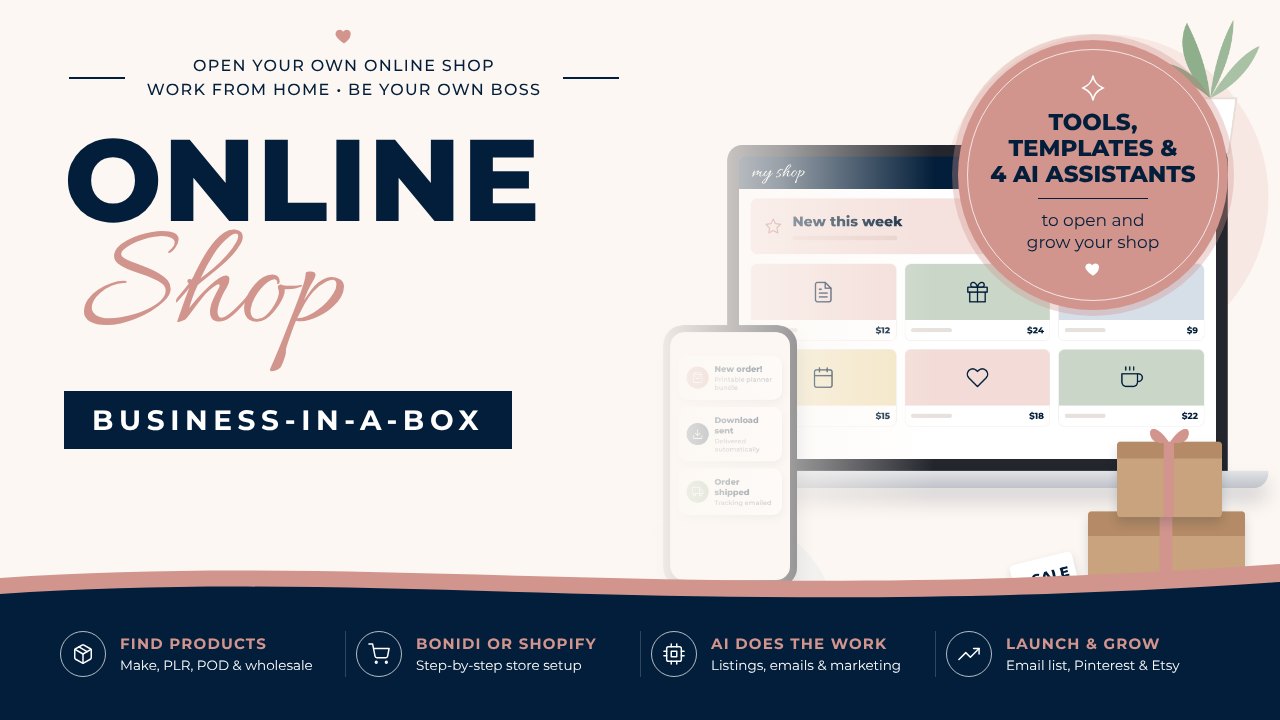
Start your online store with a clear plan
Online Shop Business-in-a-Box shows you how to pick products, set up your store in Bonidi or Shopify, sell on Etsy too, and launch, with templates and AI assistants for every step.
Starting an online store FAQ
How much does it cost to start an online store from home?
It can be very little, especially with digital products or print-on-demand. Your main costs are platform fees, any supplies or samples, and optional tools. Platform pricing changes often, so check current pricing on each site and start with only what you need.
Do I need a business license to sell online?
It depends on where you live and what you sell. Some cities and states require a license or registration, even for home businesses. Check your local rules or ask a tax professional.
Is it better to sell on Etsy or start my own website?
Etsy gives you built-in shoppers, while your own store gives you more control and your own customer list. Many sellers start on Etsy to test products, then add their own store, or run both from the start.
What is the easiest online store to start?
A digital product store is usually the easiest, because there’s no inventory or shipping. Print-on-demand is a close second for physical products, since the supplier prints and ships for you.
How long does it take to get sales?
Every store is different. Some get a first sale within days, others take a few months. Adding products, improving listings and marketing consistently on one or two channels all help.
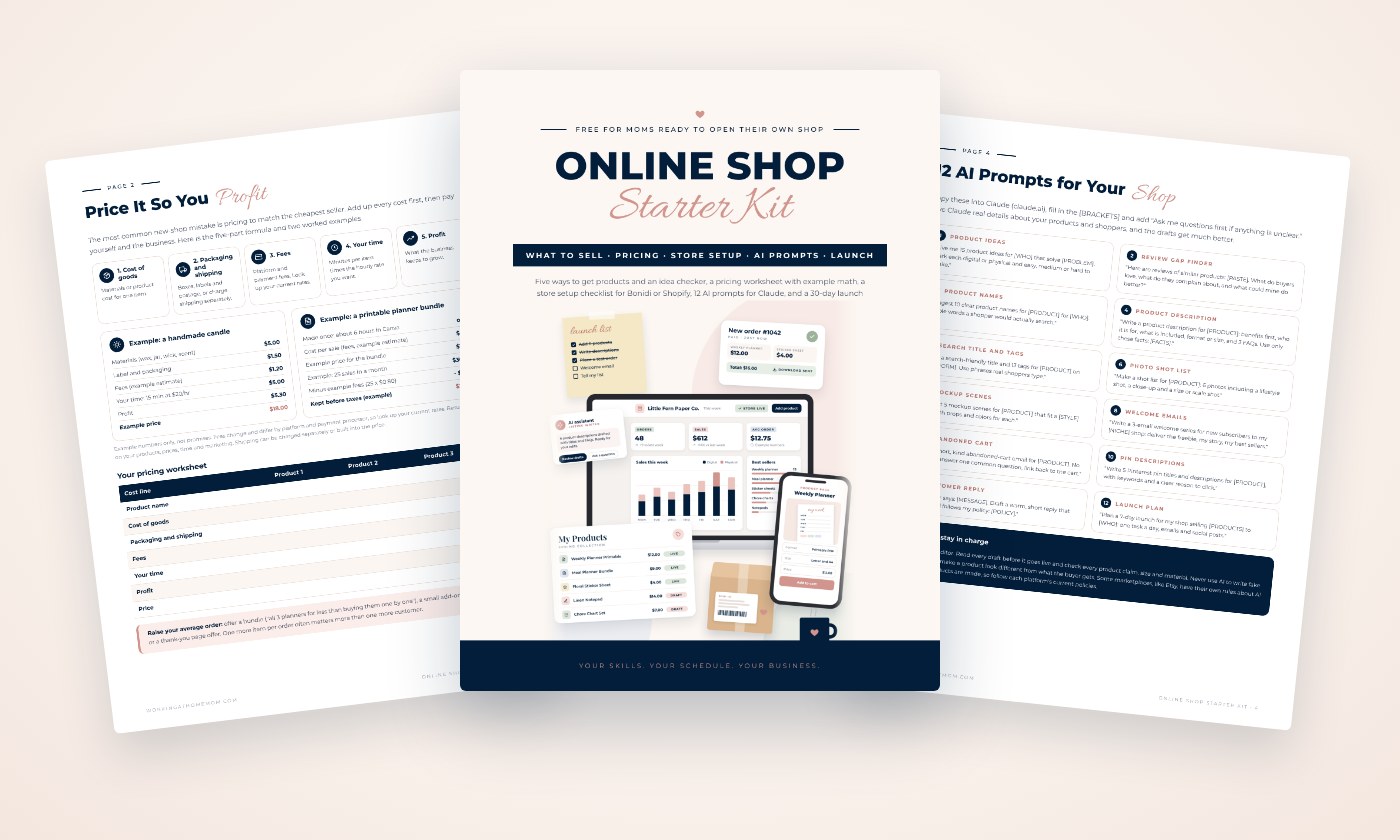
Plan, price and launch your shop
Five ways to get products, a pricing worksheet with example math, a store setup checklist for Bonidi or Shopify, 12 AI prompts and a 30-day launch plan. Sent straight to your inbox.