Learning how to use AI for bookkeeping can cut hours from every client’s month. AI can pre-sort a month of bank transactions, spot why a reconciliation is off and draft a plain-English owner report in minutes. But this is people’s money, so speed only helps if you do it safely.
The bookkeepers who get the most from AI don’t ask it one small question at a time. They hand it whole jobs with a clear brief, give it clean, masked data, and then check every number before anything goes into the books or to the client.
In this guide we show you how, step by step: the money-data safety rules, how to set up Claude for each client, the brief formula, and ready-to-paste briefs for sorting transactions, reconciling and reporting. We use Claude in our examples, but the same ideas work with other AI tools.
How to use AI for bookkeeping: the quick answer
- Learn the safety rules first: mask account numbers, never share bank logins, get the client’s OK and verify totals.
- Set up a Claude Project for each client with instructions and their chart of accounts.
- Write briefs, not prompts: goal, context, examples, constraints, output, and “ask me questions first”.
- Export transactions to a spreadsheet, remove sensitive details and upload the file.
- Hand AI whole jobs: pre-sorting, reconciliation differences, owner summaries, catch-up plans and client emails.
- Check everything: row counts, totals, categories and every flagged item, before it goes into the books.
What AI can and can’t do in bookkeeping
AI is a fast, tireless first-draft partner. It’s great at:
- Sorting: suggesting categories for a spreadsheet of transactions based on the client’s chart of accounts and past patterns.
- Comparing: finding missing, duplicate or mistyped transactions between two exports.
- Summarizing: turning a profit and loss and balance sheet into a short, plain-English owner report.
- Planning: breaking a messy catch-up project into a month-by-month plan.
- Writing: friendly receipt requests, procedures, checklists, proposals and outreach messages.
What it can’t do is take responsibility. AI can misread a description, invent a category or get a total wrong, and it doesn’t know that the “Amazon” charge was really a personal purchase. You are the bookkeeper. AI suggests; you decide. And AI never gives your clients tax advice, just as you don’t (see bookkeeper vs accountant for where that line sits).
The money-data safety rules
Set these rules before you use AI with any real client. They’re simple, and they protect your clients and your business.
- Get the client’s OK: ask before you use AI with their financial data, follow their policies and mention it in your engagement letter or a short AI use note.
- Mask account numbers: remove or shorten bank and card numbers in exports (for example, keep only the last four digits), and remove personal details you don’t need. Client nicknames are fine.
- Never share secrets: no passwords, full bank or card numbers, Social Security numbers or other government IDs, or API keys in any AI tool.
- Never use bank logins: get access through accountant or user invites in QuickBooks Online or Xero, bank feeds connected by the owner, or the bank’s own read-only access if offered. Use a password manager for anything shared.
- Verify totals: check that row counts and totals in AI’s output match the original export, every time.
- Check privacy settings: review your AI tool’s privacy and data settings, and choose the options that fit your clients’ expectations.
- Approve money moves yourself: nothing that pays, transfers, sends or deletes happens without a human. You never move client money; the owner approves and pays.
Tip: keep a simple “AI use note” you can share with clients: what you use AI for, what you never share, that you check all output yourself and that they can opt out. Owners appreciate the honesty.
Step 1: Set up a Claude Project for each client
In Claude, a Project holds instructions plus files (its context), so Claude remembers how this client’s books work every time you open it. Features and plan availability change, so check Claude’s help center for current details.
For each client, add:
- Instructions: “You help me, a bookkeeper, with [CLIENT NICKNAME]’s books. Use only accounts from the chart of accounts. Flag anything unclear as ‘Ask client’. Never give tax advice. Show totals so I can check them.”
- Chart of accounts: the client’s list of categories.
- Client notes: recurring vendors, how they get paid (for example Stripe, PayPal or Square), owner draw habits and past decisions.
- Your checklists: your categorization guide and month-end close checklist.
Claude can also connect to tools like Google Drive and Gmail. Only connect to a client’s tools with the client’s permission, and keep their data in their own folder.
Step 2: Write briefs, not prompts
The difference between frustrating AI and helpful AI is usually the brief. A good brief has six parts:
- Goal: what you want done.
- Context: the business, the period, the software and anything AI needs to know.
- Examples: how similar items were handled before.
- Constraints: the rules, like “only use these accounts” and “don’t guess”.
- Output: exactly what you want back, such as a table with specific columns.
- Questions first: “Ask me questions first if anything is unclear.”
Before: “Categorize these.” After: “Goal: pre-sort March transactions for a dog grooming shop. Context: chart of accounts attached; Stripe deposits are grooming income. Constraints: only use listed accounts; mark anything unclear ‘Ask client’. Output: a table plus a question list. Ask me questions first.” The second version gets you something you can actually review and use.
Step 3: Prepare and mask your exports
Most bank accounts and accounting tools let you export transactions as a spreadsheet or CSV file. Before you upload one to AI:
- Remove what AI doesn’t need: delete account number columns and any personal details, or mask them.
- Keep what it does: date, description, amount and any existing category.
- Note the row count and total: write down how many rows there are and the total in and out, so you can check AI’s output against them.
- Use a clear file name: for example “Client A, March, checking (masked)”.
Step 4: Pre-sort a month of transactions
This is the biggest time saver. Upload the masked export to the client’s Project and hand over the whole job.
Do it with AI: upload the masked export and paste: “Goal: pre-sort these [MONTH] transactions for [CLIENT NICKNAME]. Context: use the chart of accounts and client notes in this project. Examples: [VENDOR] is always [ACCOUNT]; transfers between the business’s own accounts are transfers, not income. Constraints: only use listed accounts, never invent one, and mark anything unclear ‘Ask client’. Output: a table with date, description, amount, suggested account and confidence, then the row count and totals in and out, then a list of questions for the owner. Ask me questions first if anything is unclear.” Then check the row count and totals against your export and review every category before you enter anything in the books.
Review the low-confidence items first, then spot check the rest. Watch for transfers recorded as income, owner draws and personal spending, and refunds. Use what you learn to add bank rules in the software, so next month there’s less to sort.
Step 5: Find why a reconciliation is off
When the books and the bank statement don’t agree, the cause is usually a missing transaction, a duplicate, a mistyped amount or a wrong date. AI can compare two lists far faster than you can by eye.
Do it with AI: upload two masked exports (the bank statement transactions and the transactions in the books for the same account and month) and paste: “Goal: find why this reconciliation is off by [AMOUNT]. Context: file 1 is the bank statement, file 2 is the books, both for [MONTH]. Constraints: don’t change any data; just compare. Output: transactions in the bank but not the books, in the books but not the bank, possible duplicates, and amounts or dates that don’t match, with a running check that explains the difference. Ask me questions first if anything is unclear.” Then confirm each item against the statement before you fix anything in the software.
If the difference involves something you’re unsure how to record, like a loan payment or an old prior-year item, note it and ask the client’s tax professional.
Step 6: Draft the monthly owner summary
Owners don’t want to decode a balance sheet. They want to know what came in, what went out, what changed and what they need to do. Give AI the report numbers and your template, and ask for a one-page summary in plain English: income compared with last month, the biggest expenses, anything unusual, open questions and reminders (like missing receipts). Then check every number against the reports and remove anything that sounds like tax advice.
Step 7: Catch-up plans, emails and procedures
Beyond the monthly work, AI is a big help with:
- Catch-up plans: describe how far behind the books are, and ask for a month-by-month plan, a document list and questions for the owner.
- Receipt requests: list the transactions missing receipts, and ask for a short, friendly email.
- Procedures: paste your messy notes and ask for a clean, step-by-step month-end procedure for that client.
- Your own business: proposals, package menus and outreach messages. Our guide on how much do bookkeepers charge has a brief for building your package menu.
Do it with AI: ask Claude: “Write a short, friendly email to [CLIENT NICKNAME] asking for receipts or explanations for these transactions: [PASTE DATE, DESCRIPTION AND AMOUNT FOR EACH, NO ACCOUNT NUMBERS]. Keep it under 120 words, make it easy to reply (a numbered list they can answer line by line), and give a gentle deadline of [DATE]. Ask me questions first if anything is unclear.” Then edit it and send it yourself.
Step 8: Check everything before it counts
Make this checklist a habit for every AI-assisted task:
- Row count: the same number of transactions in and out.
- Totals: money in and money out match the original export to the cent.
- Accounts: every suggested category exists in the client’s chart of accounts.
- Flags: every “Ask client” item is resolved with the owner, not guessed.
- Reports: every number in a summary matches the actual reports.
- Scope: nothing reads as tax, legal or investment advice.
If you’re new to bookkeeping, start with how to become a bookkeeper from home. Already a VA or OBM using AI? See AI for virtual assistants and online business managers for more ways to work with AI as a teammate.
Five ready-made AI assistants for bookkeeping work
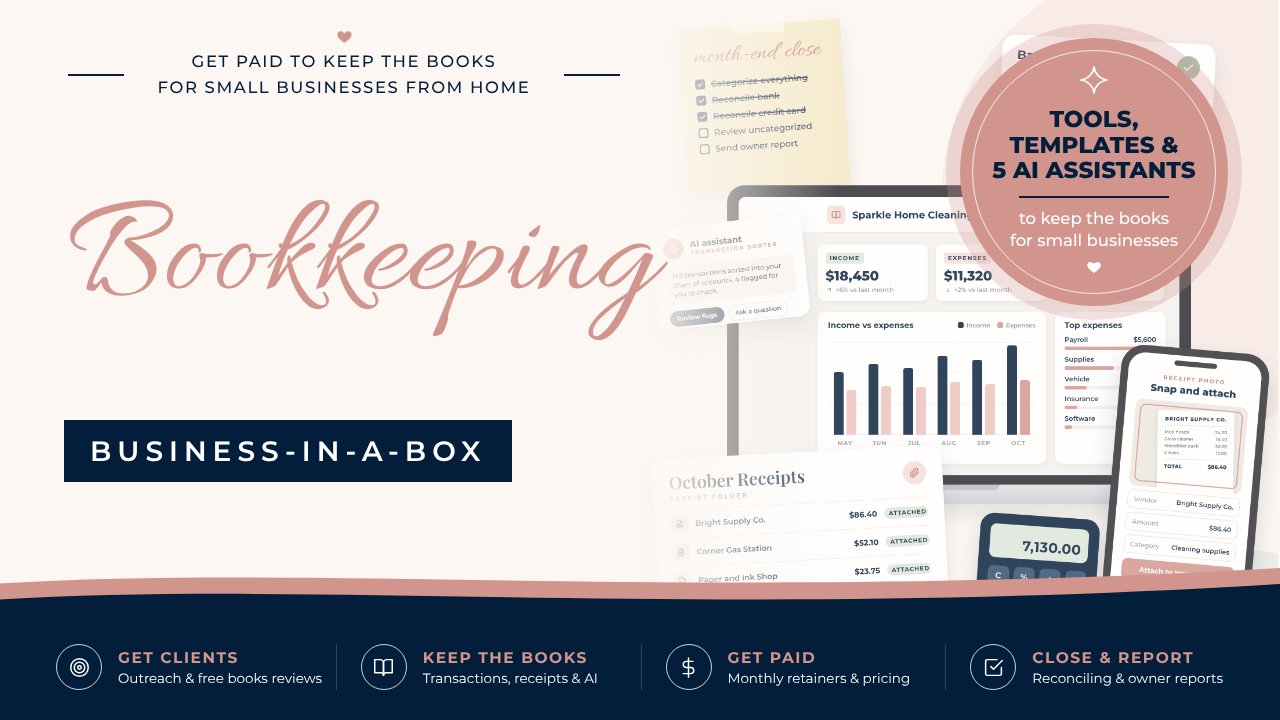
Our Bookkeeping Business-in-a-Box gives you 12 modules, 52 short written lessons, 18 templates and 5 AI assistants in Claude (Transaction Sorter, Reconciliation Helper, Report Writer, Catch-Up Planner and Client Finder), plus the AI Bookkeeping Playbook bonus with 50 AI workflows and a Month-End Procedures Pack. It’s $197, self-paced, with no videos to sit through.
How to use AI for bookkeeping: FAQ
Is it safe to use AI for bookkeeping?
It can be, with the right rules: get the client’s OK, mask account numbers and personal details, never share passwords or bank logins, check your AI tool’s privacy settings and verify every total and category yourself.
Can AI do bookkeeping on its own?
No. AI can draft and suggest, but it makes mistakes and doesn’t know the business the way you do. A bookkeeper reviews everything and takes responsibility for the books.
Can I upload bank statements to Claude?
Claude can read spreadsheets, CSV files and documents you upload. Only upload client data with the client’s permission, and remove or mask account numbers and personal details first. Check Claude’s help center for current features.
Will AI replace bookkeepers?
AI is changing how bookkeepers work, not removing the need for someone careful and trustworthy to own the numbers. Bookkeepers who use AI well can serve more clients in less time.
Can AI answer my clients’ tax questions?
Don’t use it for that. Tax questions go to the client’s tax professional. Use AI for bookkeeping tasks, and keep anything that sounds like tax advice out of your reports and emails.
Get 10 ready-to-paste AI bookkeeping briefs
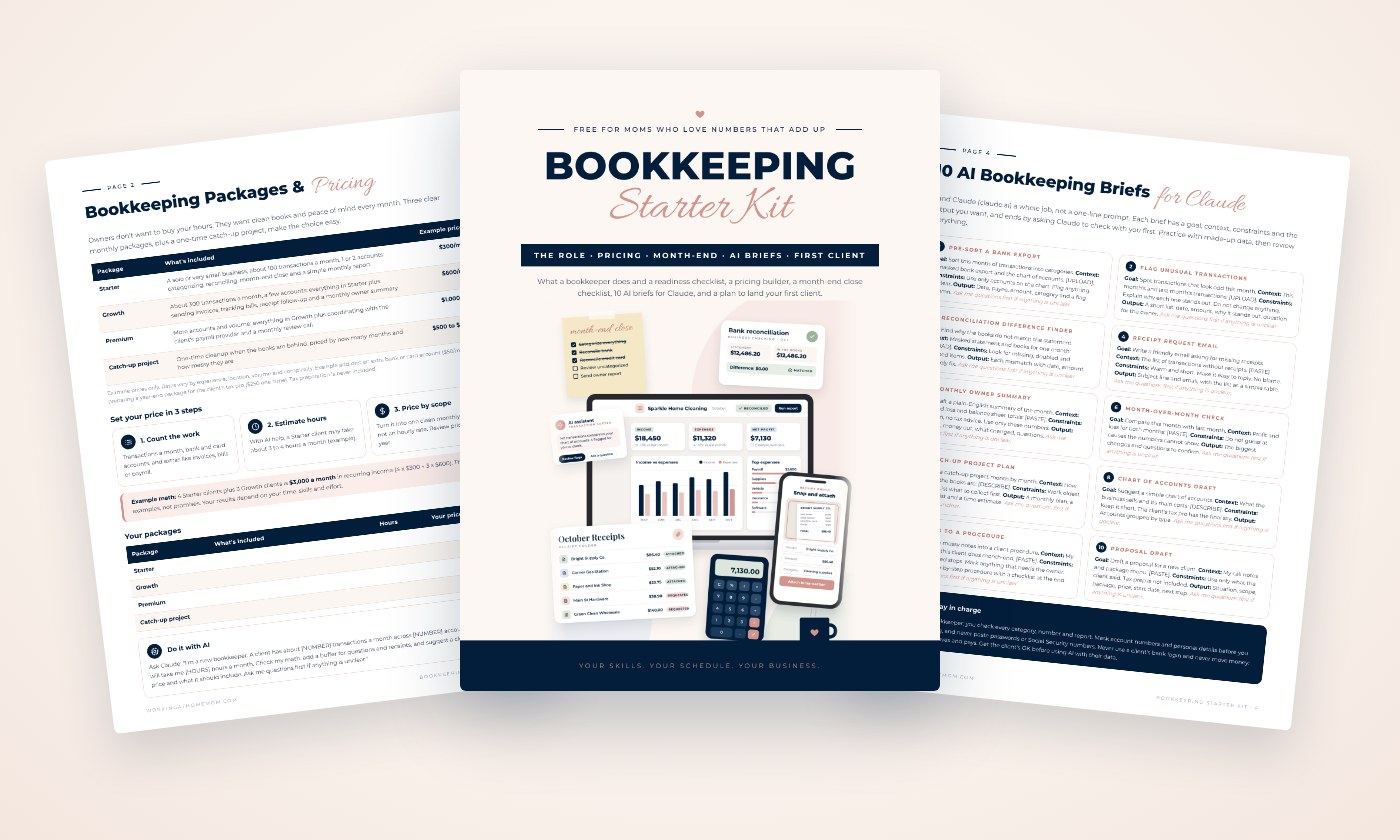
Example bookkeeping packages and pricing, a month-end close checklist, 10 ready-to-paste AI briefs and a 10-step plan to land your first client. Sent straight to your inbox.