Most people use AI one prompt at a time: “write me a headline”, “give me a subject line”. That helps a little. But when you learn how to use AI to build sales funnels the way pros do, you hand it whole jobs: a funnel map from a discovery call, a full sales page from an offer worksheet, a 5-email sequence in the client’s voice, even the code for a custom page section.
The result is a first draft in minutes instead of days. Your job shifts from staring at a blank page to editing, fact-checking and making smart decisions.
In this guide we walk through each part of a funnel with a ready-to-paste brief for Claude, plus the honest marketing and privacy rules that keep you and your clients safe.
How to use AI to build sales funnels: the quick answer
- Learn the brief formula: goal, context, examples, constraints, output, and “ask me questions first”.
- Give AI the right context in a Project for each client or brand.
- Turn discovery notes into an offer summary and funnel map.
- Draft the opt-in page, sales page and headlines from the offer worksheet.
- Write email sequences in the client’s voice from a few samples.
- Use AI for wireframes, custom code sections and fixes from screenshots.
- Have AI write the test plan, then read the numbers and suggest the next test.
- Edit, fact-check and approve everything yourself before it goes live.
Start with the brief formula
The quality of what AI gives you depends on the brief you give it. Treat AI like a capable new teammate who knows nothing about this client yet. Every good brief covers six things:
- Goal: what you want done, in one sentence.
- Context: who the client is, what they sell, who buys and anything else a teammate would need.
- Examples: past emails, pages the client likes or voice samples.
- Constraints: length, tone, words to avoid, and “use only the facts I give you”.
- Output: exactly what you want back, such as a table, an outline or a full draft with headings.
- Questions first: “ask me questions first if anything is unclear”. This one line saves a lot of rewriting.
We cover the brief formula for all kinds of client work in AI for virtual assistants and online business managers.
Feed AI the right context
In Claude, a Project holds instructions plus files, so every chat inside it already knows how this client works. Set up one Project per client (or per brand) and add:
- The offer worksheet: who it’s for, the problem, the promise, the price and the proof the client really has.
- Voice samples: a few of the client’s emails, posts or pages they wrote themselves.
- Real customer words: reviews and messages the client already has and is happy to share.
- Brand basics: colors, fonts and words they love or never use.
- Your rules: “never invent testimonials, numbers or claims; flag anything you’re unsure about”.
Features and plan availability change, so check Claude’s help center for the current details. And always get the client’s OK before using AI with their information.
Step 1: Funnel strategy and the funnel map
Record your discovery call (with permission) or take good notes. Then let AI turn the mess into a plan you can check.
Do it with AI: paste this into Claude: “Goal: turn my discovery call notes into a funnel plan. Context: the client is [TYPE OF BUSINESS] selling [OFFER] at [PRICE]. Constraints: use only facts from the notes and list anything missing as a question. Output: an offer summary (who, problem, promise, price, proof), a short audience profile, the funnel type you recommend (lead magnet, sales or launch) with one sentence on why, and a funnel map listing each page, email, tag and goal in order. Ask me questions first if anything is unclear. Notes: [PASTE NOTES].” Then check every fact against the call and send the summary to the client to confirm.
Step 2: Lead magnet ideas that match the offer
A lead magnet should solve one small problem and lead naturally to the paid offer. Ask AI for 10 ideas, each with a title, the format (checklist, template, mini training, quiz or quote request) and one sentence on how it leads to the offer. Then pick the one the client can deliver well and quickly.
For a local business, the best “lead magnet” is often simply a fast quote or a booking form. AI can help write that page too.
Step 3: Page copy, from headlines to the full sales page
Headlines
Ask for 20 headline options in different styles: benefit-led, problem-led, question and specific outcome. Specific beats clever. Pick two or three, polish them and test one against another later.
The opt-in and thank-you pages
An opt-in page needs a headline, a few bullet benefits, the form and a button that says what happens (“Send me the checklist”). The thank-you page tells people what to do next and can gently mention the paid offer. AI drafts both in one go.
The sales page
Hand AI the offer worksheet and the section order, then tighten it section by section.
Do it with AI: in your client’s Project, ask Claude: “Goal: write a first draft of the sales page for [OFFER]. Context: use the offer worksheet and voice samples in this Project. Constraints: plain, warm language at a reading level a busy parent can skim; only use proof and results that appear in the worksheet; no fake urgency. Output: the page in this order with headings: headline and subheadline, the problem, the promise, what’s inside, who it’s for and not for, proof, price, FAQ and a final call to action. Mark any claim I need to confirm with [CHECK]. Ask me questions first if anything is unclear.” Then read it aloud, fix anything that doesn’t sound like the client and confirm every [CHECK] with them.
Step 4: Email sequences in the client’s voice
Emails do much of the selling in a funnel, and they’re where AI saves the most time. A typical welcome sequence: deliver the freebie, a quick win, the owner’s story, a helpful tip, then a soft offer.
Do it with AI: ask Claude: “Goal: write a 5-email welcome sequence for people who downloaded [LEAD MAGNET]. Context: the paid offer is [OFFER]. Here are three emails the client wrote, so match their voice: [PASTE SAMPLES]. Constraints: under 250 words each, one link and one call to action per email, no invented stories or results. Output: for each email, the send day, a subject line, preview text and the body. Ask me questions first if anything is unclear.” Then check every link, date and detail, and make sure each email has the unsubscribe link and business address your email tool adds.
For sales and launch sequences, add the real deadline and common objections from the client’s FAQ. Deadlines must be real: if the cart closes Friday, it actually closes Friday.
Step 5: Wireframes, page code and fixes
AI is surprisingly helpful on the build side too:
- Wireframes: paste the finished copy and ask for a section-by-section layout: what goes above the fold, where the buttons sit, which sections use two columns.
- Layout previews: Claude can create simple web page previews, which is handy for showing a client the layout before you build it.
- Custom code sections: most page builders, including Bonidi (the all-in-one system we use), have a custom code element. AI can write the HTML and CSS for a pricing table or FAQ section in the client’s brand colors.
- Fixes from screenshots: share a screenshot of a page that looks wrong on a phone and ask what to change.
Custom code rules: only paste code you asked for and understand at a basic level, test it on a draft page first, and never paste scripts from strangers.
Step 6: The test plan
A funnel that’s 95% working is a funnel that’s losing sales. Ask AI to turn your funnel map into a test checklist: every link, form, tag and email, every page on a phone, checkout in test mode, thank-you pages and automations, using a fresh test contact. Then you work through it yourself and tick each line.
Tip: save the test plan as a template in your Project. Next time, AI only needs the new funnel map to produce a full checklist in seconds.
Step 7: Read the numbers and choose the next test
After launch, paste in the basic numbers: visits, opt-in rate, email opens and clicks, sales page conversion and revenue. Ask AI what changed since last month, what might explain it and which one change to test next, such as a new headline or a clearer button. Change one thing at a time so you know what worked.
What AI should never do in your funnels
AI makes good work faster. It should never make dishonest work easier. Our rules:
- No fake proof: never use AI to invent testimonials, reviews, results or case studies.
- No fake urgency: no countdown timers that reset and no made-up “spots left”.
- True claims only: AI copy must be fact-checked against what the client actually offers. Flag risky income or health claims to the client.
- No sensitive data: never paste passwords, card numbers, bank details, API keys or government IDs into AI.
- Client permission and least access: get the client’s OK before using AI with their data, follow their policies, and use each tool’s user or collaborator access rather than shared logins.
- You approve the big actions: anything that sends, publishes, charges, deletes or changes settings gets your review and approval every time.
- Licensed images only: use images the client owns, licensed stock or images made for them, and never copy another brand’s page.
Email and marketing rules vary by country, so treat this as general awareness and suggest clients check local rules or ask a professional.
Review like an editor
You are the editor and the one responsible. Before anything goes live, run this quick check:
- Facts: do the price, dates, features and bonuses match the client’s real offer?
- Proof: is every testimonial and number real and approved?
- Voice: does it sound like the client, not like a robot?
- Links and buttons: does every one go to the right place?
- Accessibility: readable contrast, alt text and buttons that say what they do?
If you’d like to turn these skills into a business, see how to become a funnel builder and the example packages in how much do funnel builders charge. New to funnels? Start with what is a sales funnel. For more ways to earn with these tools, read how to make money with AI. Your results depend on your time, skills and effort.
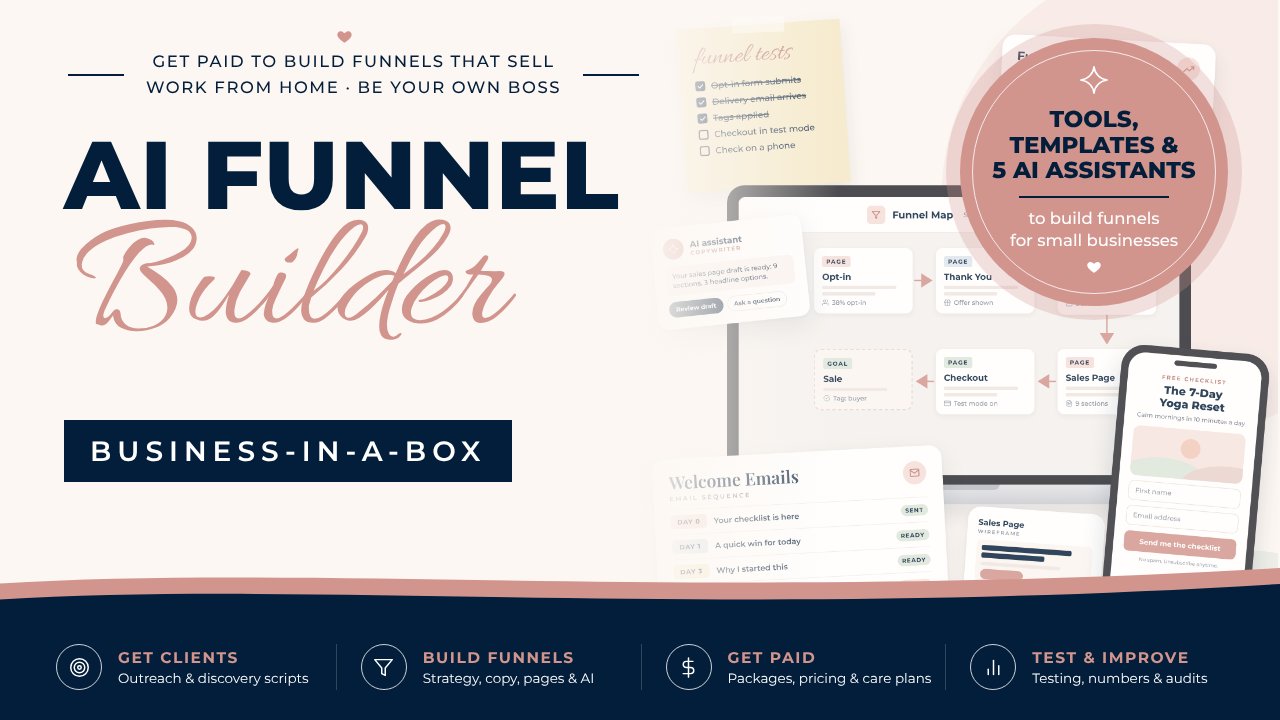
Five ready-made AI assistants for funnel work
Our AI Funnel Builder Business-in-a-Box gives you 12 modules, 52 short written lessons, 18 templates and 5 AI assistants in Claude (Funnel Strategist, Copywriter, Email Writer, Page Builder Helper and Client Finder), plus the AI Funnel Playbook bonus with 50 AI workflows and a swipe file of 10 page outlines. It’s $197, self-paced, with no videos to sit through.
AI sales funnel FAQ
Can AI build a whole sales funnel for me?
AI can draft most of the words, plans, checklists and small code sections, but it can’t understand the business the way you do, confirm the facts, connect payments or test the checkout. Think of it as a fast first-draft teammate, with you as the editor.
Which AI tool is best for building funnels?
We use Claude, because Projects keep each client’s instructions and files together and it handles long documents like sales pages well. ChatGPT works too. The brief matters more than the tool.
Is AI-written copy good enough to use?
As a first draft, often yes. It usually needs editing for voice, specifics and truth. The best copy comes from a strong brief with real customer words, then careful human editing.
Is it safe to use client information with AI?
It can be, with the right rules: get the client’s OK, follow their policies, share only what the job needs and never paste passwords or payment details.
Should I tell clients I use AI?
Yes. A short note in your onboarding explains how you use AI, what you never share and that you review and approve everything before it goes live. Being open builds trust.
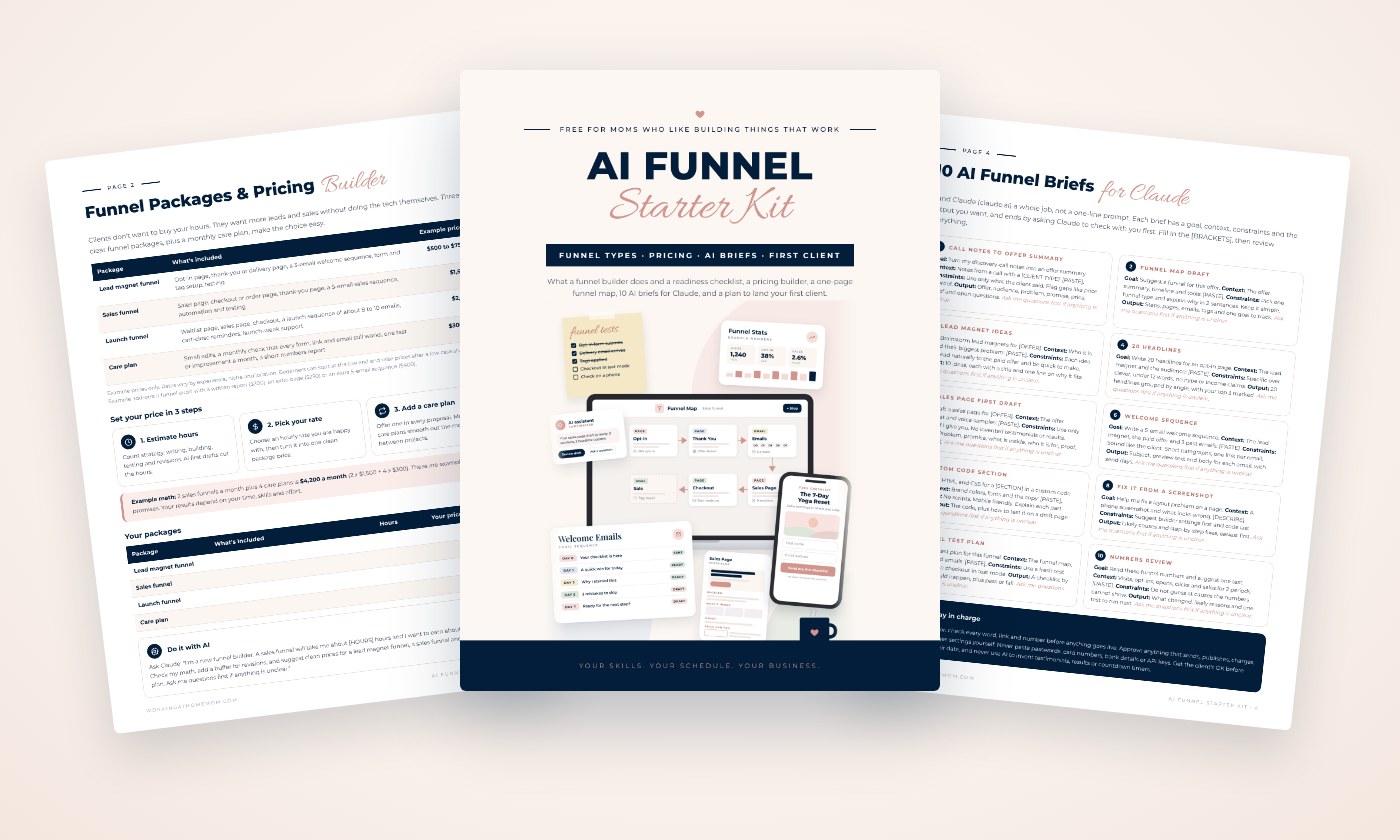
Get 10 ready-to-paste AI funnel briefs
Example funnel packages and pricing, a one-page funnel map, 10 ready-to-paste AI briefs for funnel copy and emails, and a 10-step plan to land your first client. Sent straight to your inbox.