
Work from home · Be your own boss
Open Your Own Online Shop From Home, With AI Doing the Heavy Lifting
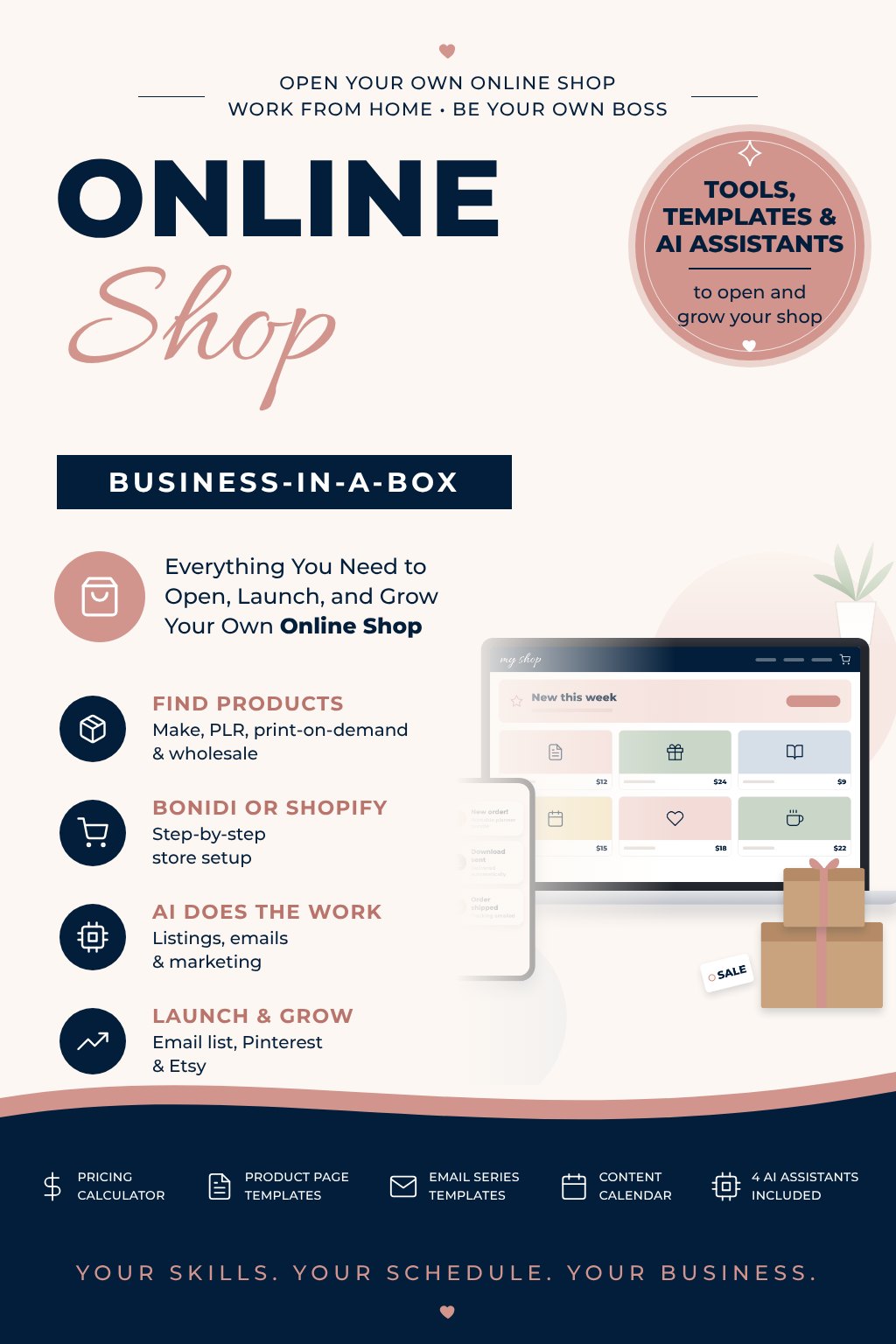
Everything you need to pick your products, set up your store in Bonidi or Shopify, and make your first sales: 12 step-by-step modules plus bonus lessons, 19 done-for-you templates, and 4 AI assistants that write your listings, emails and marketing with you.
Self-paced. No videos to sit through. Start today.
Sound familiar?
You’ve got product ideas. Turning them into a real shop is the hard part.
Maybe it’s printables, maybe it’s candles, maybe it’s a planner you wish existed. People buy things like that online every day. So what’s stopping you?
For most moms it’s one of these:
- You don’t know what to sell, or where to get products without spending a fortune.
- Bonidi, Shopify, Etsy, print-on-demand… you’re not sure where to start.
- You don’t know how to price things so you actually make a profit.
- You’re worried you’ll open a shop and nobody will come.
- You’ve bought courses before that were all videos and no tools.
That last one is why we built this one differently.
How it works
A whole business, already built. You just open the box.
Online Shop Business-in-a-Box is a self-paced course that walks you from “I have an idea” to a launched shop taking orders. Every lesson is short and written, so you can read it during nap time and act on it the same day.
Learn it
The plain-English explanation, no fluff.
Do it with AI
The exact prompt or AI assistant to use, so the work takes minutes instead of hours.
Take action
One thing to do before the next lesson, with the template ready to copy.
We run our own business this way, with AI helping in every step. Now you can too.
What’s inside
12 modules plus bonus lessons. 45 short lessons. One clear path.
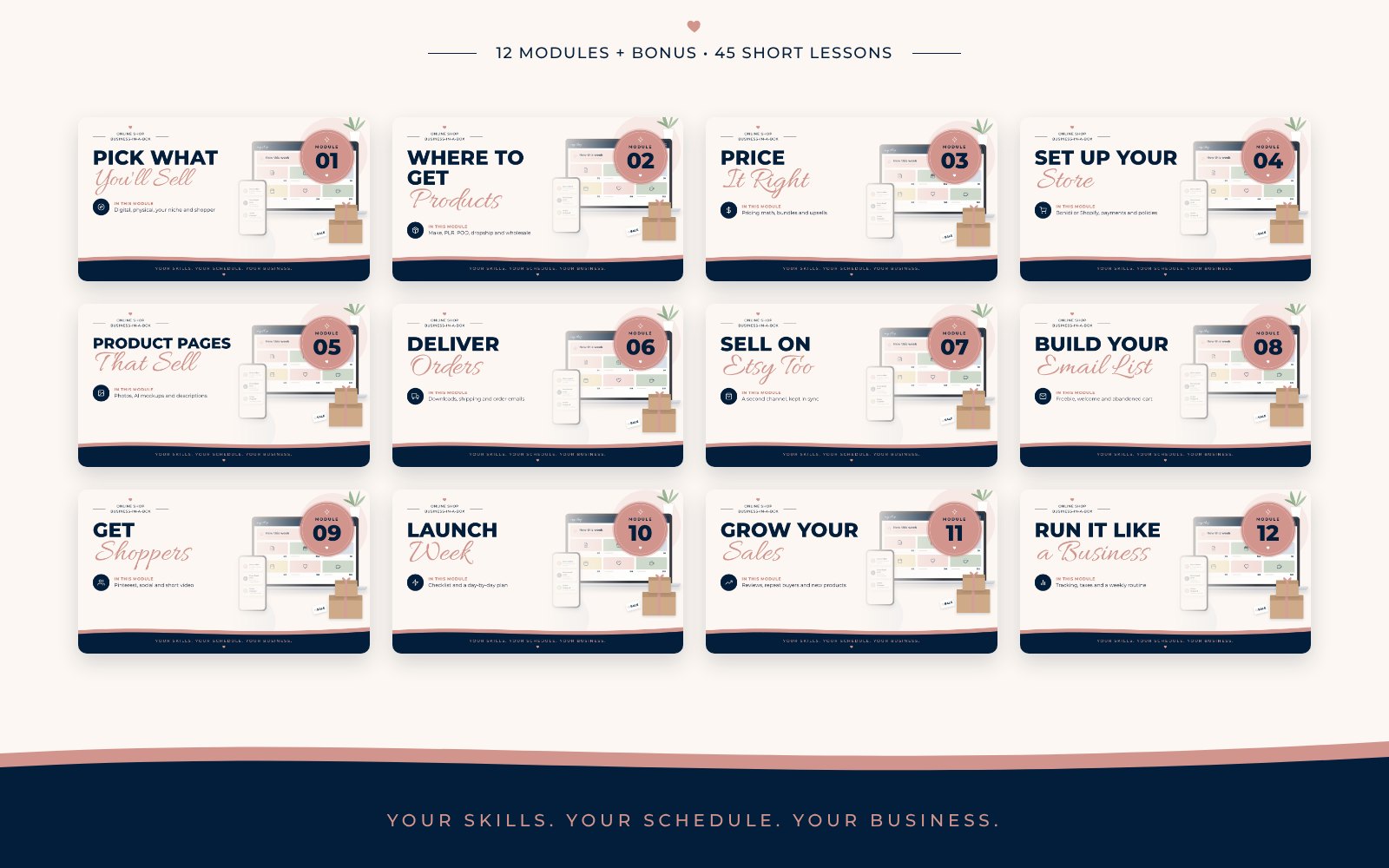
| Start Here | How the course works, your 4 AI assistants in Claude, and picking Bonidi or Shopify |
| 1. Pick What You’ll Sell | Digital, physical or both, your niche and shopper, and checking your idea before you make it |
| 2. Where to Get Products | Make your own, PLR, print-on-demand, dropshipping, wholesale, handmade and thrift flips |
| 3. Price It | The pricing calculator, bundles, upsells and order bumps, and your Shop Builder assistant |
| 4. Set Up Your Store | Step by step in Bonidi or Shopify, plus payments, sales tax, shipping and shop policies |
| 5. Product Pages That Sell | Photos and AI mockups, descriptions that sell, and your Listing Writer assistant |
| 6. Deliver Orders Automatically | Instant digital downloads, packing and shipping, and order emails |
| 7. Sell on Etsy Too | Open an Etsy shop the right way and keep everything in sync |
| 8. Build Your Email List | A freebie shoppers want, a welcome series, abandoned cart emails, and your Email Writer assistant |
| 9. Get Shoppers | Pinterest, Instagram, Facebook and short video, with your Marketing Assistant |
| 10. Launch Week | Your pre-launch checklist and a day-by-day launch plan |
| 11. Grow Your Sales | Reviews, coupons, repeat buyers and seasonal collections |
| 12. Run It Like a Business | Tracking sales and expenses, staying legal, and your weekly routine |
| Bonus | TikTok Shop and social selling, Amazon KDP low-content books, and subscription boxes |
Your new team
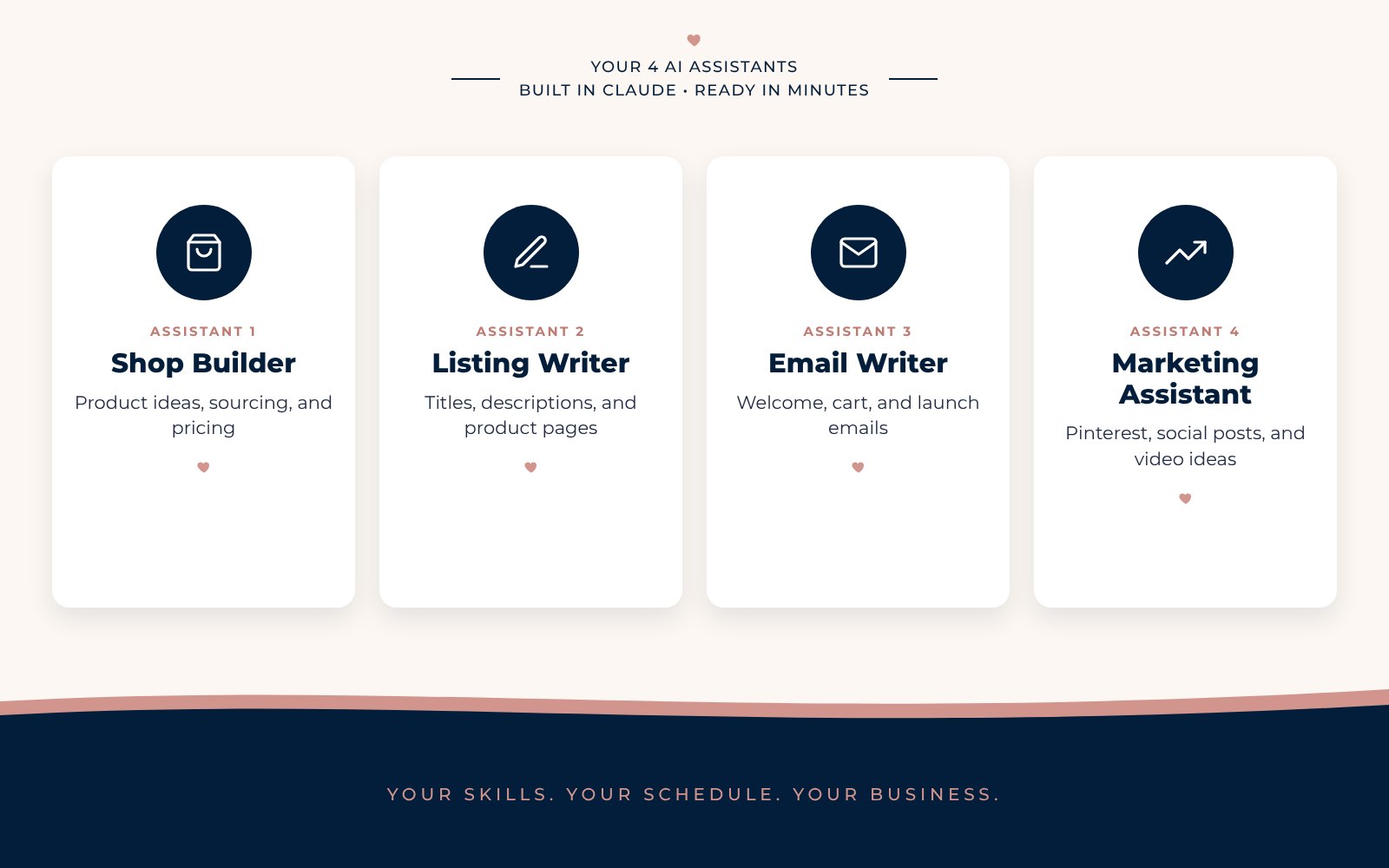
Meet your 4 AI assistants, ready to work
You get the full setup for four assistants you build in Claude in about 5 minutes each: the instructions, the files to upload, and the prompts to use. Each one already knows the templates in your kit, so it gives you answers that fit your business, not generic advice.
Works with a free Claude account, which allows 5 projects, so all four assistants fit. We recommend Claude Pro once your shop is busy.
Done for you
Every template you need, ready to copy
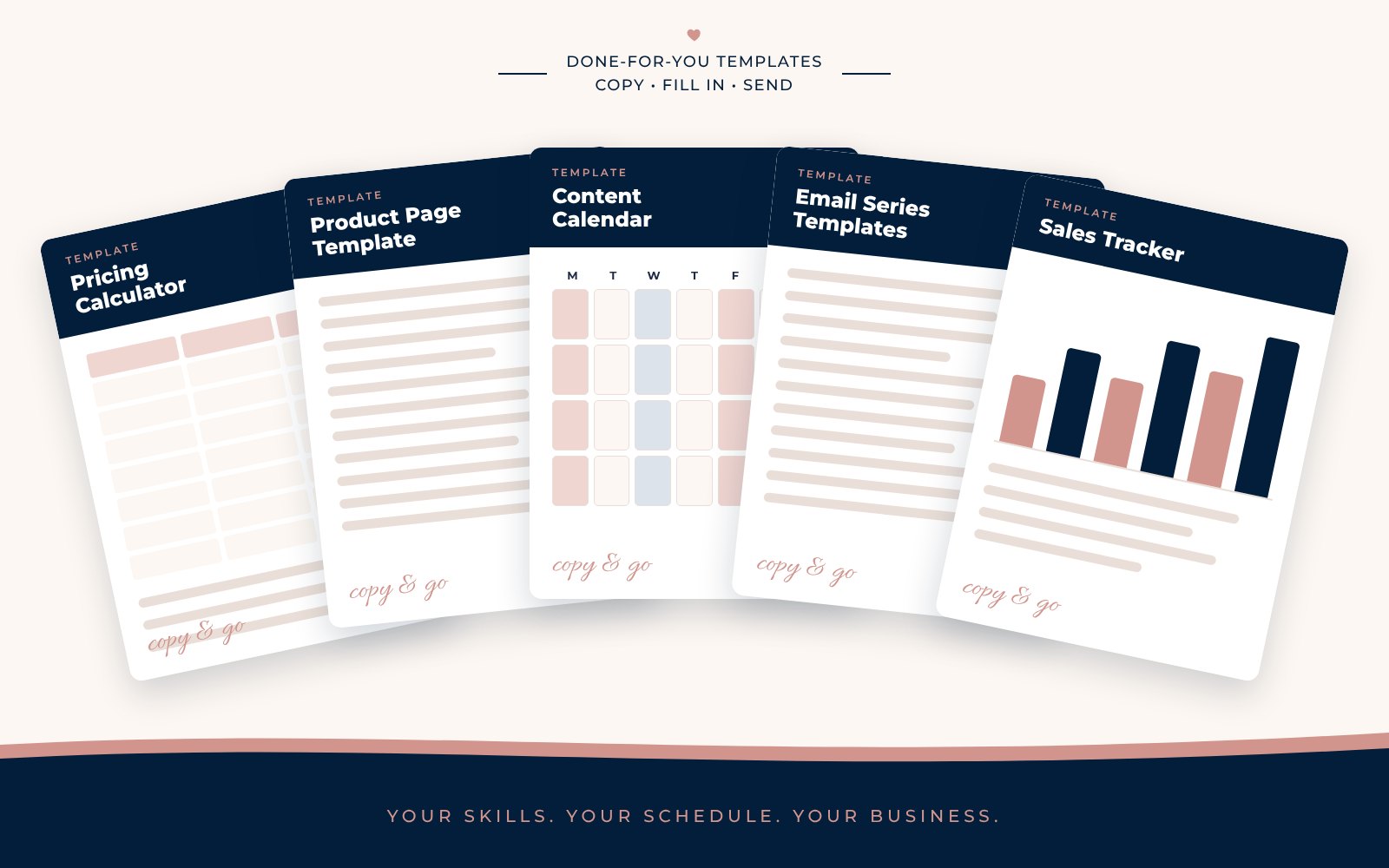
Make a copy, fill in the blanks, and send. Each one is a Google Doc or Sheet you own.
- Shop plan
- Product idea validator
- Supplier checklist
- Shop pricing calculator
- Bundle and upsell planner
- Store setup checklist for Bonidi and Shopify
- Shop policy templates
- Product photo and mockup checklist
- Product page template
- Customer email templates
- Shop email series templates
- Shop content calendar
- Launch week checklist
- Sales and expense tracker
- Weekly shop routine
- Setup guides for all 4 AI assistants
Your business system
Bonidi or Shopify: your choice, step by step
Every setup lesson shows both paths. Choose Shopify for a dedicated store, or Bonidi to run your store, email list, automations and website all in one place, which is what we use.
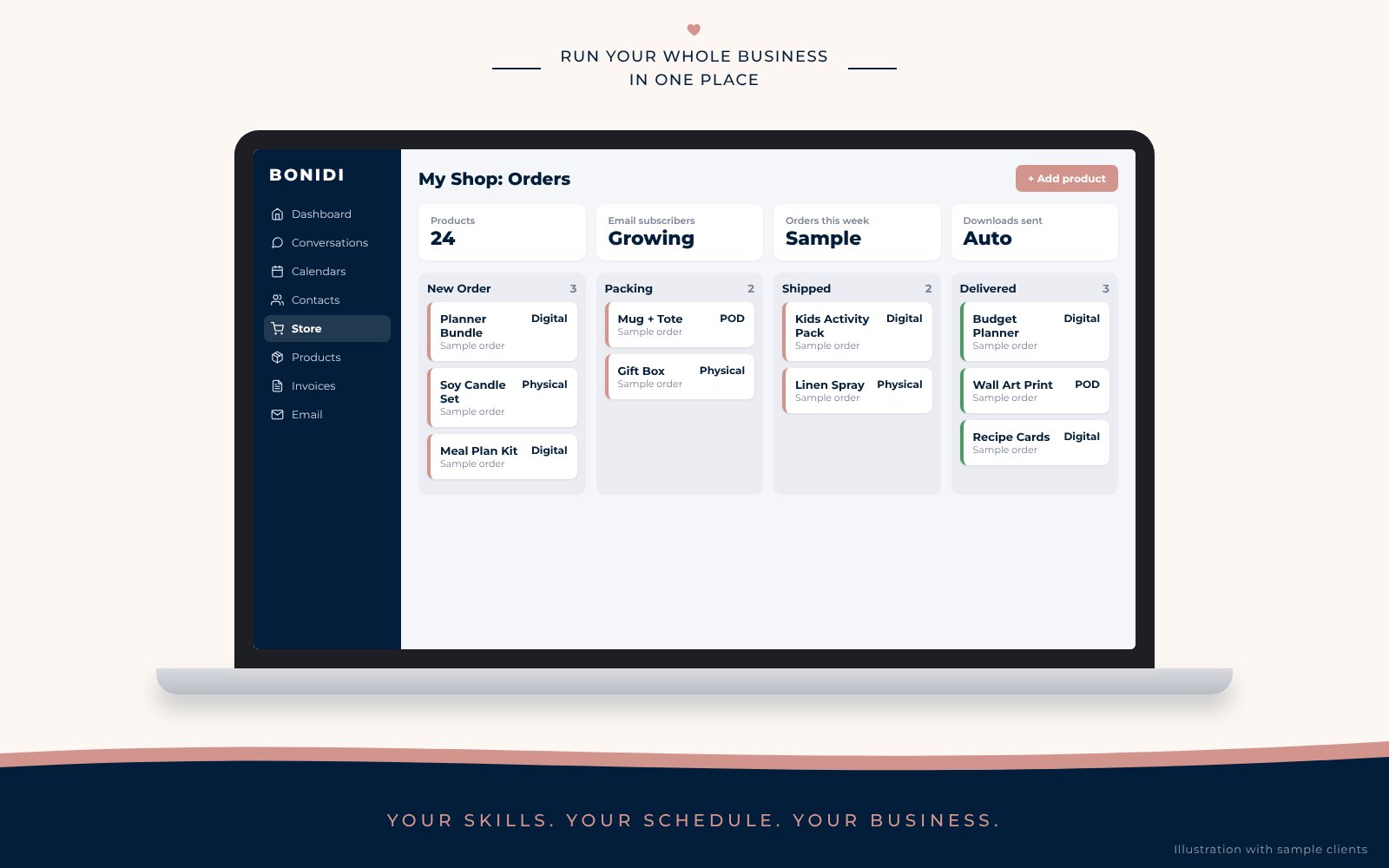
- Products, collections and checkout
- Instant digital downloads and order emails
- Your email list, welcome series and abandoned cart emails
- Coupons, bundles and upsells
- A shop website and landing pages
Course students get a 14-day free Bonidi trial link inside the course.
Is this you?
Is this for you?
This is for you if…
- You want to sell products from home on your own schedule
- You have an idea, or want help finding one
- You’d rather read a short lesson and act than watch hours of video
- You want AI to help with listings, emails and marketing
- You want templates and a system, not a blank page
This isn’t for you if…
- You want a done-for-you shop with no work on your part
- You expect sales without telling anyone about your shop
- You need live coaching or calls to stay on track
- You aren’t willing to make or source products
- You’re looking for a get-rich-quick plan
Everything in one box
Everything you need to start, in one box
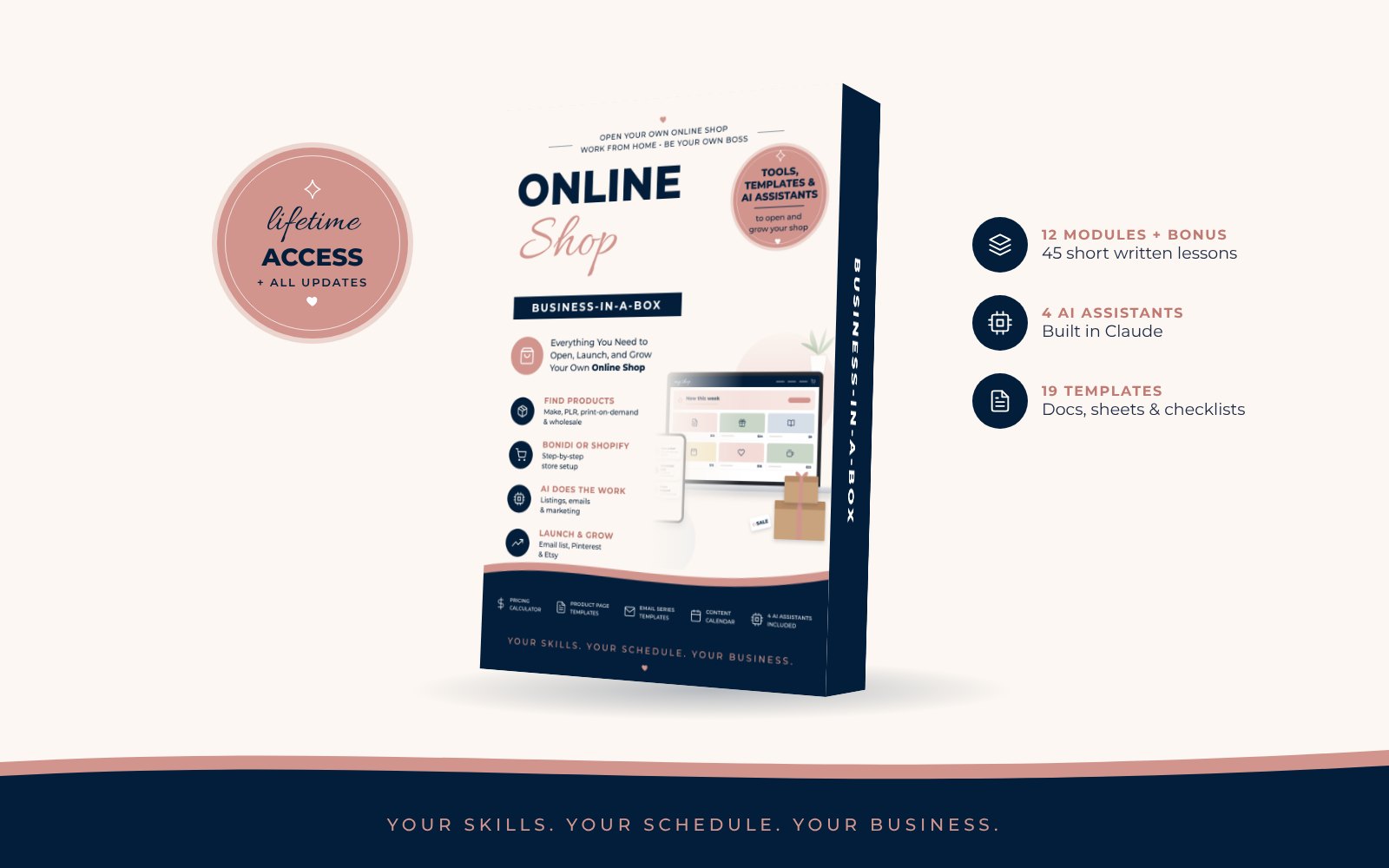
- 12 self-paced modules plus bonus lessons, 45 short written lessons
- 4 AI assistants with full setup instructions and prompts
- 19 done-for-you templates and checklists
- Store setup for both Bonidi and Shopify
- Bonus: TikTok Shop, Amazon KDP low-content books and subscription boxes
- Lifetime access, including updates as AI tools change
One payment
One payment, lifetime access. The pricing calculator in your kit shows you the profit on every product before you list it, so you know your numbers from day one.
Get the Business-in-a-BoxQuestions
Questions, answered
Do I need experience?
No. No. Module 1 starts at the beginning, helping you pick what to sell, and every setup step is shown in plain English.
How much time does it take?
The lessons are short and written. Most people can finish one or two a day in under 30 minutes, plus the action step. Go at your own pace.
Are there videos?
No. Every lesson is written, with screenshots where you need to see a screen. Read it on your phone, act on it, move on.
Do I need my own products already?
No. Module 2 shows you eight ways to get products, from making printables with Canva and AI to PLR, print-on-demand and wholesale.
Bonidi or Shopify?
Your choice. Every setup lesson shows both. Start Here helps you decide in one lesson.
What AI do I need?
The assistants are built in Claude. You’ll need a Claude account, then you follow our setup steps. The free plan works and allows 5 projects, so all four assistants fit. We recommend Claude Pro once your shop is busy.
Will this guarantee I make money?
No course can promise that. We give you the steps, the tools, and the templates. Sales come from your products and from you telling people about your shop.
How long do I have access?
For life, including every update we make as AI tools change.
What if it’s not for me?
Read the “Is this for you?” section before you buy. Because you get instant access to everything, all sales are final and there are no refunds.
Your skills. Your schedule. Your business.
You could spend the next six months piecing this together from free videos and blank documents. Or you could open the box today, set up your AI assistants this afternoon, and choose your first product this week.
Get the Business-in-a-Box for $197Instant access. Self-paced. Built by the team at Working at Home Mom.
No results are promised or typical. What you earn depends on your products, effort, and market. All sales are final.