
Work from home · Be your own boss
Start a Virtual Assistant Business From Home, With AI Doing the Busywork
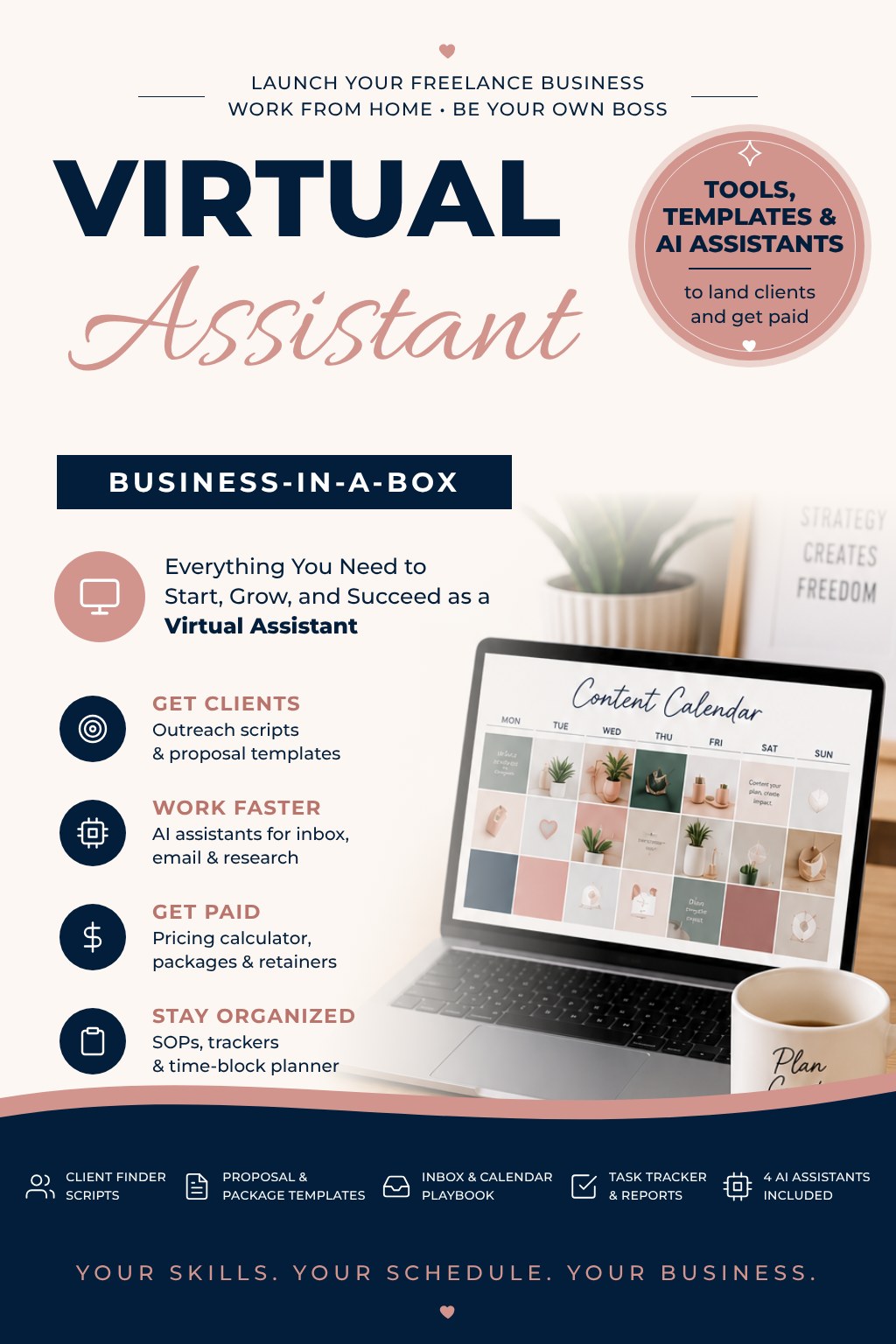
Everything you need to choose your services, land clients, and get paid: 12 step-by-step modules, 19 done-for-you templates, and 4 AI assistants that handle inbox, email, research and reports with you.
Self-paced. No videos to sit through. Start today.
Sound familiar?
You’re already the organized one. Getting paid for it is the hard part.
You run a household, keep a calendar for five people, and remember everything. Busy business owners pay someone to do that for their business. So what’s stopping you?
For most moms it’s one of these:
- You don’t know what to charge, so you either don’t ask or you ask too little.
- You don’t know where to find clients without feeling pushy.
- You’re not sure what services to offer or who would hire you.
- You’re worried you’ll land a client and not know how to handle their inbox, calendar and passwords safely.
- You’ve bought courses before that were all videos and no tools.
That last one is why we built this one differently.
How it works
A whole business, already built. You just open the box.
Virtual Assistant Business-in-a-Box is a self-paced course that walks you from “I think I could do this” to signed, paying clients. Every lesson is short and written, so you can read it during nap time and act on it the same day.
Learn it
The plain-English explanation, no fluff.
Do it with AI
The exact prompt or AI assistant to use, so the work takes minutes instead of hours.
Take action
One thing to do before the next lesson, with the template ready to copy.
We run our own business this way, with AI helping in every step. Now you can too.
What’s inside
12 modules. 44 short lessons. One clear path.
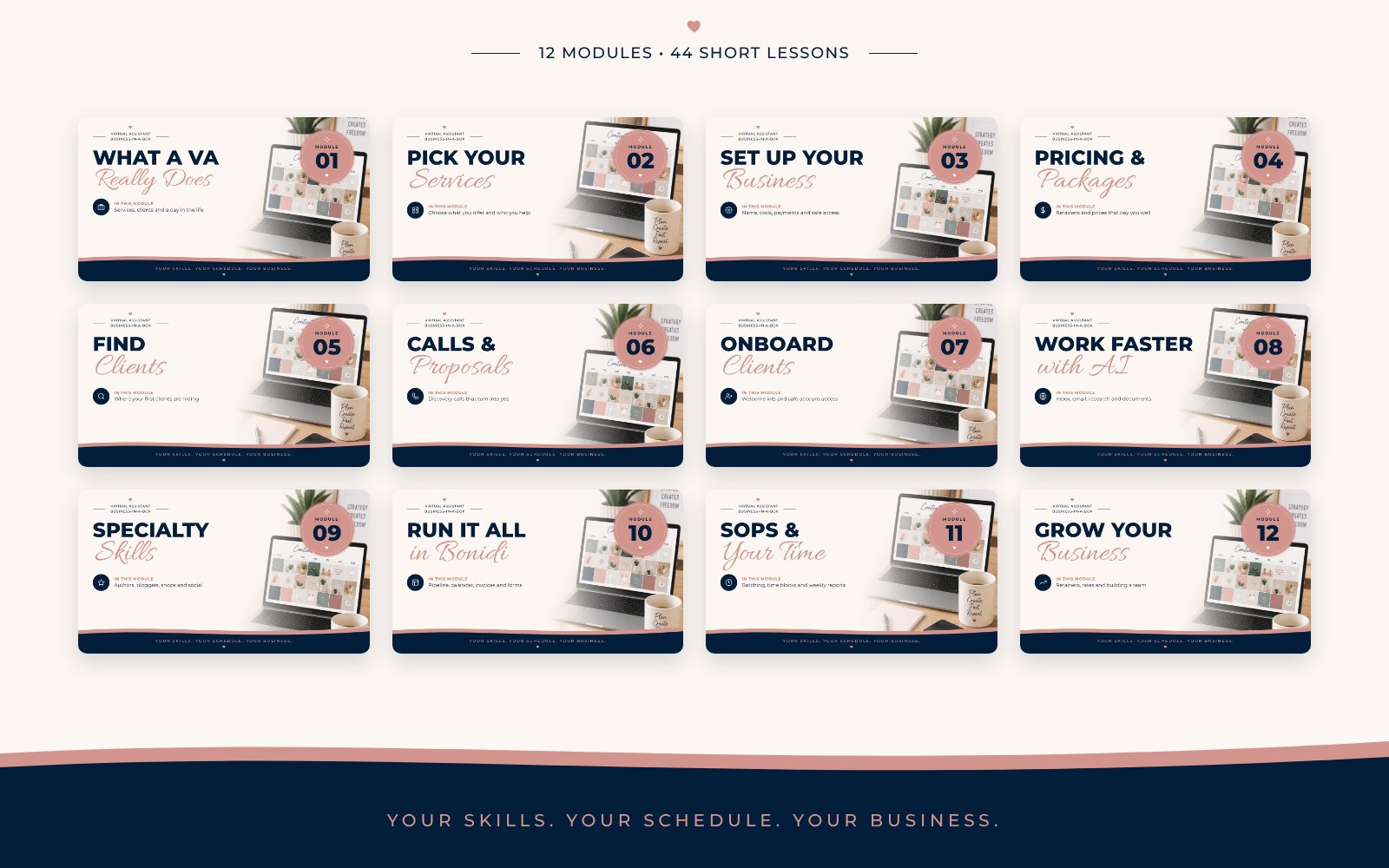
| Start Here | How the course works, your 4 AI assistants in Claude, and your Bonidi account |
| 1. What a VA Really Does | The services, who hires VAs and why, and a realistic week around family life |
| 2. Pick Your Services | Your service menu, who you help, and a starter portfolio with no clients yet |
| 3. Set Up Your Business | Name, tools, getting paid, simple agreements, and keeping client passwords safe |
| 4. Pricing and Packages | Hourly or retainer, the pricing calculator, and your Business Builder assistant |
| 5. Find Clients | Where your first clients are, outreach that gets replies, job boards and LinkedIn |
| 6. Discovery Calls and Proposals | Friendly calls, proposals clients say yes to, and objections without dropping your price |
| 7. Onboard Clients | A welcome kit, your first week with a client, and your Client Manager assistant |
| 8. Do the Work Faster with AI | Inbox, calendar, emails, documents, research and spreadsheets with your Admin Assistant |
| 9. Specialty Skills | Author and blogger support, online shop support, and social media basics |
| 10. Run It All in Bonidi | Your client pipeline, booking, forms, invoices and time-saving automations |
| 11. SOPs and Time Management | Batching, time blocking, step-by-step SOPs and weekly client reports |
| 12. Grow Your Business | Monthly retainers, raising your rates, adding services and growing into a team |
Your new team
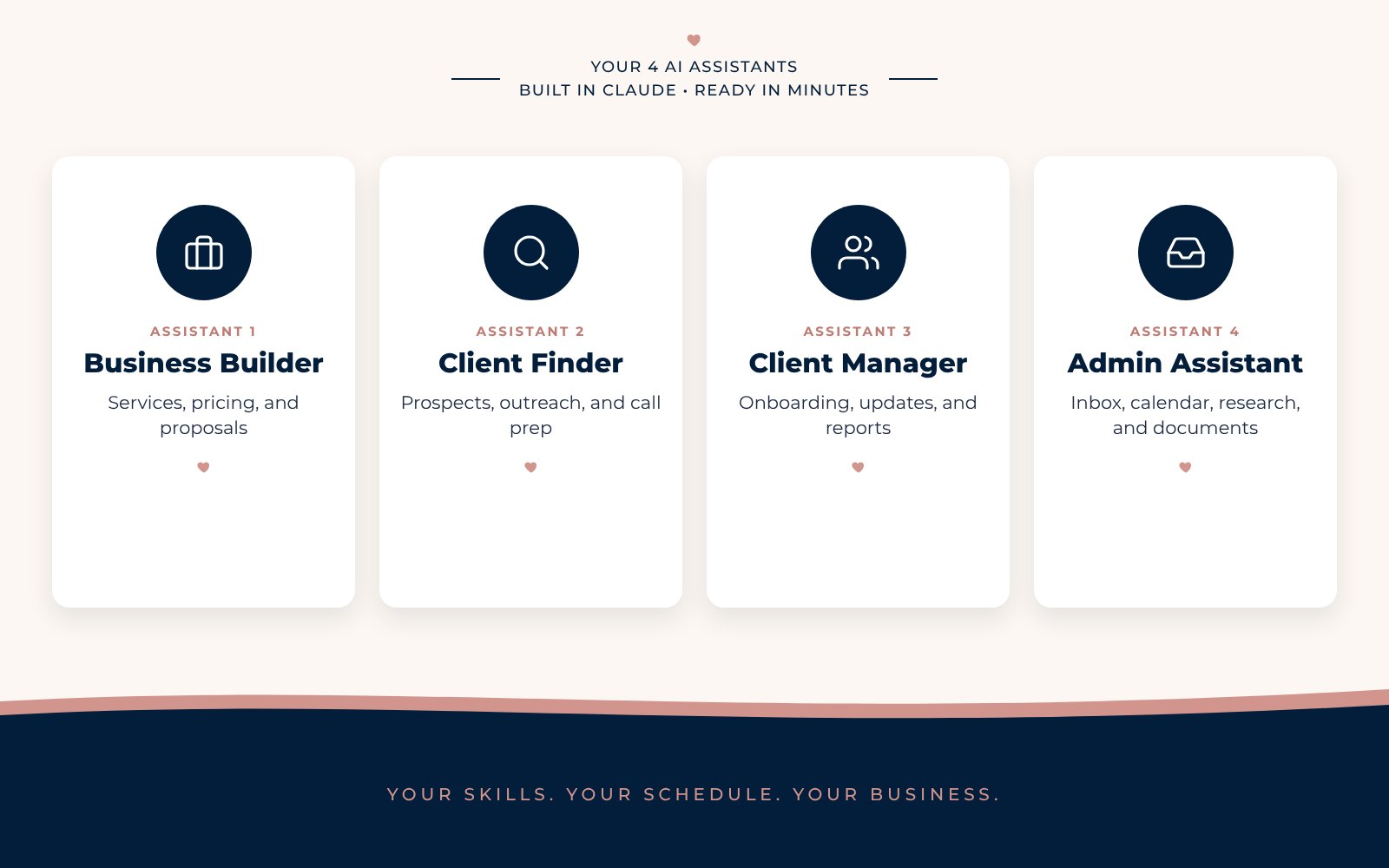
Meet your 4 AI assistants, ready to work
You get the full setup for four assistants you build in Claude in about 5 minutes each: the instructions, the files to upload, and the prompts to use. Each one already knows the templates in your kit, so it gives you answers that fit your business, not generic advice.
Works with a free Claude account, which allows 5 projects, so all four assistants fit. We recommend Claude Pro once you’re doing client work every day.
Done for you
Every template you need, ready to copy
Make a copy, fill in the blanks, and send. Each one is a Google Doc or Sheet you own.
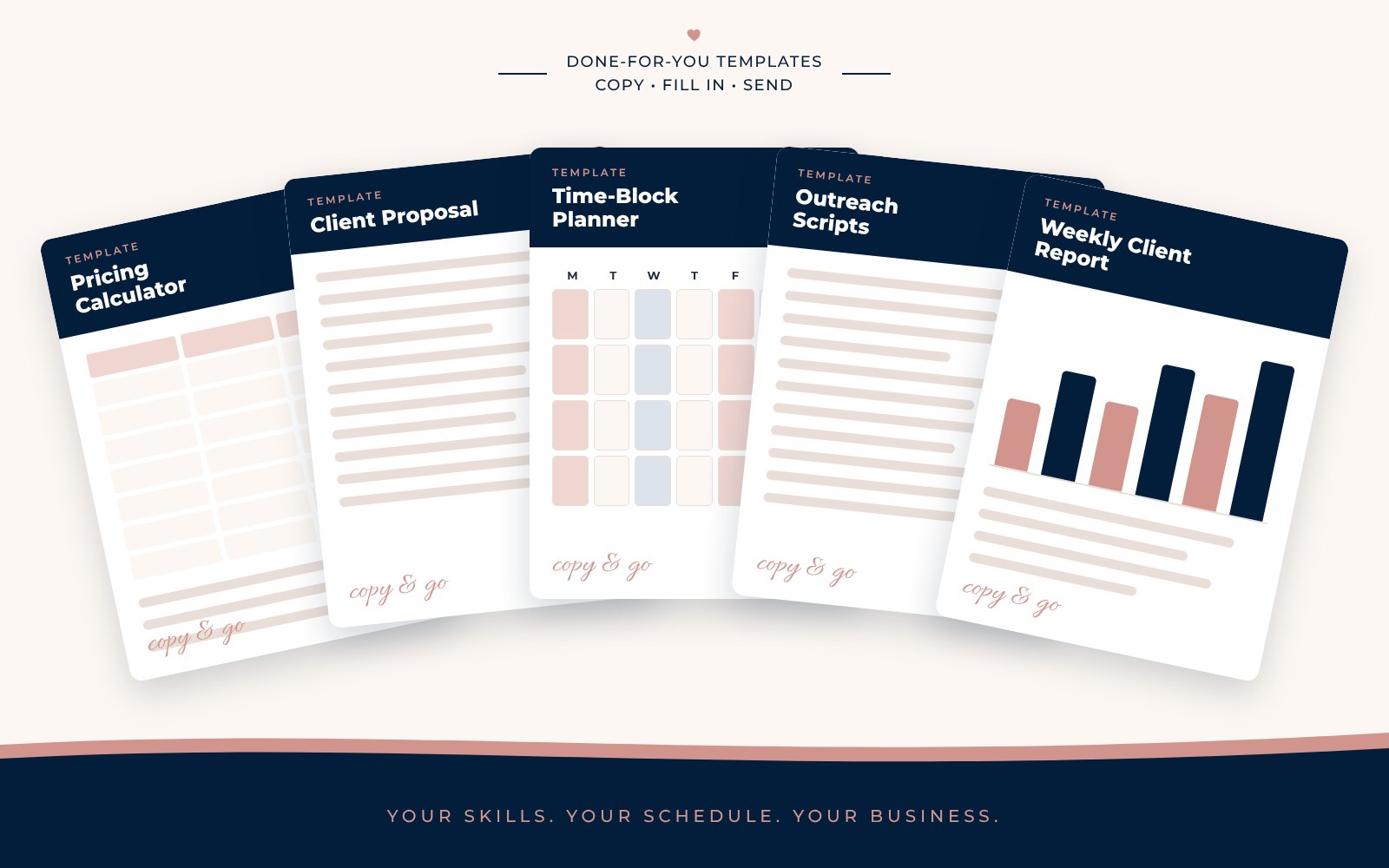
- Pricing calculator
- Package examples at three levels
- Service menu
- Client proposal template
- Outreach scripts
- Discovery call questions
- Client intake form questions
- Client profile worksheet
- Client onboarding kit
- Client access and password checklist
- Client message templates
- Inbox and calendar playbook
- Task tracker
- Weekly client report
- SOP template
- Time-block planner
Your business system
One place to run your whole business
Juggling five apps is how client work slips through the cracks. In Module 10 we show you how to run everything from Bonidi, step by step with screenshots.
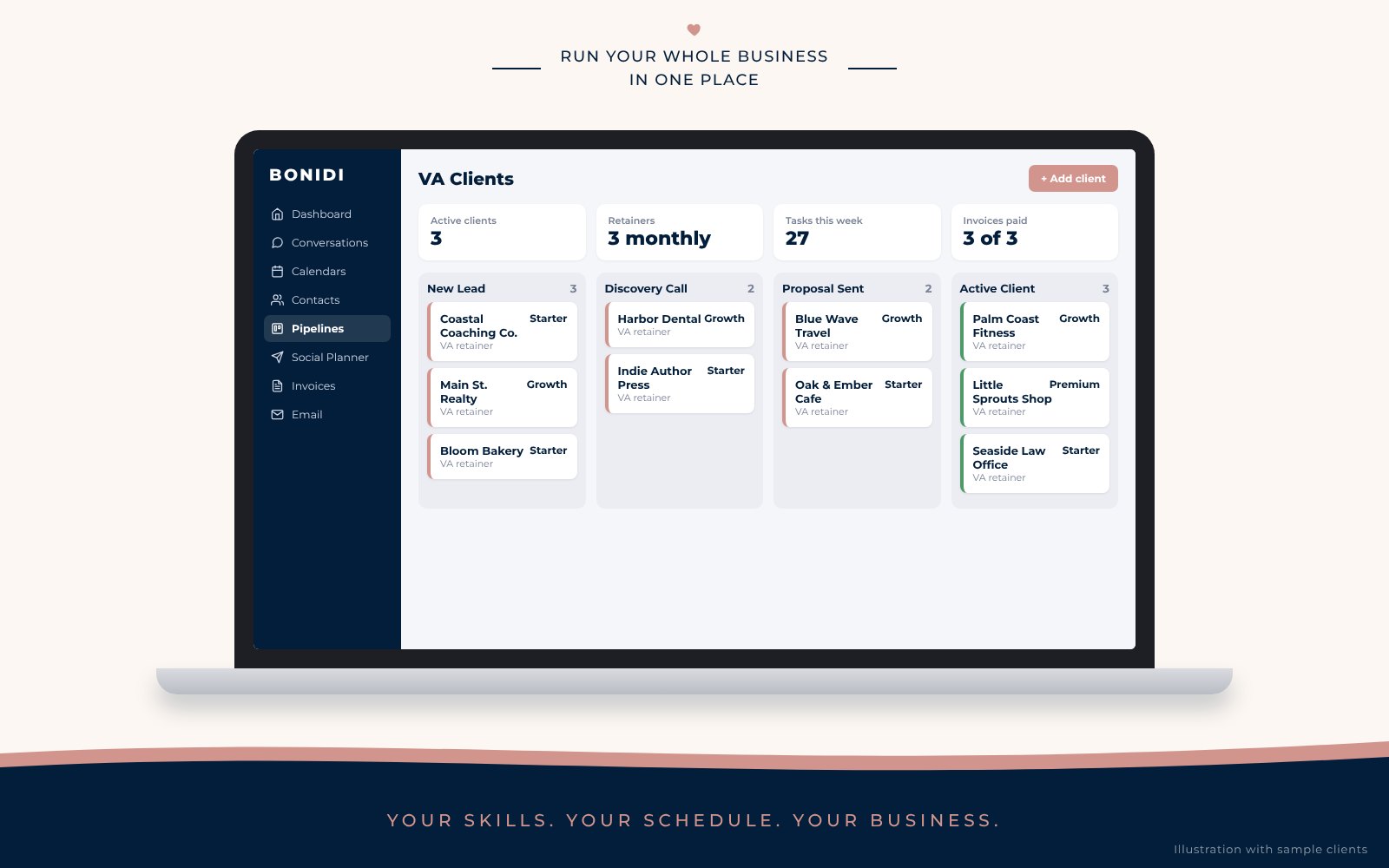
- A client pipeline so you always know who’s a lead, who’s in a proposal, and who’s active
- A booking calendar for discovery calls
- Invoices and payments so you get paid on time
- Forms for intake and onboarding
- Automations for welcome emails and reminders
Is this you?
Is this for you?
This is for you if…
- You want to earn from home on your own schedule
- You’re organized and good with email, calendars and details
- You’d rather read a short lesson and act than watch hours of video
- You want AI to save you time on the busywork
- You want templates and a system, not a blank page
This isn’t for you if…
- You want a job with a boss who hands you tasks
- You want someone to find clients for you
- You need live coaching or calls to stay on track
- You aren’t willing to reach out to businesses
- You’re looking for a get-rich-quick plan
Everything in one box
Everything you need to start, in one box
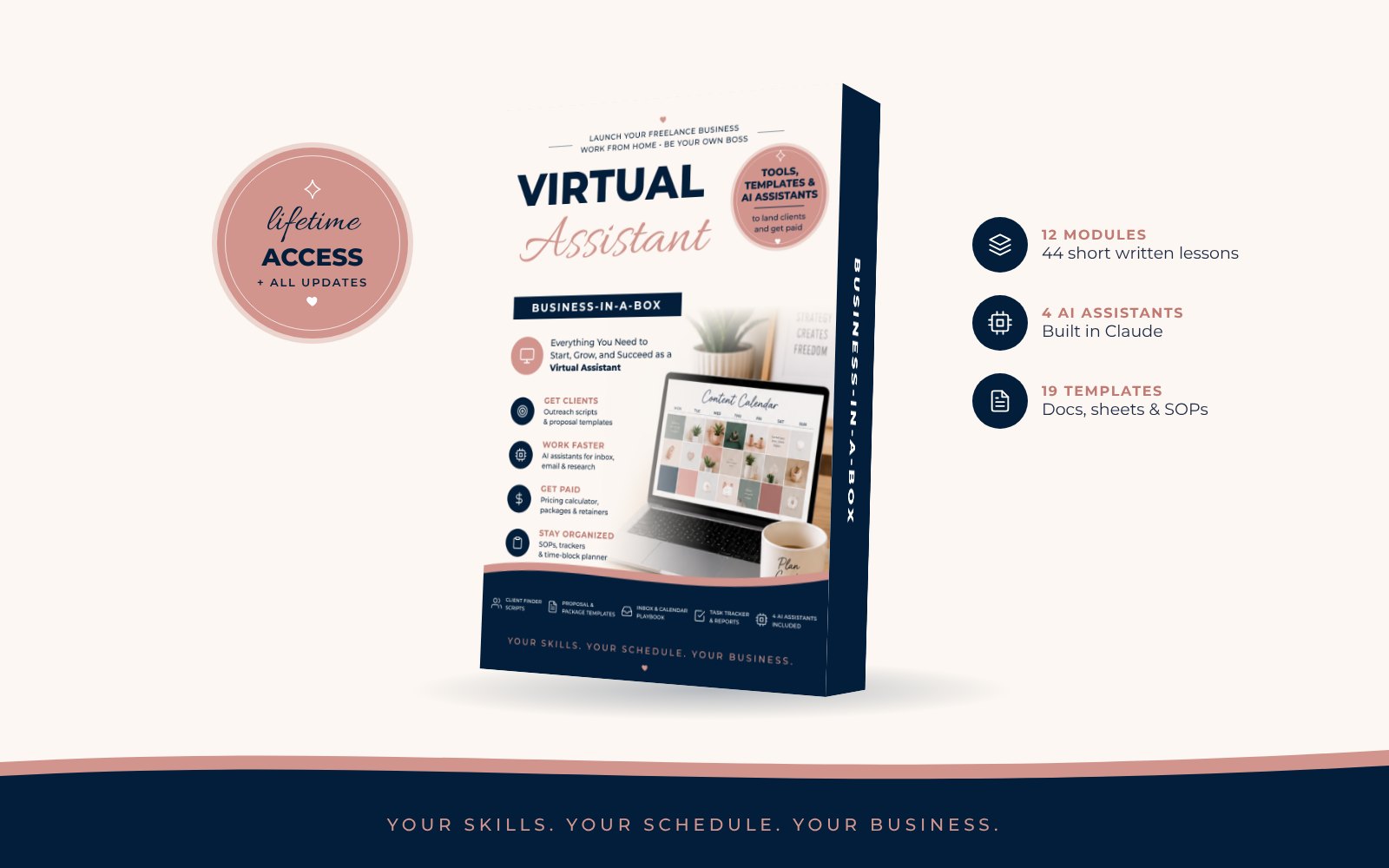
- 12 self-paced modules, 44 short written lessons
- 4 AI assistants with full setup instructions and prompts
- 19 done-for-you templates and SOPs
- Step-by-step Bonidi setup with screenshots
- Specialty skills: author, blogger and online shop support
- Lifetime access, including updates as AI tools change
One payment
Example: the Growth package in your kit is about 20 hours a month. At the kit’s example rate of $30 an hour plus a 15% buffer, that’s about $690 a month per client. Five Growth clients would be about $3,450 a month. Your numbers depend on your rate, your hours and your clients.
Get the Business-in-a-BoxQuestions
Questions, answered
Do I need experience?
No. If you can manage email, a calendar and a to-do list, you can learn to do it for businesses. Module 1 starts at the beginning, and Module 2 shows you how to build a portfolio before your first client.
How much time does it take?
The lessons are short and written. Most people can finish one or two a day in under 30 minutes, plus the action step. Go at your own pace.
Are there videos?
No. Every lesson is written, with screenshots where you need to see a screen. Read it on your phone, act on it, move on.
What AI do I need?
The assistants are built in Claude. You’ll need a Claude account, then you follow our setup steps. The free plan works and allows 5 projects, so all four assistants fit. We recommend Claude Pro once you have regular client work.
Do I have to use Bonidi?
No, the lessons and templates work on their own. We show you Bonidi because it puts your pipeline, booking, invoices, and email in one place, which saves a lot of time.
Will this guarantee I make money?
No course can promise that. We give you the steps, the tools, and the scripts. The clients come from you doing the outreach.
How long do I have access?
For life, including every update we make as AI tools change.
What if it’s not for me?
Read the “Is this for you?” section before you buy. Because you get instant access to everything, all sales are final and there are no refunds.
Your skills. Your schedule. Your business.
You could spend the next six months piecing this together from free videos and blank documents. Or you could open the box today, set up your AI assistants this afternoon, and send your first outreach message this week.
Get the Business-in-a-Box for $197Instant access. Self-paced. Built by the team at Working at Home Mom.
Income figures are examples based on the sample package prices in the course, not a promise or typical result. What you earn depends on your effort, skills, market, and how many clients you take on. All sales are final.