This virtual assistant services list is here to help you answer the first big question every new VA asks: “What should I actually offer?” Below you’ll find 67 services, grouped by type, that moms are offering from home right now.
Don’t try to offer all of them. Read through, star the ones that match your skills, and use our tips at the end to build a short starter menu that clients understand right away.
What services can a virtual assistant offer: the quick answer
- Admin: data entry, document formatting, file organization.
- Inbox and calendar: email management, scheduling, reminders.
- Customer support: help desk emails, order questions, live chat.
- Social media and content: scheduling, captions, blog formatting, newsletters.
- Design: Canva graphics, presentations, simple printables.
- Bookkeeping support, ecommerce, tech, research and project management: plus specialty support for authors, bloggers and podcasters.
How to use this virtual assistant services list
Each group below starts with simpler tasks and moves toward more skilled ones. If you’re brand new, the first few in each group are usually the easiest place to start. The later ones often take more training, but they also tend to be worth more to clients.
As you read, ask yourself three things: Can I do this well today? Would I enjoy doing it every week? Does it solve a real problem for a busy business owner?
Administrative services
- Data entry: moving information into spreadsheets, CRMs or databases accurately.
- Document formatting: cleaning up Google Docs or Word files so they look professional.
- File and folder organization: creating a tidy Google Drive or Dropbox system with clear names.
- Transcription: turning audio or video notes into written text.
- Travel planning: researching flights, hotels and building simple itineraries.
- Online form and survey setup: building forms in Google Forms or similar tools and organizing the responses.
- Writing SOPs: documenting how a task is done, step by step, so anyone can repeat it.
Inbox and calendar management
- Inbox cleanup: unsubscribing, archiving and getting a messy inbox back under control.
- Daily inbox management: sorting, labeling and flagging what needs the client’s attention.
- Drafting replies: writing responses for the client to approve, using saved templates.
- Calendar management: booking meetings, avoiding double bookings and protecting focus time.
- Appointment reminders: sending confirmations and follow-ups to reduce no-shows.
- Booking system setup: setting up Calendly or a similar tool with the right meeting types.
Customer support
- Email support: answering common customer questions with friendly, consistent replies.
- Order and refund questions: checking order status and handling requests within the client’s policy.
- Live chat or DM coverage: replying to messages during set hours.
- FAQ and canned responses: writing a library of saved replies for common questions.
- Review requests and replies: politely asking happy customers for reviews and responding to them.
- Community moderation: keeping a Facebook group or membership community friendly and on topic.
Social media support
- Post scheduling: loading approved posts into a scheduling tool.
- Caption writing: drafting captions in the client’s voice for review.
- Engagement: replying to comments and messages on Instagram, Facebook or LinkedIn.
- Pinterest pinning: creating and scheduling pins that link to blog posts or products.
- Hashtag and trend research: finding relevant hashtags, sounds and topics for TikTok and Instagram.
- Monthly reporting: pulling basic numbers into a simple report.
If social media is your favorite part, you might want to specialize. Our guide on how to become a social media manager shows you how.
Content and writing
- Blog post formatting: uploading posts, adding headings, images and links.
- Proofreading and editing: catching typos and making writing clearer.
- Email newsletters: building and scheduling newsletters in the client’s email platform.
- Repurposing content: turning one blog post or video into social posts and emails.
- Basic SEO tasks: adding meta descriptions and alt text, and fixing broken links.
- Product descriptions: writing clear descriptions for online shops.
Design support
- Canva graphics: creating social posts, banners and quote graphics from brand templates.
- Resizing designs: adapting one design for different platforms.
- Presentations: formatting slide decks so they look clean and consistent.
- Lead magnets and workbooks: designing freebies, checklists and simple PDFs.
- Brand template kits: building a set of reusable Canva templates for a client.
Bookkeeping support
These are support tasks, not tax or accounting advice. Leave anything involving tax decisions to the client’s accountant.
- Receipt and expense tracking: organizing receipts and recording expenses.
- Invoicing: sending invoices and payment reminders.
- Data entry in QuickBooks: entering transactions under the client’s or accountant’s guidance.
- Accounts payable support: tracking bills and due dates.
- Simple reports: pulling monthly income and expense summaries for the client.
If numbers are your thing, read about becoming a work-from-home bookkeeper, which takes this further.
Want a niche? Here is how to become a real estate virtual assistant.
Ecommerce, Etsy and Shopify support
- Listing uploads: adding new products with photos, titles and descriptions.
- Etsy SEO updates: improving titles and tags so listings get found.
- Order processing: tracking orders, printing labels and updating customers.
- Inventory tracking: keeping stock counts up to date in a spreadsheet or the store dashboard.
- Print-on-demand setup: connecting products from Printful or Printify to a store.
- Shopify store updates: editing pages, collections, banners and sale settings.
Tech and automation
- Email platform setup: building welcome sequences and signup forms.
- Website updates: changing text, images and links on the client’s site.
- Automation setup: connecting apps so tasks happen automatically, like adding new leads to a spreadsheet.
- Course and membership uploads: adding lessons and videos to an online course platform.
- Tool setup and tutorials: setting up a tool, then recording a quick Loom video showing the client how to use it.
- AI workflow setup: creating saved prompts and checklists so the client can use Claude or ChatGPT consistently.
Research
- Competitor research: summarizing what similar businesses offer and charge.
- Lead lists: finding potential clients, partners or podcast guests and their public contact info.
- Tool and vendor comparisons: comparing options and recommending the best fit.
- Market and topic research: gathering ideas and sources for content or new products.
Project management
- Task board setup: building a Trello or Asana board for a project.
- Deadline tracking: keeping the team on schedule with check-ins and reminders.
- Launch support: managing the checklist for a product, course or event launch.
- Meeting notes and follow-ups: recording action items and sending recap emails.
- Team onboarding: preparing logins, welcome docs and training for new team members.
Author, blogger and podcast support
- Podcast guest booking: pitching guests, scheduling recordings and sending prep notes.
- Show notes: writing episode summaries and links from a transcript.
- Episode publishing: uploading episodes and sharing them on social media.
- Book launch support: organizing launch teams, review copies and promo schedules.
- Blog management: running the editorial calendar and publishing posts on schedule.
Do it with AI: open Claude (or ChatGPT) and paste: “Here is a list of virtual assistant services I’m considering: [PASTE YOUR STARRED SERVICES]. My skills are [YOUR SKILLS] and I want to work with [TYPE OF CLIENT]. Group these into 3 simple packages, give each package a clear name, list what’s included, and write a one-sentence description a busy business owner would understand.” Then check and edit it so every item is something you can truly deliver.
How to pick your starter menu
A starter menu is the short list of services you’ll actually promote. Here’s how to build yours:
Curious about bookkeeping? Our step-by-step guide shows you how to become a bookkeeper from home, with AI doing a lot of the busywork.
- Start with your star list: pick the services you can do confidently today.
- Keep it to 2 or 3 core services: a short menu is easier to explain, easier to sell and easier to deliver well.
- Choose services that fit together: inbox plus calendar plus customer emails makes sense together. Inbox plus podcast editing plus Shopify development is confusing.
- Think about your schedule: with kids at home, tasks you can do anytime (formatting, scheduling, data entry) are easier than tasks that need you live during business hours.
- Look for recurring work: services clients need every week or month (inbox, social scheduling, customer support) lead to steady retainers instead of one-off jobs.
- Turn them into packages: “Inbox and calendar care” sounds more valuable than “email stuff.”
- Add skills over time: once you’re comfortable, add a higher-skill service from the same group.
Tip: listen to what your first clients keep asking for. If three clients ask for help with Canva graphics, that’s a sign to add design to your menu.
Once you know what you’ll offer, the next steps are setting your rates and finding clients. Start with our guide on how to become a virtual assistant, which walks through everything in order.
Turn this list into a service menu clients buy
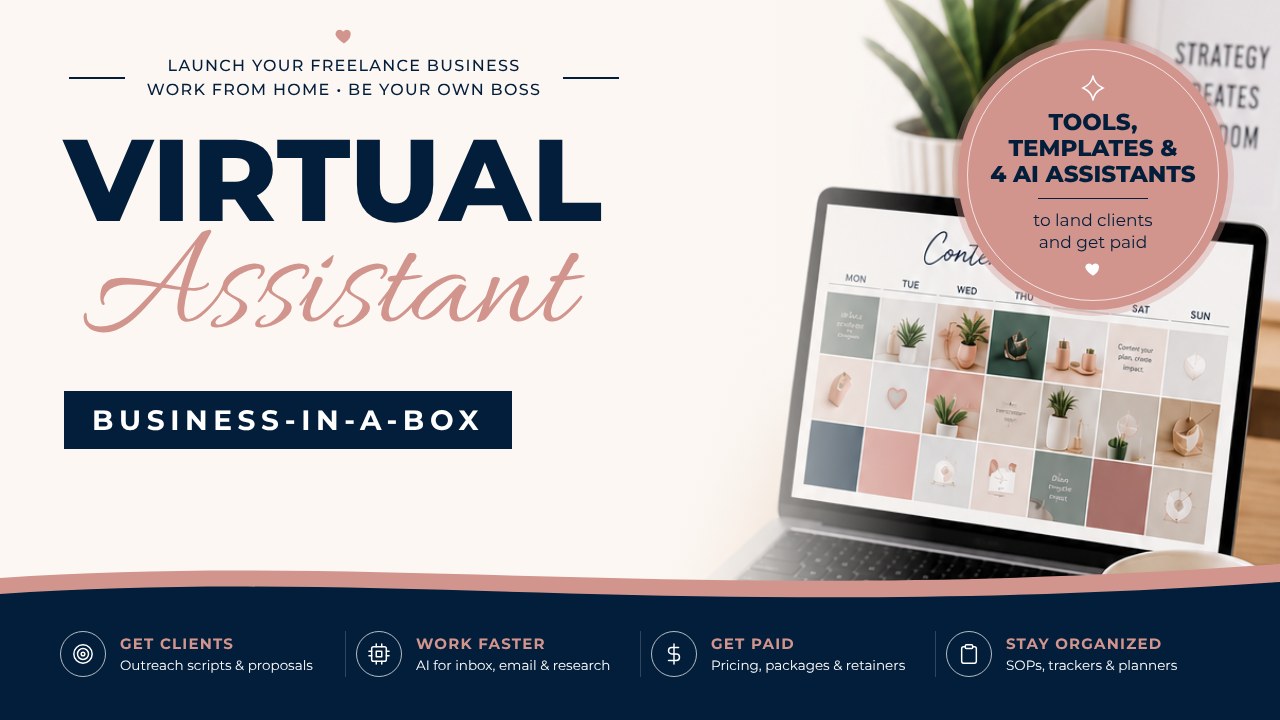
Our Virtual Assistant Business-in-a-Box helps you choose your services, package them and land paying clients. It includes 12 modules, 19 templates and 4 AI assistants to start a VA business and get paid.
Virtual assistant services FAQ
What is the most in-demand virtual assistant service?
Demand changes by industry, but inbox management, calendar scheduling, customer support and social media help come up again and again because almost every small business needs them.
How many services should a new VA offer?
Start with 2 or 3 related services. A short, focused menu helps clients understand what you do and lets you get really good at those tasks before you add more.
What tasks should a virtual assistant not do?
Avoid anything that needs a license or professional credential you don’t have, like giving legal, tax or medical advice. Also say no to anything that feels unsafe or unethical, like handling money in ways you can’t verify.
Can a virtual assistant specialize in one service?
Yes. Many VAs specialize in one area, like Pinterest management, podcast support or Etsy shops. Specializing can make you easier to find and refer.
Should I list prices on my services page?
It’s up to you. Some VAs list starting prices for packages so clients self-select, while others prefer a discovery call first. Either way, know your minimum rate before you talk to anyone.
Get our free VA Services & Rates Cheat Sheet
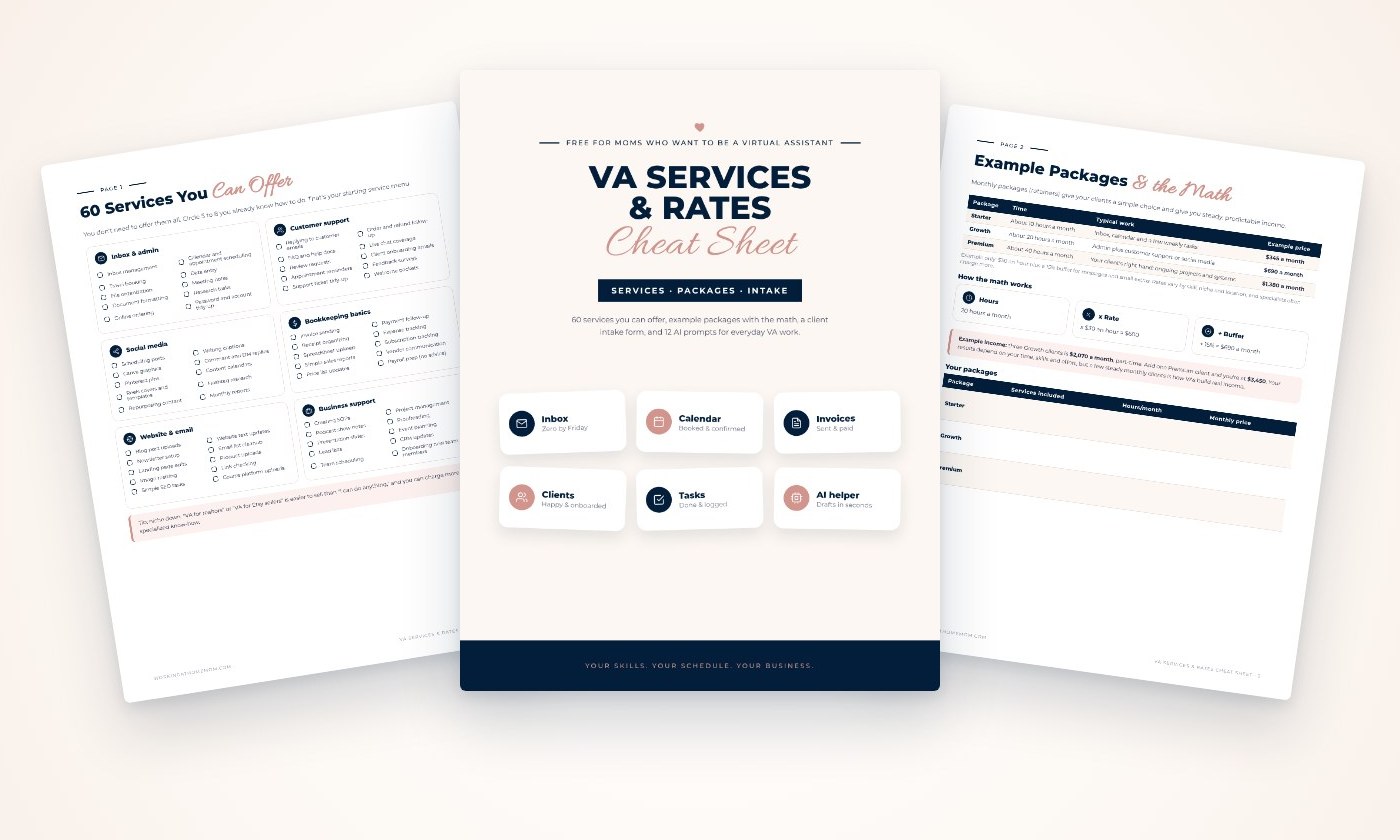
60 services you can offer, example monthly packages with the math, a client intake form and 12 AI prompts. Sent straight to your inbox.