Knowing where to find virtual assistant clients is the step that turns “I’m a VA” into “I’m a paid VA.” The good news is you don’t need a huge following or a fancy website. You need a clear offer, a few good places to look, and a simple routine you can stick to with kids at home.
Below we cover the eight places beginners find clients most often, the honest pros and cons of job boards, outreach scripts you can copy and adapt, and a weekly plan that takes about an hour a day.
Where to find VA clients: the quick answer
- Your warm network: friends, family, past coworkers and other parents.
- LinkedIn: a clear profile, a Services page and helpful posts.
- Local small businesses that are too busy to keep up.
- Online communities where your ideal clients hang out.
- Job boards like Upwork, Fiverr, Indeed and FlexJobs.
- Referrals from happy clients and other VAs.
- Direct outreach with short, friendly messages.
- A weekly routine so you keep going even when it’s quiet.
Before you look: get clear on your offer
Clients hire people who make it easy to say yes. Before you reach out, be able to finish this sentence: “I help [TYPE OF CLIENT] with [2 OR 3 SERVICES] so they can [RESULT].”
For example: “I help busy real estate agents with inbox and calendar management so they can spend more time with clients.” If you’re still choosing services, our virtual assistant services list will help.
Also have a few samples ready to share. A small portfolio of 3 to 5 projects in a Google Drive folder is enough to start.
Where to find virtual assistant clients: 8 places to look
1. Your warm network
This is where many VAs land their very first client. People who already know and trust you are much quicker to say yes, or to pass your name along.
- Who to tell: friends, family, past coworkers, your church or school community, and other parents.
- How to tell them: a personal message works better than a general post. Ask, “Do you know anyone who could use help with [SERVICE]?”
- Post it too: share a short announcement on Facebook and Instagram saying what you do and who you help.
2. LinkedIn
LinkedIn is where many business owners look for help. Make your headline say exactly what you do (for example, “Virtual Assistant for Coaches | Inbox, Calendar and Client Onboarding”). LinkedIn also lets you add a Services page to your profile so people can find you and send you requests. Then post a few times a week with tips, behind-the-scenes looks at how you work, and small wins.
3. Local small businesses
Don’t overlook businesses in your own town. Dentists, salons, real estate offices, contractors, gyms and boutiques often need help with emails, scheduling, reviews and social media but have never thought about hiring a VA. Being local builds trust quickly. Leave a friendly note, visit during a quiet time, or connect through your local chamber of commerce or business groups.
Already working as a VA? See how the next step up compares in Online Business Manager vs Virtual Assistant.
4. Online communities
Find the Facebook groups, online forums and membership communities where your ideal clients spend time. Coaches, Etsy sellers, bloggers and podcasters all have active groups.
- Read the rules first: many groups don’t allow promotion except on certain days or threads.
- Be helpful: answer questions and share tips. People notice who’s generous and knowledgeable.
- Watch for requests: business owners often post “Can anyone recommend a VA?”
5. Job boards (pros and cons)
Job boards can bring steady leads, but they’re competitive. Here’s an honest look at the big ones. Rules and fees change, so check each platform’s current terms before you sign up.
- Upwork: clients post projects and freelancers send proposals. Pros: lots of jobs and built-in payment protection. Cons: sending proposals uses Connects (which you buy or get with a membership), there’s a service fee, and it’s crowded, so beginners often need to apply to many jobs to win one.
- Fiverr: you create “gigs” (fixed-price service listings) and buyers come to you. Pros: no pitching, and it’s great for packaged services. Cons: new gigs can take time to get noticed, Fiverr takes a cut of each order, and pricing can be very competitive.
- Indeed: mostly job listings from companies. Pros: some remote assistant roles are steady part-time positions. Cons: many listings are employee jobs with set hours rather than freelance clients, and you’ll need to watch for scams.
- FlexJobs: a membership-based site that screens its remote and flexible job listings. Pros: listings are vetted. Cons: you pay for a membership, so check current pricing and decide if it’s worth it for you.
Tip: watch for job scams. A real client won’t ask you to pay for training or equipment, send you a check to deposit and pass along, or move the conversation to a messaging app before any interview. If something feels off, walk away.
For more legit places to find remote work, see our guide to remote jobs for work-from-home beginners.
6. Referrals
Once you have even one happy client, referrals can become your best source of new work. Ask at a natural moment, like after you’ve finished a project or when a client thanks you.
- Just ask: “I have room for one more client. Do you know anyone who could use help like this?”
- Make it easy: give them a one-sentence description of what you do that they can forward.
- Connect with other VAs: VAs who are fully booked, or who offer different services, often pass along work.
7. Direct outreach
Outreach means reaching out first to a business you’d like to help. It feels scary at first, but it’s one of the fastest ways to get a yes. Keep messages short, personal and focused on them.
8. Your own content
Over time, sharing helpful content (LinkedIn posts, a simple blog, short videos) brings clients to you. It’s slower than outreach, so treat it as a long-term habit alongside the faster methods above.
Outreach scripts you can copy
Personalize every message. Mention something specific about their business so it doesn’t read like a copy-and-paste blast.
Warm network message: “Hi [NAME]! I’ve started a virtual assistant business helping [TYPE OF CLIENT] with [SERVICES]. If you know anyone who’s drowning in emails or scheduling, I’d be so grateful if you passed my name along. Thank you!”
Cold outreach to a business: “Hi [NAME], I love [SPECIFIC THING ABOUT THEIR BUSINESS]. I’m a virtual assistant who helps [TYPE OF CLIENT] with [SERVICE] so they can [RESULT]. Would a quick 15-minute call next week be helpful to see if I could take something off your plate?”
Follow-up (about a week later): “Hi [NAME], just following up on my note last week. I know things get busy. If [SERVICE] isn’t a priority right now, no worries at all. I’m happy to stay in touch.”
Do it with AI: open Claude (or ChatGPT) and paste: “I’m a virtual assistant who helps [TYPE OF CLIENT] with [SERVICES]. Here’s information about a business I want to contact: [PASTE A FEW DETAILS FROM THEIR WEBSITE OR SOCIAL MEDIA]. Write a friendly outreach message under 100 words that mentions something specific about their business, explains how I could help, and ends with a low-pressure question.” Then check and edit it so it sounds like you and every detail is accurate.
A simple weekly plan for finding clients
Consistency beats big bursts of effort. This plan takes about an hour a day, and you can do it during nap time or after bedtime.
- Monday: message 3 people in your warm network and ask for introductions.
- Tuesday: research 5 businesses you’d like to work with and note something specific about each.
- Wednesday: send personalized outreach messages to those 5 businesses.
- Thursday: spend 30 minutes being helpful in 2 online communities, and post once on LinkedIn.
- Friday: follow up with anyone you contacted last week, and apply to a few well-matched job board listings.
- Weekend (optional): update your portfolio or add one new sample project.
Track everyone you contact in a simple Google Sheet or Trello board: name, business, date contacted, follow-up date and result. It keeps you organized and shows you which methods are working.
Once a client says yes, make sure your rate covers your time. Our guide on how much a virtual assistant should charge shows you how to work it out.
Get your first VA clients faster
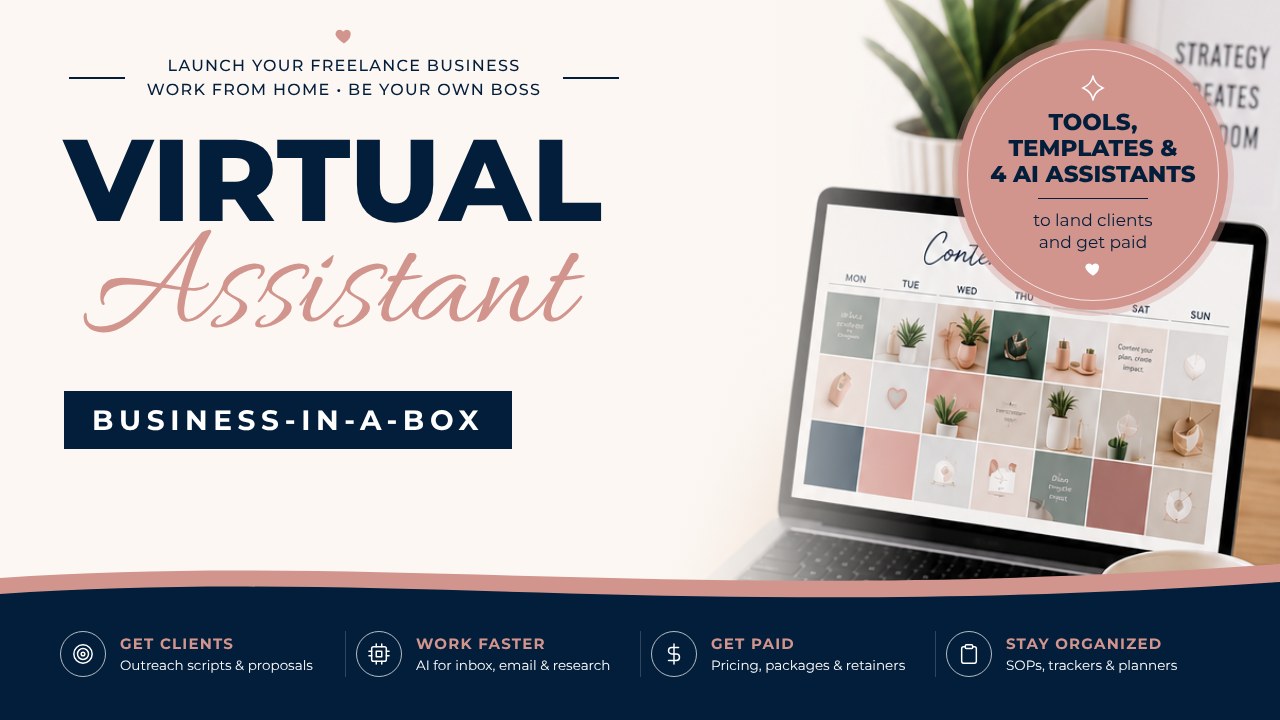
Our Virtual Assistant Business-in-a-Box gives you outreach templates, a client tracker and AI assistants to help you find clients and get paid. It includes 12 modules, 19 templates and 4 AI assistants to start a VA business and get paid.
Finding VA clients FAQ
How do I get my first virtual assistant client with no experience?
Start with your warm network and a short list of services you can do well. Share a few sample projects, tell people exactly who you help, and reach out to a handful of businesses every week.
Is Upwork or Fiverr better for new VAs?
It depends on how you like to work. Upwork suits VAs who want to apply to projects, while Fiverr suits VAs with clear, packaged services. Both are competitive and charge fees, so check current terms and use them alongside other methods.
How many outreach messages should I send?
There’s no magic number, but steady effort matters more than volume. A few thoughtful, personalized messages every week usually work better than dozens of generic ones.
How do I know if a VA job offer is a scam?
Be cautious if someone asks you to pay upfront, deposit a check and send money back, buy equipment before you start, or skip a real interview. Research the business and trust your instincts.
Do I need a website to find VA clients?
No. A clear LinkedIn profile and a simple portfolio folder are enough to start. A website can help later, especially if you want clients to find you through search.
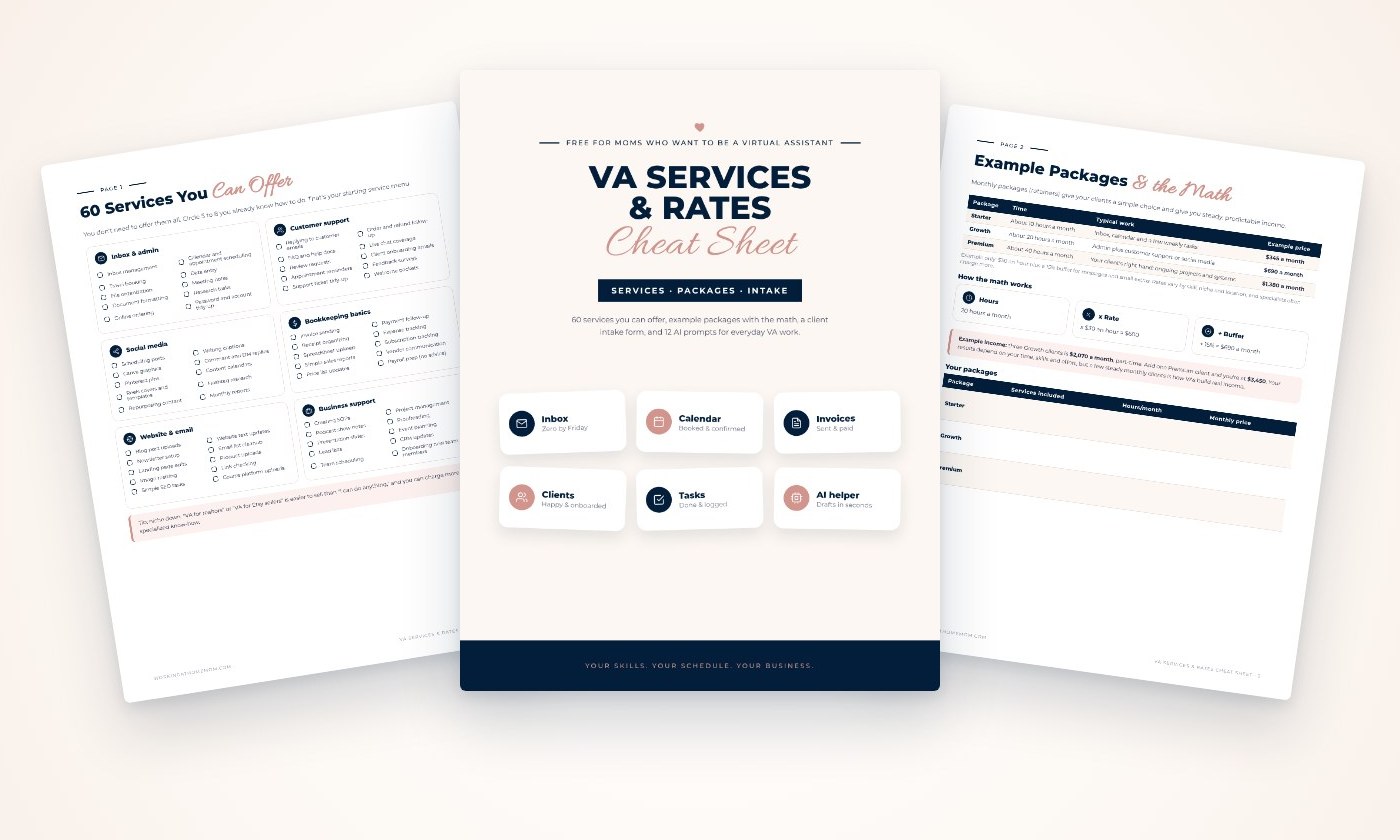
Get our free VA Services & Rates Cheat Sheet
60 services you can offer, example monthly packages with the math, a client intake form and 12 AI prompts. Sent straight to your inbox.