Most blogging advice assumes you have free afternoons and endless energy. If you’re reading this between school runs, laundry and bedtime, you need a different plan. Here’s how to start a blog as a busy mom: choose a focused niche, set up a simple site once, write a small number of genuinely helpful posts on a steady schedule, and let Pinterest, an email list and your own digital products do the heavy lifting.
The secret isn’t more time. It’s doing fewer things, in the right order, and protecting a few short work sessions each week. Below is the exact low-time plan we’d follow.
How to start a blog as a busy mom: the quick answer
- Pick a niche where you can write 50 helpful posts without running out of ideas.
- Choose a platform you can own and grow, and set it up in one or two sessions.
- Plan your first 10 posts around questions people actually search for.
- Commit to a realistic rhythm, like one post a week in three short sessions.
- Use AI to outline and edit, but add your own experience and check every fact.
- Share every post on Pinterest and start an email list with a free printable.
- Make money with your own digital products, then add other income streams.
The low-time blogging plan (about 3 hours a week)
Consistency matters far more than volume. Here’s a simple weekly rhythm that fits into nap times, early mornings or the hour after bedtime:
- Session 1 (45 minutes): pick the post topic, research what people want to know, and create an outline.
- Session 2 (60 minutes): write the draft. Don’t edit yet, just get it down.
- Session 3 (45 minutes): edit, add images, publish and make two or three Pinterest pins.
- Bonus (15 to 30 minutes): send a short email to your list or schedule a few more pins.
One helpful post a week is 52 posts a year. That’s a real blog, built in the margins of a busy life.
Tip: keep a running list of post ideas in your phone’s notes app. Ideas show up in the car line and the grocery store, not when you finally sit down to write.
Step 1: Choose a blog niche that fits your life
Your niche is the main topic of your blog. A clear niche helps readers, search engines and Pinterest understand what you’re about.
Look for the overlap of three things:
- What you know: topics you’ve lived, studied or worked in.
- What people search for: real questions people type into Google and Pinterest.
- What you can sell: problems you could help with through printables, templates or other products later.
Mom-friendly blog niche ideas
- Family organization: routines, chore charts, meal planning, home management.
- Budgeting and frugal living: saving money, grocery budgets, debt payoff.
- Homeschooling or learning at home: activities, schedules, curriculum help.
- Easy family recipes: quick dinners, lunchbox ideas, allergy-friendly meals.
- Working from home: side hustles, productivity, balancing work and kids.
- Parties and holidays: birthday ideas, classroom parties, seasonal crafts.
Test your niche by writing down 20 post titles. If that feels easy, you’re on the right track.
Step 2: Pick a blogging platform
The platform you choose affects how easily you can grow, customize and make money. There are three main options:
- Self-hosted blog: you pay for hosting and install blogging software on your own domain. WordPress is the best-known option. This gives you the most control and flexibility for ads, affiliate links and selling products, with a bit more setup.
- All-in-one website builders: drag-and-drop tools that include hosting. Easier to start, but check how well they handle blogging, SEO and selling.
- Free hosted blogs: fine for testing an idea, but they often limit monetization and you don’t fully own your setup.
Whatever you choose, get your own domain name (like yourblogname.com). It looks more professional and stays yours if you ever switch platforms. Check current pricing for any hosting or platform you consider.
For email marketing, landing pages and funnels, Bonidi is the all-in-one system we use (see bonidi.com).
Step 3: Set up your blog in one weekend
Don’t spend months picking fonts. Get these essentials done, then start writing:
- A clean theme: simple, readable and fast on phones.
- A logo or text header: make one in Canva in under an hour.
- Core pages: Home, About, Contact and a Privacy Policy.
- Email signup form: so you can start building your list from day one.
- Analytics: so you can see which posts people read.
Step 4: Write posts people are searching for
The most successful blog posts answer a specific question. “How to make a weekly meal plan on a budget” will get found far more often than “My crazy Tuesday.”
- Find questions: type a topic into Google or Pinterest and look at the suggested searches and “People also ask” questions.
- Answer fast: give the short answer near the top, then go deeper.
- Make it scannable: short paragraphs, headings, bullet lists and helpful images.
- Add your experience: tips, mistakes and examples only a real mom would know.
- Link posts together: point readers to related posts on your blog.
Using AI to write blog posts (responsibly)
AI tools like Claude and ChatGPT can cut your writing time a lot, which matters when energy is low. Use them as a writing assistant, not a replacement for you:
- Good uses: brainstorming topics, building outlines, suggesting headlines, tightening your draft, writing Pinterest descriptions and email subject lines.
- Use with care: facts, statistics, health, money or safety information. AI can be confidently wrong, so verify everything with reliable sources.
- Keep it yours: your stories, opinions and real-life tips are what make readers trust you and come back.
Search engines and readers both reward content that’s genuinely helpful. Mass-producing generic AI posts usually backfires. A post that’s AI-assisted but full of your real experience is a different story.
Do it with AI: open Claude (or ChatGPT) and paste: “I write a blog for [AUDIENCE] about [NICHE]. Create a detailed outline for a post titled ‘[POST TITLE]’. Include a short answer for the intro, H2 and H3 headings based on questions readers search for, and notes where I should add my own experience or examples. Then suggest 5 Pinterest pin titles.” Then check the outline, add your own stories, verify any facts and edit it in your voice.
Step 5: Get traffic with Pinterest
Pinterest works like a visual search engine, and it’s popular with moms looking for ideas. It’s often one of the fastest ways for a new blog to get readers while you wait for Google to notice you.
- Set up a business account: it’s free and gives you analytics.
- Create boards for your topics: use clear, searchable board names.
- Make several pins per post: different images and headlines give you more chances to be found.
- Use keywords: in pin titles and descriptions, written naturally.
- Pin consistently: a few fresh pins a week beats a burst once a month. Canva has templates sized for pins.
Step 6: Start an email list from day one
Social platforms and search rankings can change overnight. Your email list is the audience you own.
- Offer a freebie: a printable checklist, planner page or mini guide related to your niche.
- Add signup forms: in your posts, sidebar and a dedicated landing page.
- Send a simple welcome series: introduce yourself, share your best posts and deliver the freebie.
- Email regularly: even a short weekly or every-other-week note keeps readers connected.
Step 7: Monetize your blog with digital products
Ads and affiliate links can take a lot of traffic before they add up. Your own digital products can start earning with a much smaller audience, because you keep more of each sale and you already know what your readers need.
- Printables: planners, checklists, chore charts, meal plans and worksheets.
- Templates: budgets in Google Sheets, social media templates, party invitations.
- Ebooks and guides: a deeper version of your most popular posts.
- Mini courses: short video or email lessons once you know your readers well.
A simple path: notice which posts get the most traffic, create a printable that helps readers take the next step, and link to it from those posts and your emails. You can sell on your own site, on Etsy, or both.
Need ideas? See our guides on how to make printables to sell, best-selling printable ideas and easy digital products moms can sell.
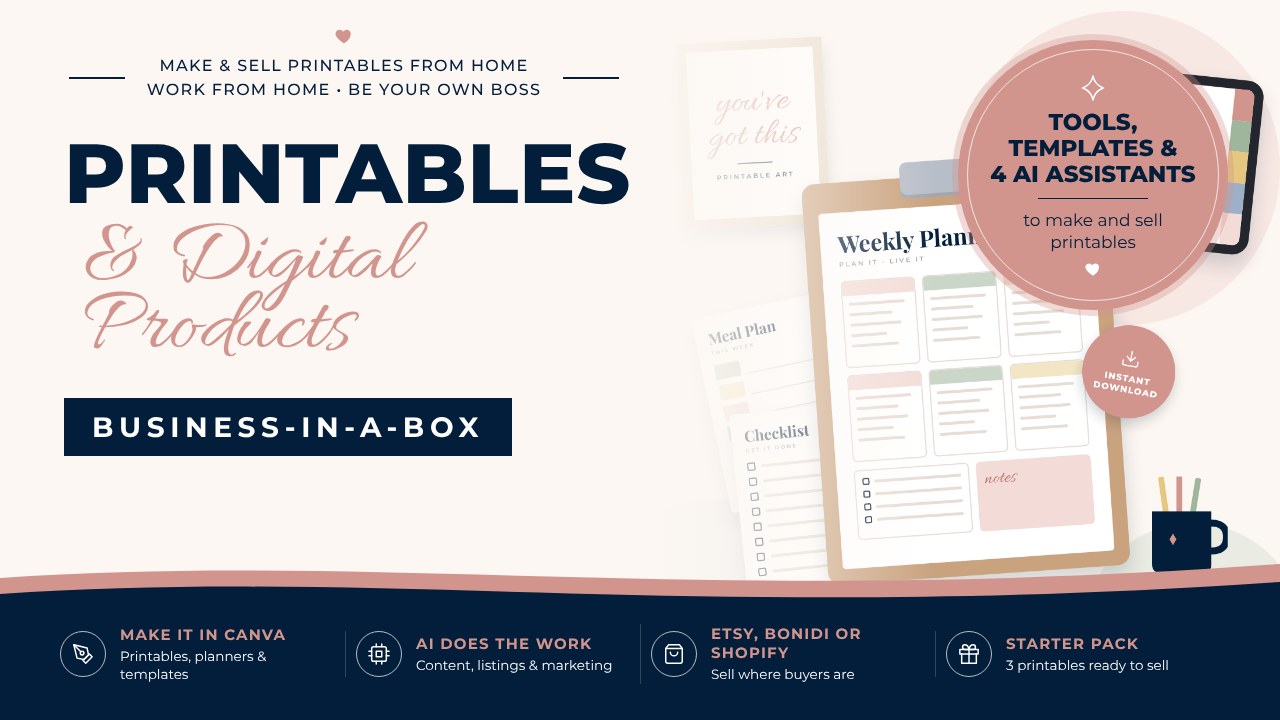
Turn your blog readers into printable buyers
Our Printables & Digital Products Business-in-a-Box shows you how to make printables in Canva with AI and sell them on Etsy, Bonidi or Shopify. It includes 20 templates, 4 AI assistants and 3 ready-made printables you can rebrand and sell.
Busy mom blogging FAQ
How much time does it take to start a blog?
You can set up a basic blog in a weekend. After that, a few focused hours a week is enough to publish one helpful post and share it on Pinterest. Consistency matters more than hours.
Can you still make money blogging?
Yes, though it takes time and results vary widely. Many bloggers earn through their own digital products, affiliate links, ads and services. Products like printables can work even with a small, engaged audience.
Is it okay to use AI to write blog posts?
Using AI to brainstorm, outline and edit is fine and saves time. Publishing unedited AI content is risky because it can be inaccurate and generic. Always fact-check, add your own experience and edit in your voice.
What is the best blog niche for moms?
The best niche is one you know well, that people search for, and where you could sell helpful products. Family organization, budgeting, easy recipes, homeschooling and working from home are popular starting points.
How do new blogs get traffic?
Pinterest is often the fastest source for new blogs in mom-friendly niches. Over time, search traffic from Google grows as you publish more helpful posts. An email list helps you bring readers back.
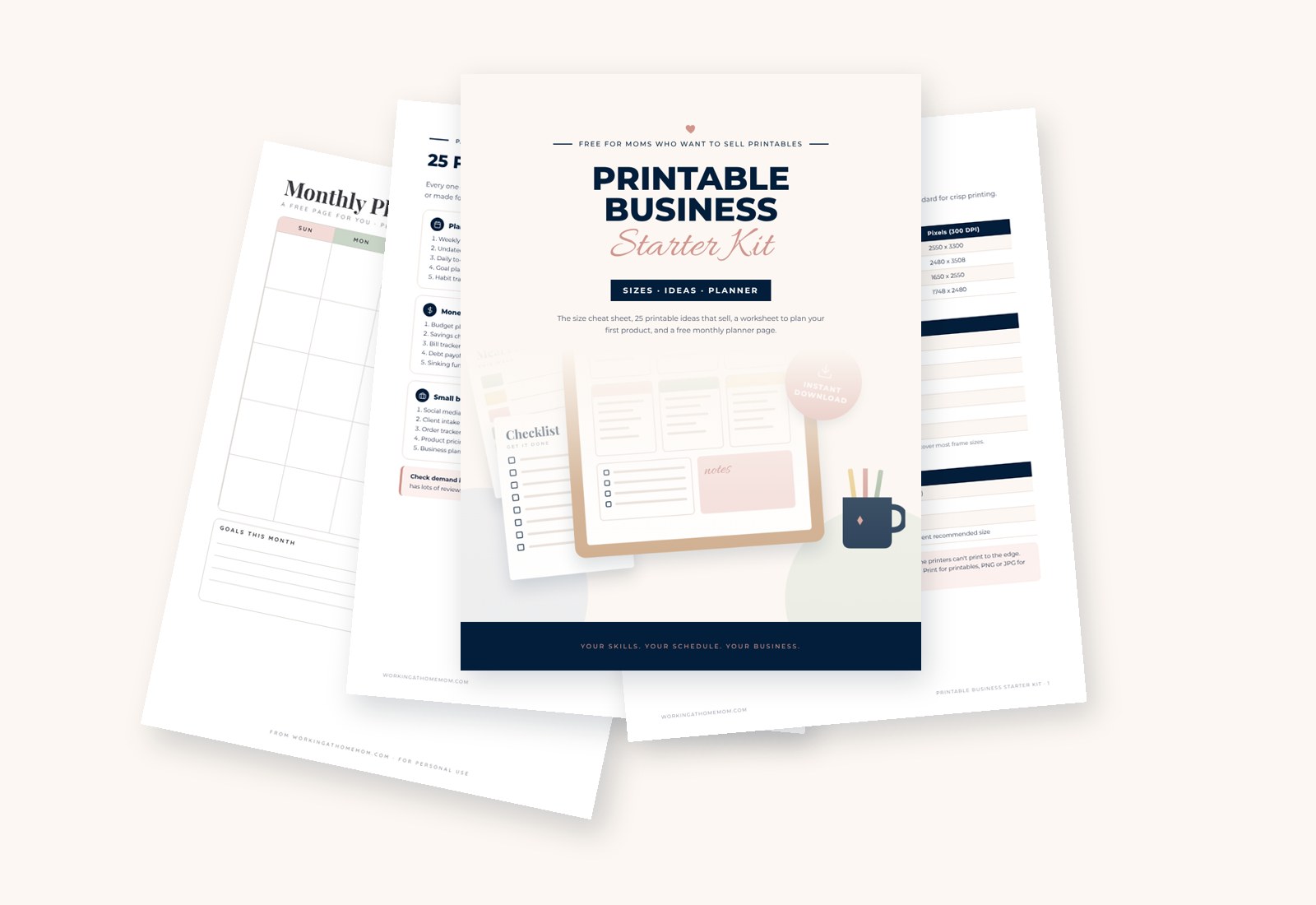
Get our free Printable Business Starter Kit
The printable size cheat sheet, 25 printable ideas that sell, a worksheet to plan your first product and a free monthly planner page. Sent straight to your inbox.